.svg)
.svg)


Digital Tools Every Small Business Needs in the Time of COVID-19
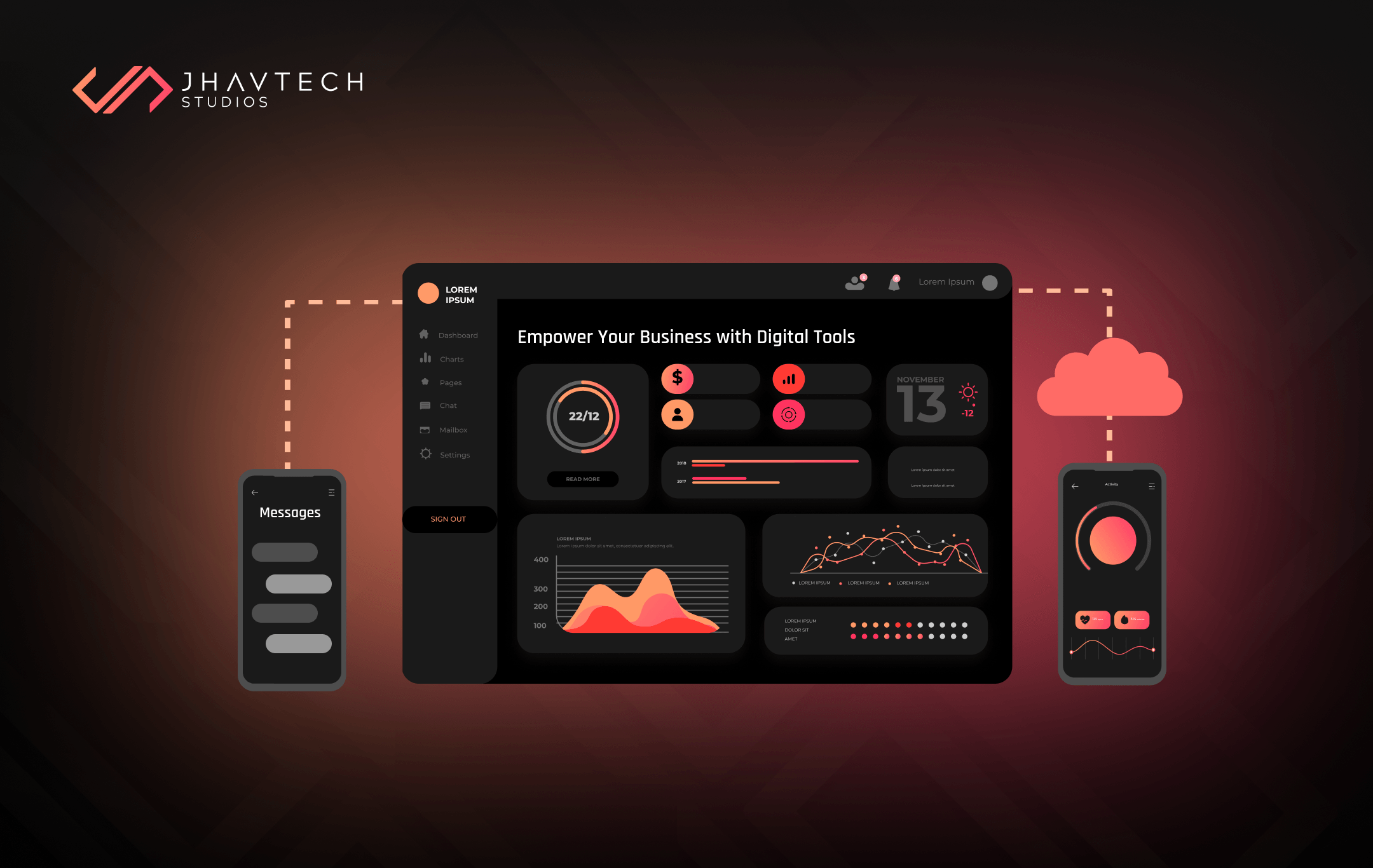
Millions of people across the globe have been affected by the COVID-19 pandemic. It has a profound impact on our family life, the way we work, and how we socialise. The virus literally placed the whole world on pause.
The operation of businesses has been affected the most. Many, if not most, are now feeling the effects of the virus. While some decided to temporarily shut down, others have focused on working remotely and working from home.
Needless to say, it is crucial to ensure that employees stay productive and have a sense of unity. In order to achieve this, we must embrace advancements in technology that make it easier to collaborate. Entrepreneurs must be aware that there is a digital platform or service for virtually everything.
Listed below are a few digital tools that small businesses need for integration, growth and success during these trying times.
Collaboration and Communication
Communication is key no matter where you work. However, working from home means you can no longer have quick chats with your office mates when you meet them on the hallway or when you pass by their desk or around the ‘watercooler’. You need to find a way to keep in touch on a daily basis.
How about the good ol’ email? It’s an option but it can be burdensome, especially if you are conversing with several people. Conversation among employees can also be tough to monitor, especially as the business grows.
You’ll need an web app or mobile app that’s specifically designed to allow teams to chat and collaborate on various tasks and projects while working from their respective homes. Some of the top options for real-time communication and collaboration apps include Slack, Google Hangouts, and Microsoft Teams.
Meetings and Presentations
When you think about remote work, the first things that come to mind are video calls, remote presentations, and virtual meetings. And you are correct. A video communication app that allows several people to join and engage in productive discussions is a must.
E-learning companies have leveraged this type of digital tool to the hilt. They have proven that a video conferencing system is the perfect solution for collaborating with members of their E-learning team, hosting interactive virtual events, or offering their learners a way to converse with online instructors and their peers.
For other business types, video communication apps provide an easy and effective way to stay in contact with employees and clients. The app is perfect to have accessible on your laptop, smartphone, and other mobile devices. You can host meetings straight from your phone without time and location constraints, thus providing a broader scope of who you can hire and who you can offer your products and services to.
By far the most reliable and robust apps for video calls include Zoom, Join.me, Skype for Business, and Blue Jeans. These will surely make teleworking a lot easier and your ‘face time’ as simple and effective as possible.

File/Document Sharing
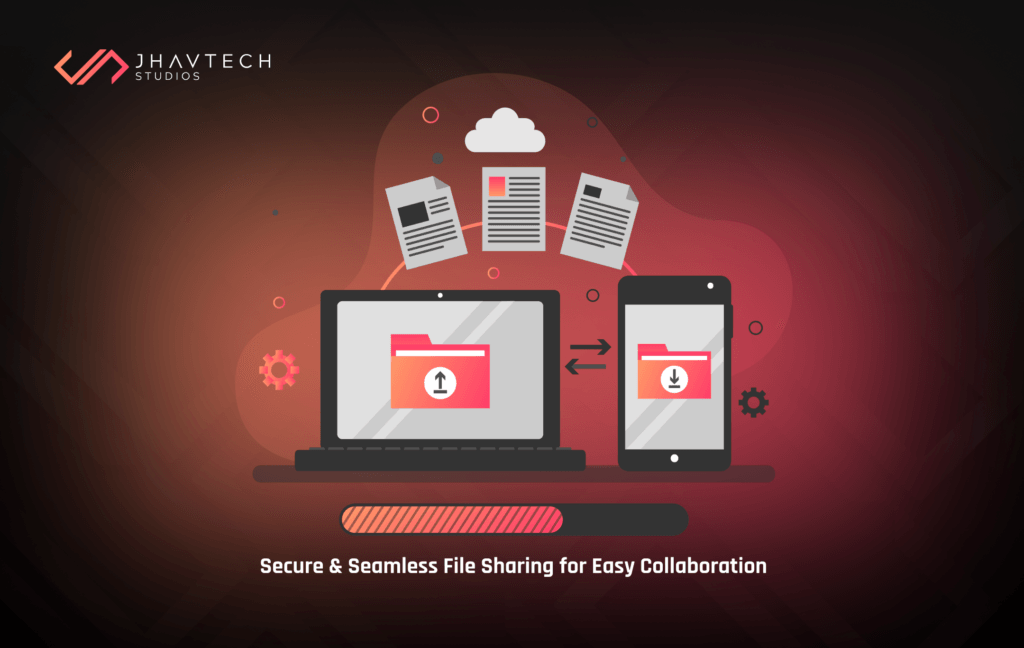
It wasn’t too long ago when the only way you could collaborate with peers on a project was to organise physical meetings and bring all important files and documents with you. And if you failed to get everything done during that meeting, you had to schedule another…and another…and another until you complete the project.
Now, thanks to online file sharing tools, receiving answers, feedback and opinion from others is possible without leaving your desk. An effective way to share important information is imperative and you must be able to do so in a safe and efficient manner when you’re working from home.
One more thing—all Flash content will be outdated and blocked by the end of the year, so you better convert Flash-based resources to HTML5 to make them usable for all platform types including mobile.
The best file sharing tools you can consider include Google Drive, Dropbox, OneDrive, and SpiderOak.
Time Management
Some people think that working from home means having the liberty of not watching the clock. It’s actually the exact opposite. Time management is even more important when you are working away from the conventional office setting. You’ve got to stay on top of your to-do list.
Whether you need a tool to monitor your status updates or a timer to track hours for projects, time management tools offer a higher level of organisation and will keep you productive, both on your own and as a team. Such tools will also give you the ability to share your calendar to ensure that everyone knows the best times to schedule meetings or contact you in any way.
The best options out there include Google Calendar, I Done This, Pocket, RescueTime, Toggl, Timely, and EverHour.
Parting Words…
Working from home has become increasingly common, and the trend is compounded by the COVID-19 pandemic. In fact, because of the virus, you may be working from home for the first time – and if so, the concept can be quite daunting. This is especially true if you don’t have the digital tools for the job.
No worries though, just focus on productivity and keep up the morale and momentum. The online digital space has provided us with a setting wherein despite pandemic conditions – communication, planning, and execution have become relatively easy.
Digital tools are not just an option but a necessity nowadays. Experts even claim that some digital policies adopted by businesses will remain even after the crisis is over. The rationale behind this is that a range of digital tools allow us to increase accessibility, information availability, and boost productivity. This is precisely the reason why we’ve published this post – to help you find the best digital tools for working remotely during these unexpected and unprecedented times.


.webp)
.webp)

.webp)
.webp)
.webp)

.webp)
.webp)

.webp)
.webp)





.png)
.png)
.png)
.png)
.png)
.png)


.png)
.png)
.png)
.png)
.png)
.png)
.png)



.png)

.png)

.png)
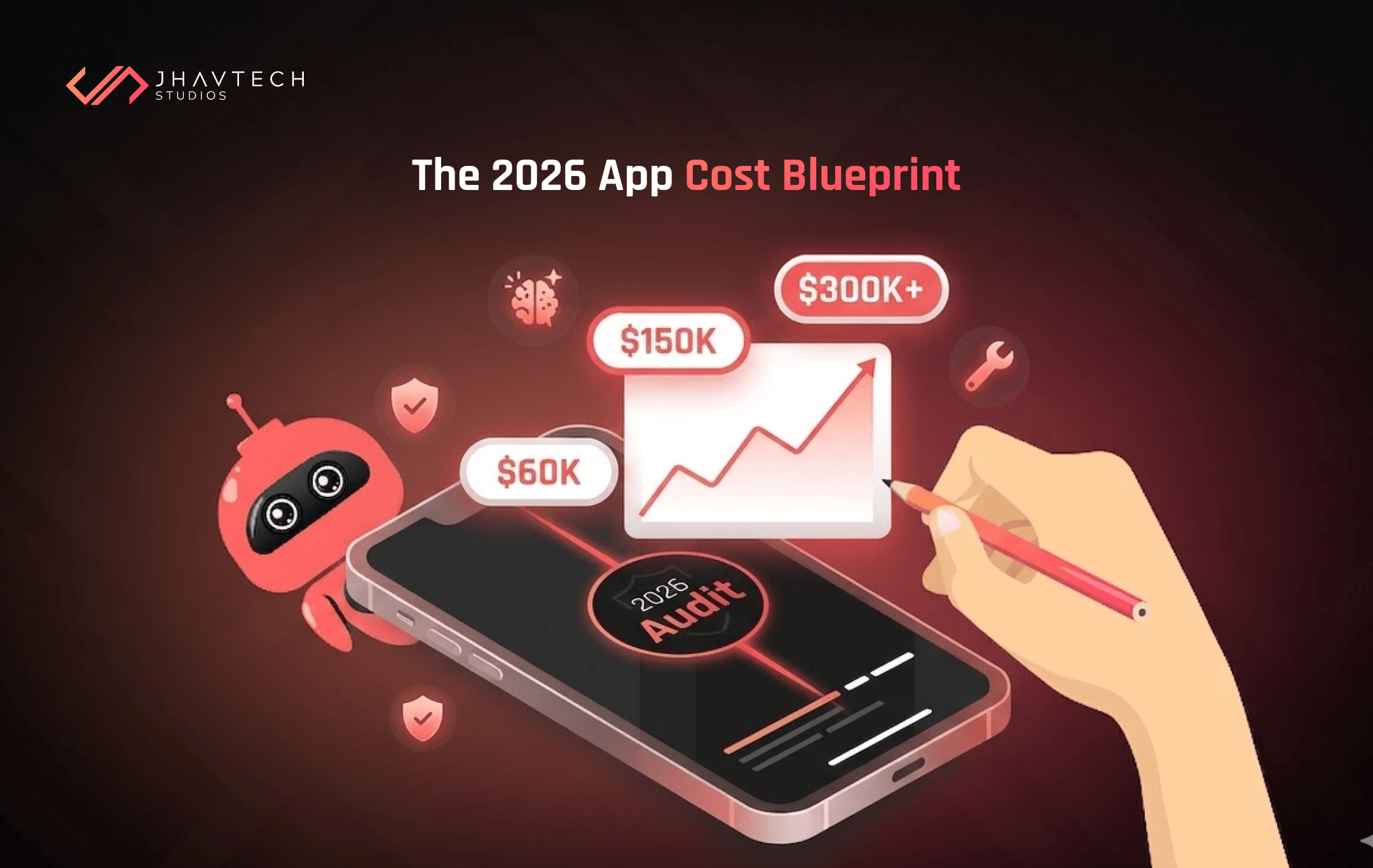



.png)
.png)
.png)
.png)
.png)
.png)
.png)
.png)
.png)
.png)
.png)

.png)

.png)

.png)
.png)
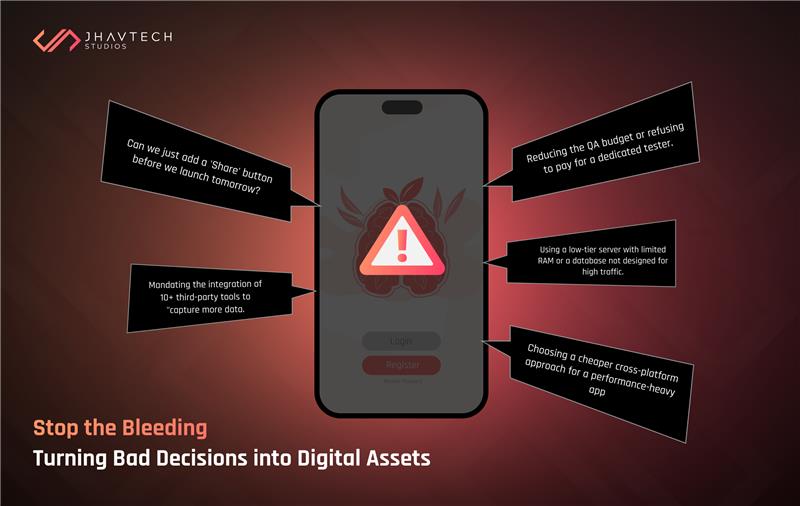
.png)
.png)
.png)
.png)
.png)
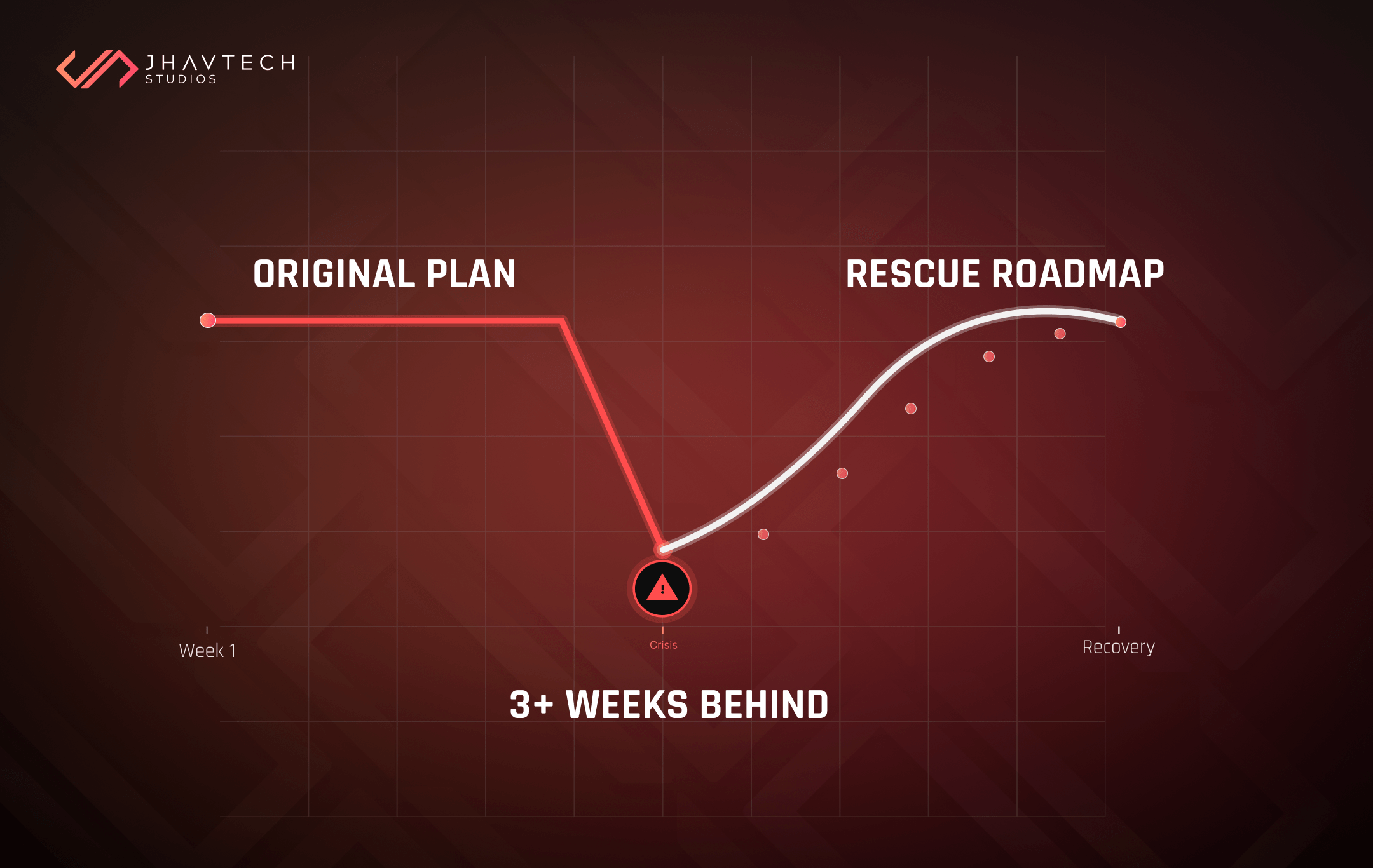


.png)
.png)
.png)
.png)
.png)
.png)
.png)
.png)
.png)
.png)

.png)
.png)
.png)

.png)