.svg)
.svg)


How to Connect AI Tools with Existing Business Systems: A Practical Guide
Key Takeaways
- AI integration is the work of connecting an AI tool to the systems you already run, so it can read your real data and act inside your real workflows.
- Five common connection methods, from a native integration you switch on in an afternoon to custom middleware that takes a quarter. Most SMEs end up running two of them side by side.
- The hard part is rarely the model. It is permissions, data quality, and deciding what the AI may do without a human saying yes.
- McKinsey’s 2026 survey found 80% of respondents report personal productivity gains from AI, yet only 37% report any positive EBIT impact. The connection layer is where that gap closes or widens.
- Pick one workflow with a number attached to it. Connect it properly. Measure for a quarter before widening the scope.
The pattern repeats across Australian SMEs. A wholesaler has a chat assistant the sales team likes, a Xero file, a CRM nobody has tidied since 2023, and a warehouse system that speaks to the outside world only through nightly CSV exports. The assistant writes lovely emails. It has no idea what is in stock.
Buying an AI tool takes an afternoon. Connecting it to the systems that run your business is the part that decides whether you get value or an expensive novelty.
In McKinsey’s 2026 state of AI survey, 80% of respondents said AI had improved their own productivity, while only 37% reported any positive EBIT impact and just 6% qualified as high performers. What separated those groups was not model choice. It was whether they rebuilt the workflow around AI or bolted it onto the side of an existing one.
Local adoption is also earlier than the noise suggests. The Australian Bureau of Statistics found 12% of Australian businesses reported using AI in their workplace in 2024 to 2025, rising to around 35% of large businesses. If you have been feeling behind, you are probably not.
What follows is how the connection gets made, what each approach costs in time and flexibility, and the mistakes that turn a six-week project into a six-month one.
What AI Integration Means in Practice
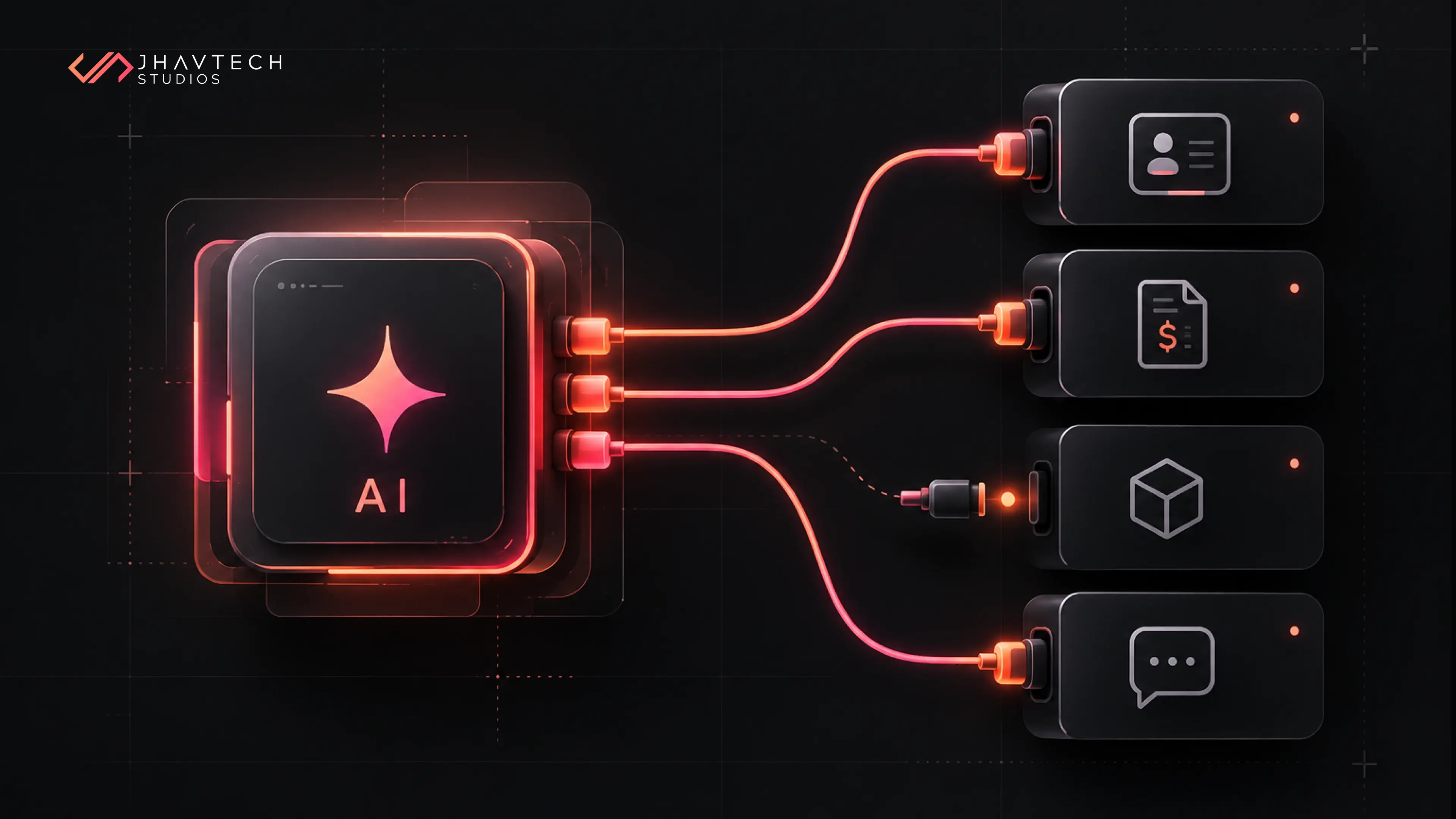
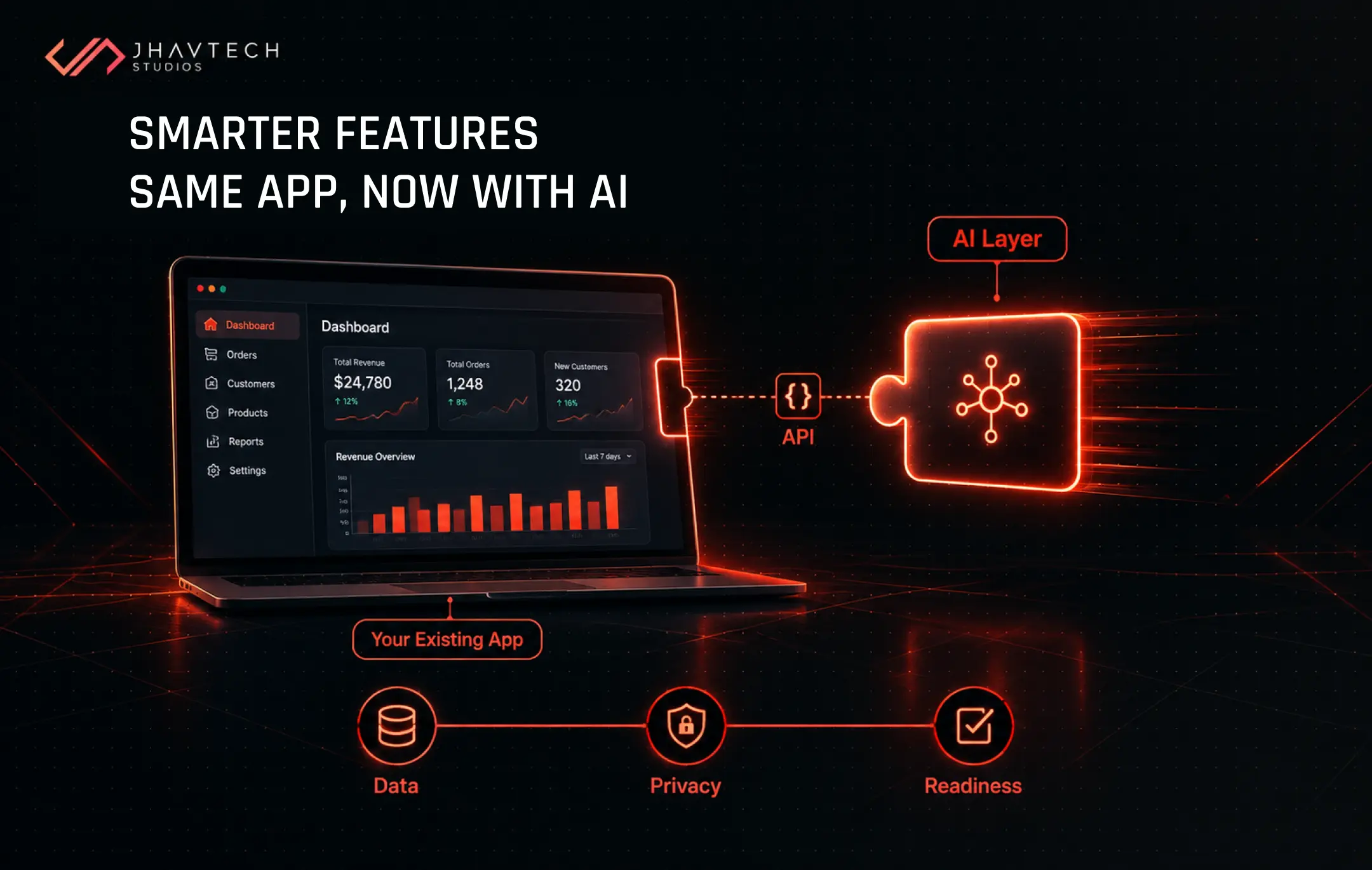
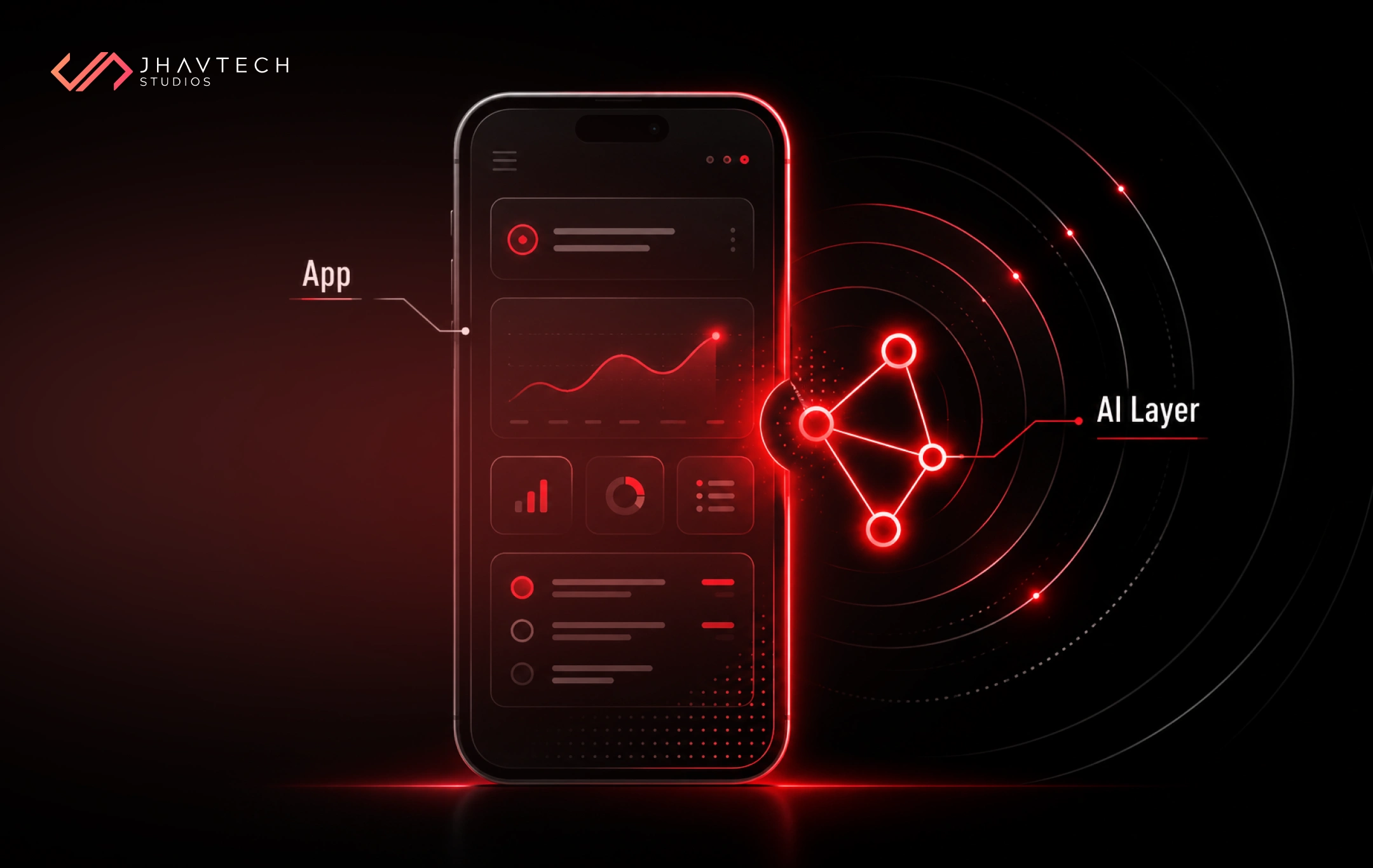
AI integration is the process of connecting an AI tool to your existing software and data so it can read real business records and take action inside the workflows your team already uses.
In practice, that means three things have to line up. The AI needs read access to the right records: invoices, tickets, stock levels, past quotes. It needs somewhere to put the result, whether that is a draft reply sitting in your helpdesk, a field updated in the CRM, or a line item added to an order. And it needs a boundary, meaning clear rules about what it may do on its own and what waits for a person to approve.
Skip the boundary and you will eventually have a very confident assistant quoting a customer a price that does not exist.
Almost no SME needs to train its own model. You are renting intelligence by the token and spending your budget on the plumbing around it. Our guide on what businesses should know before integrating AI into existing applications covers the readiness side, and pairs well with what follows here.
How AI Tools Connect to Business Systems: Five Methods Compared
Most teams reach for whichever method their developer already knows. That is backwards. The right choice depends on how much the workflow matters, how unusual your systems are, and how long you intend to live with the result.
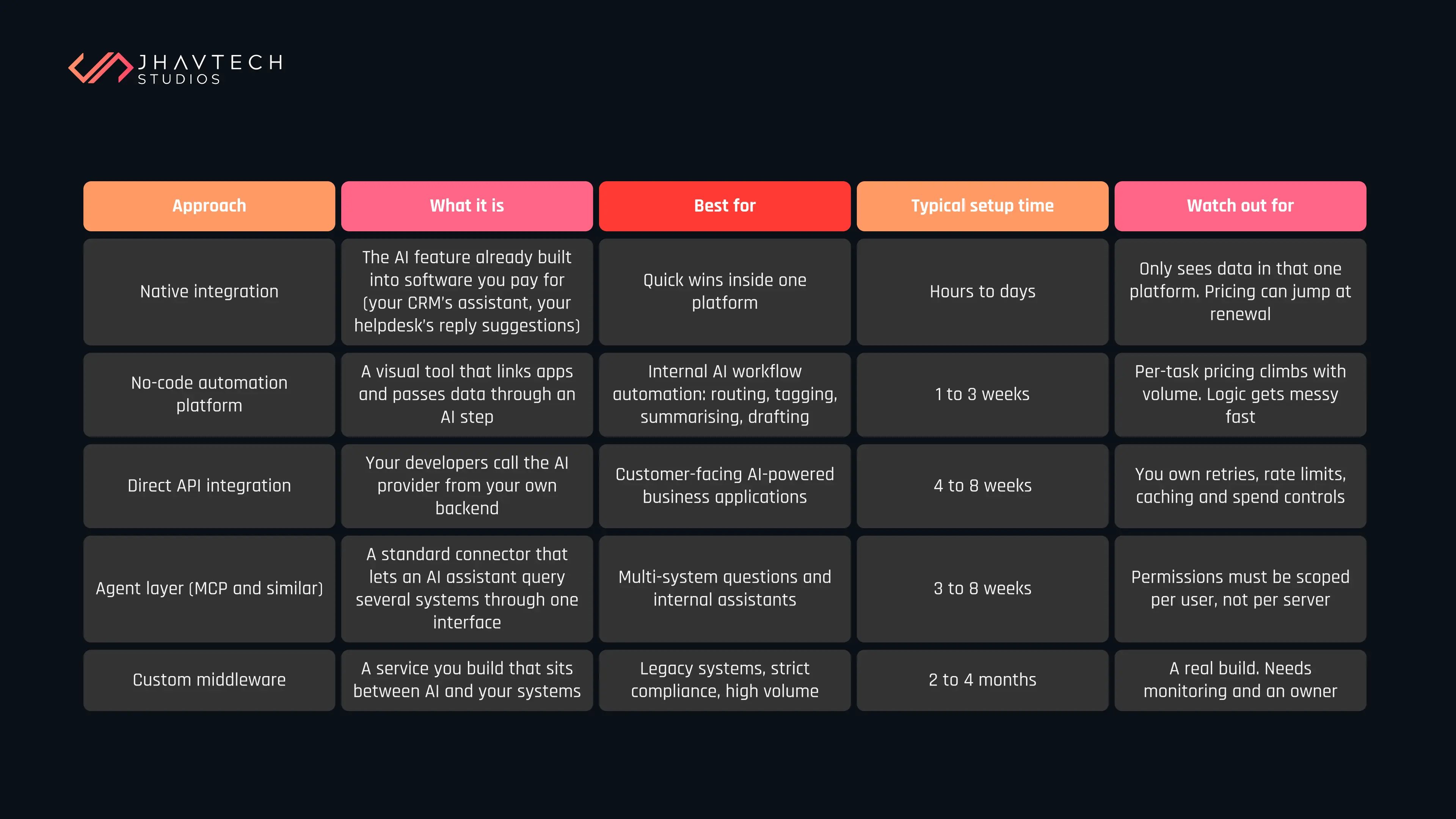
The healthiest pattern we see: prove the use case with a native integration or a no-code flow, then rebuild whichever one earns its keep as third-party API integration inside your own codebase. The cheap version tells you whether the expensive version is worth commissioning.
Why the agent layer is worth understanding now
In December 2025 the Linux Foundation announced the Agentic AI Foundation, with the Model Context Protocol (MCP) donated as a founding project alongside goose and AGENTS.md. More than 10,000 MCP servers had been published by that point. For a business owner, the practical meaning is this: there is now a vendor-neutral way to describe “here is my inventory system, here is what it can be asked, and here is who may ask it,” and the major AI providers all speak it.
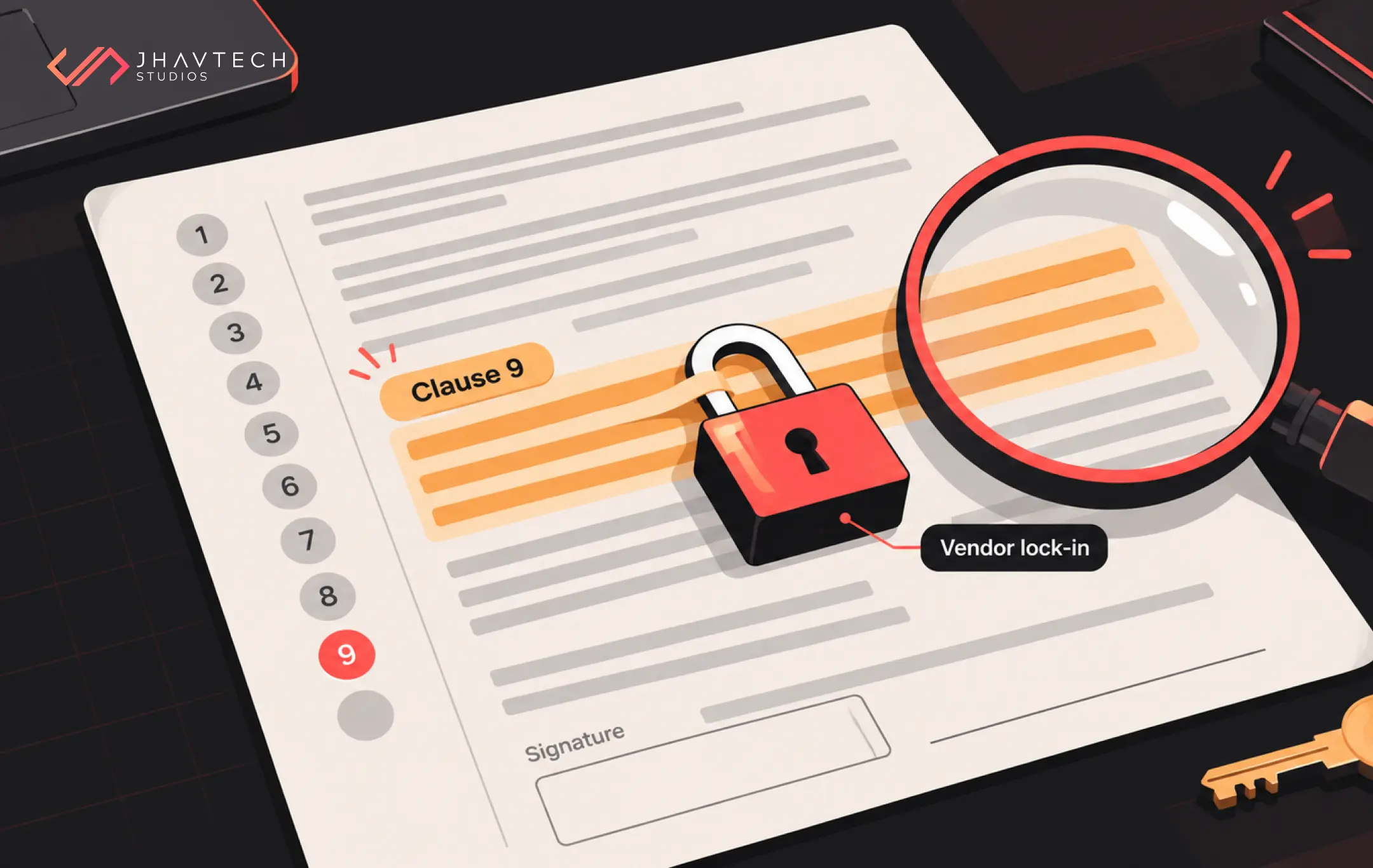
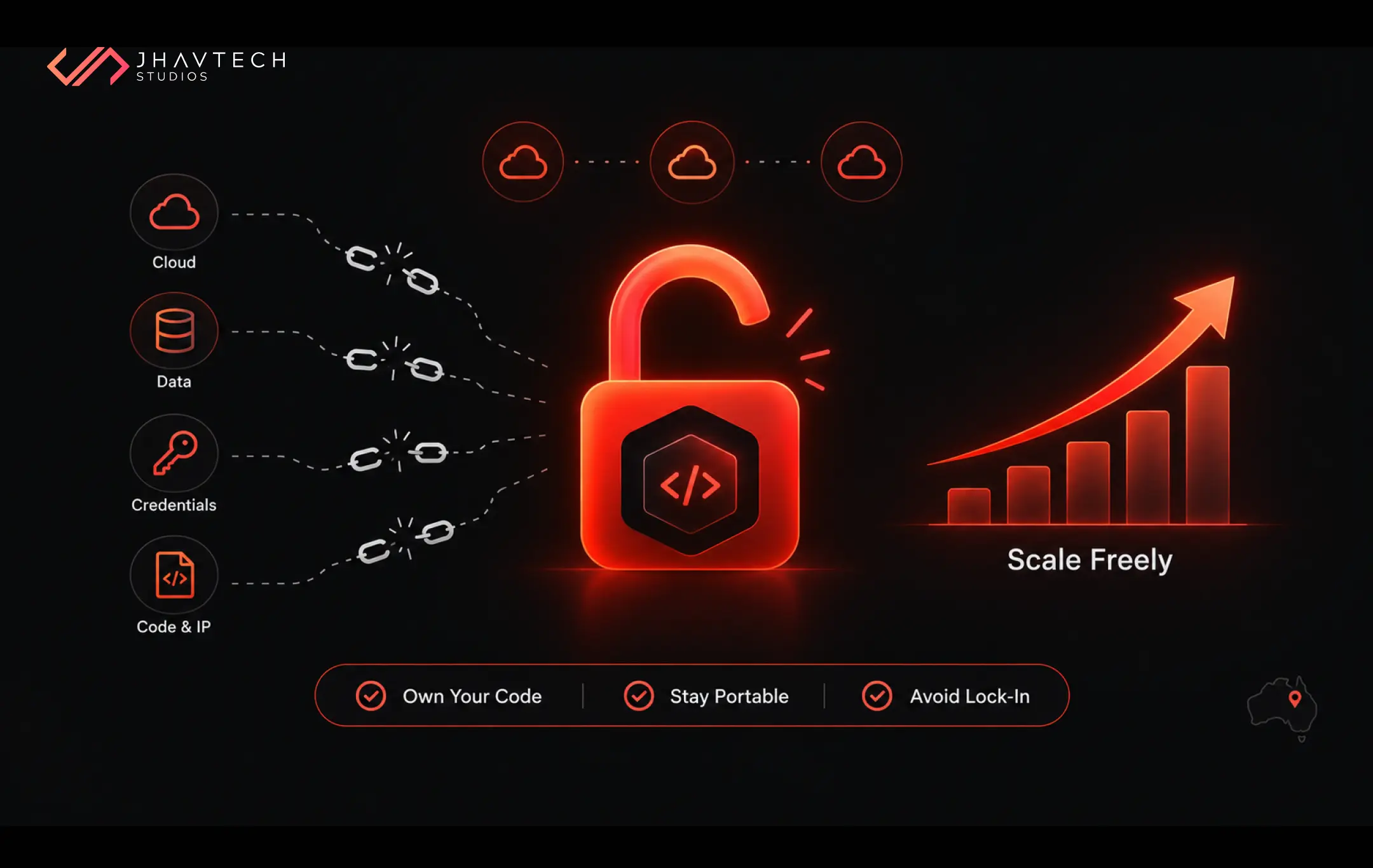
Gartner expects 40% of enterprise applications to include task-specific AI agents by the end of 2026, up from under 5% in 2025. If that holds, the question stops being “which AI tool do we buy” and becomes “can our systems be reached safely by whichever one we are using next year.” Building connections against an open standard is cheap insurance. It also keeps you off a single vendor’s roadmap, a point our piece on preventing vendor lock-in when building custom software makes at length.
Your Data Decides How Far This Goes
You can connect an AI tool to a mess. It will give you confident answers drawn from the mess.
So, before anyone quotes you on business system integration, answer these honestly:
- Where does the data live? Count the systems. If one of them is a spreadsheet on someone’s desktop, that is a system.
- Can each one be reached by API? Nightly CSV exports are not an integration. They are a delay with extra steps.
- How fresh does it need to be? A quoting assistant working from last month’s prices costs you money every time it runs.
- Is it consistent? Three spellings of the same supplier will confuse an AI faster than it confuses a person.
- Who owns it, and is any of it personal? That answer changes your legal obligations, not only your architecture.
Most SMEs do not need a data warehouse to start. They need one clean, reachable source feeding one workflow.
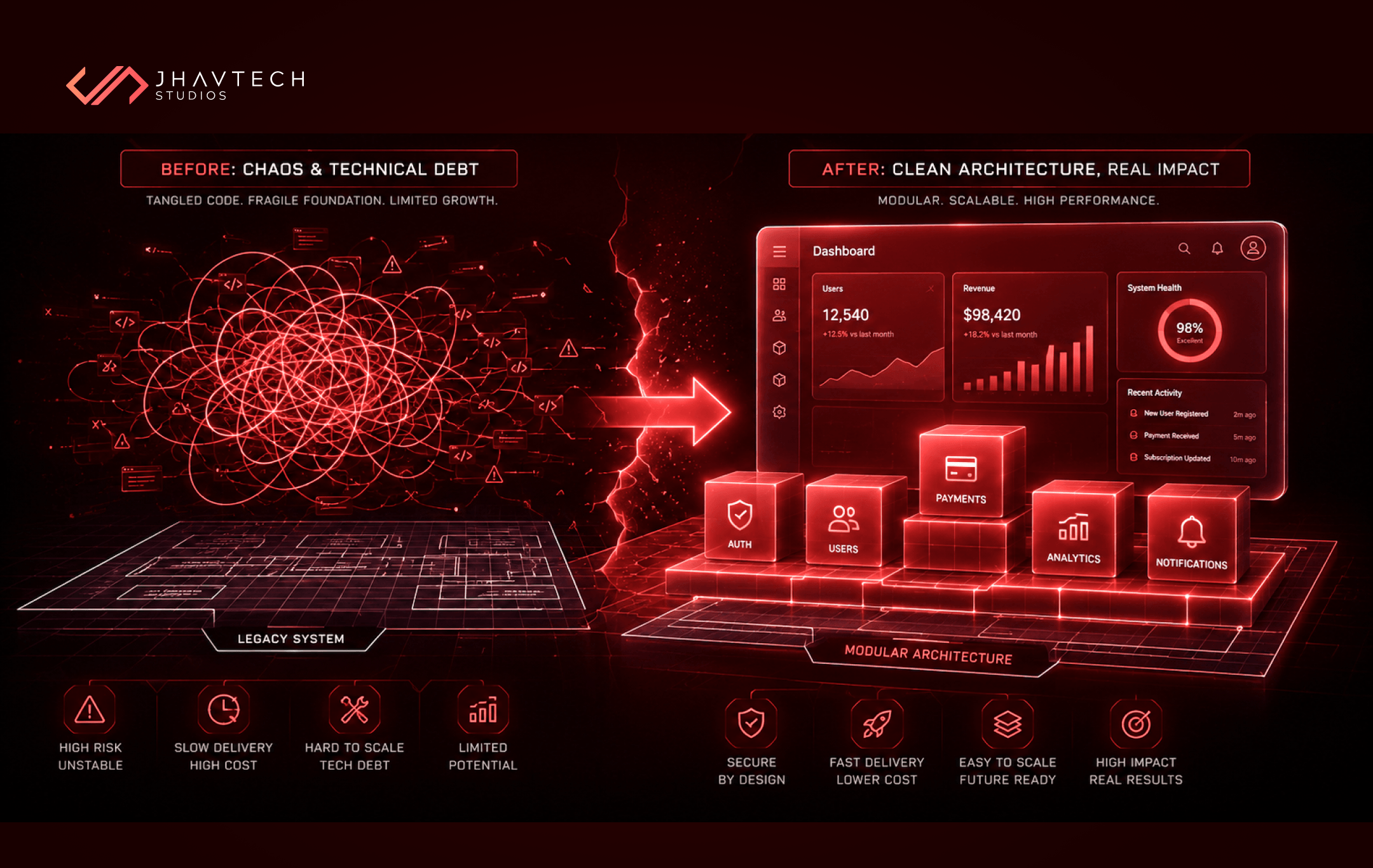
CosMe is a useful illustration of what that looks like. It is a health and beauty app we picked up as a rescue, working from source code the client already had. The feature doing the heavy lifting is personalised recommendation: a shopper sets an allergen profile, and the app matches products against it, down to a traffic-light warning on individual ingredients. None of that works without the layer underneath it. Product data sits in a Supabase database, Directus runs the CMS and admin panel, Algolia handles search, and REST APIs move everything between them. Get that right and the clever part becomes a matter of rules over clean records. The mobile build took a month, with the admin panel and API work done inside three weeks.
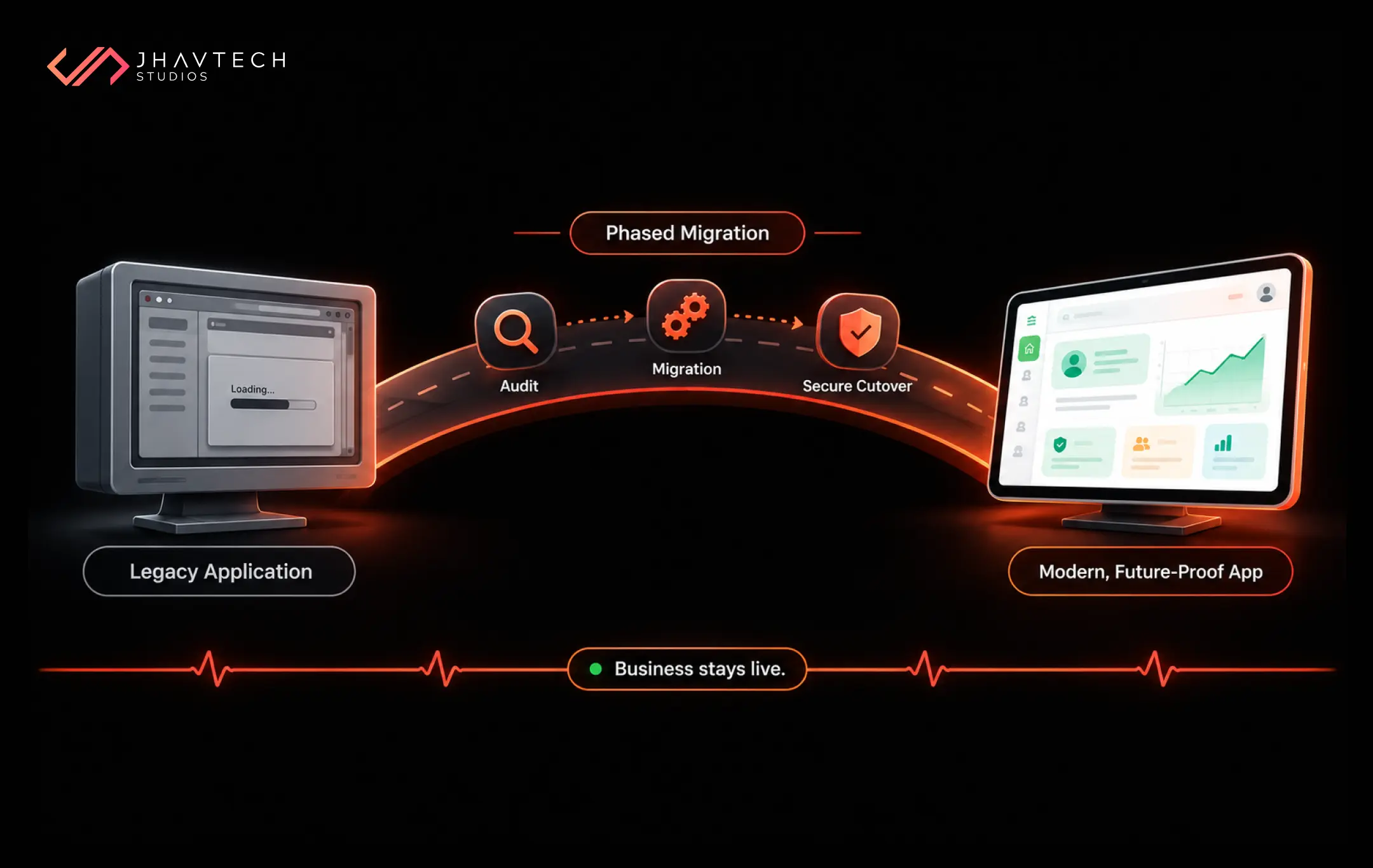
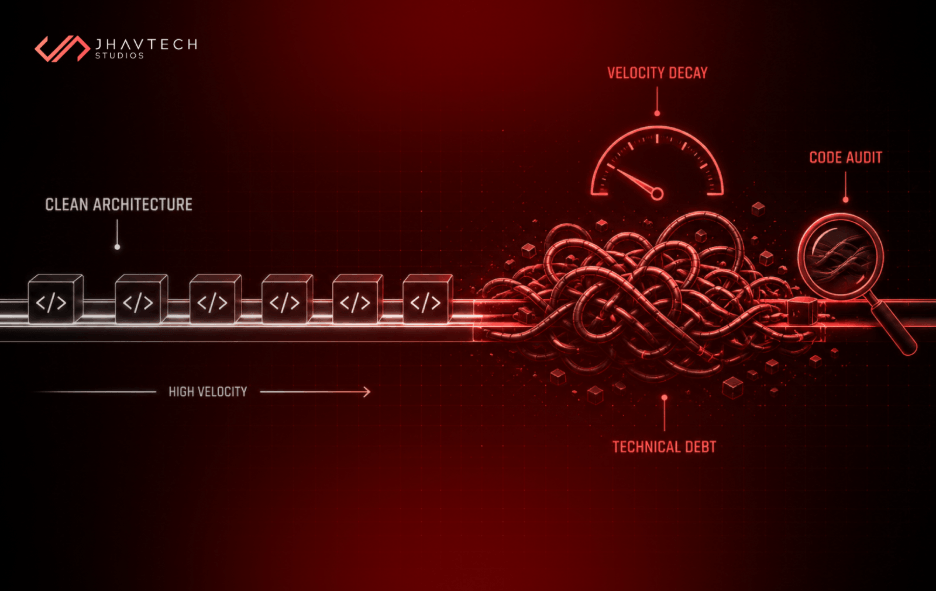
If your systems are older and the people who built them have moved on, an audit before integration costs far less than discovering mid-project that the ordering module has no API at all. Teams in that spot often find it faster to bring in specialists who get stalled or inherited builds moving again than to force new connections onto code nobody fully understands.
Third-Party API Integration: Where Projects Quietly Go Wrong
The connection layer is invisible to users and responsible for most of the pain. A handful of problems account for nearly all of it.
Latency nobody designed for. A model call can take eight seconds. If your app waits synchronously, the screen freezes and users assume it is broken. Streamed responses, background jobs and a visible progress state all solve this, but they need to be planned in rather than patched on afterwards, because retrofitting asynchronous behaviour into a synchronous codebase usually means touching every screen that calls the feature.
Costs that scale sideways. Providers charge per token. A feature costing a few dollars a day in testing can run to thousands a month once every user hits it ten times daily. Gartner expects AI inference costs per agentic workflow to rise more than fivefold through 2028, since richer workflows burn far more tokens than a simple chatbot ever did. Ask for a cost model at realistic volumes, set hard caps with your provider, cache common responses, and route the simple tagging and sorting jobs to cheaper models.
Rate limits and outages. Your AI provider will have a bad day. Decide now what the feature does when it does: queue the request, fall back to the old manual path, or fail with a message that does not alarm the customer.
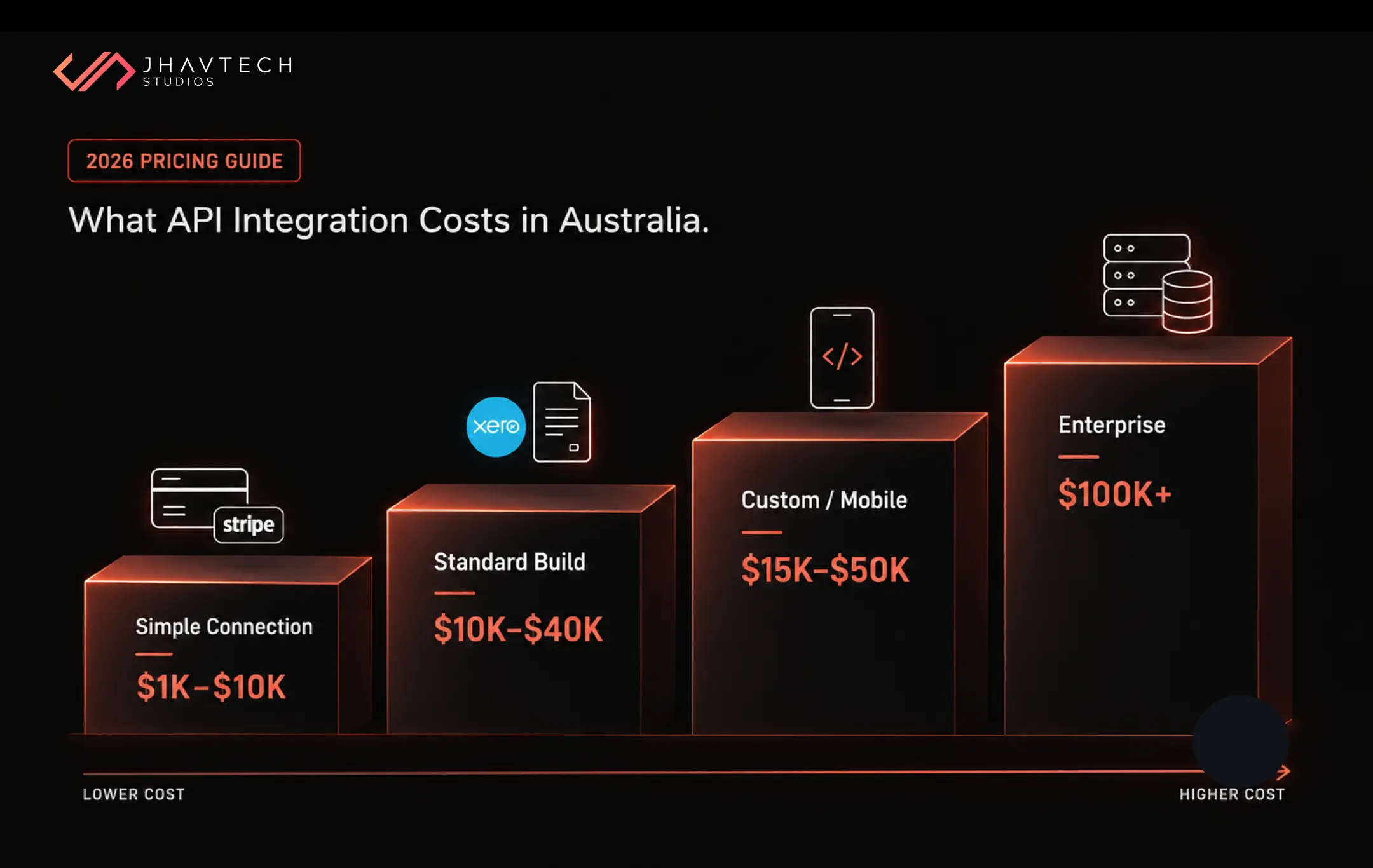
Hard-coded everything. Prompts buried in source files, one provider’s SDK threaded through twenty modules, no abstraction layer anywhere. Swapping models later becomes a rewrite rather than a config change. For budgeting the connection work itself, our breakdown of API integration costs in Australia for 2026 gives usable ranges.
If AI sits at the centre of what you are building rather than beside it, it pays to design the product around those connections from the first sprint. Retrofitting gets dearer every month you leave it.
Building AI Workflow Automation People Will Trust
Staff quietly abandoning a connected AI tool is a failure, whatever the uptime dashboard reports.
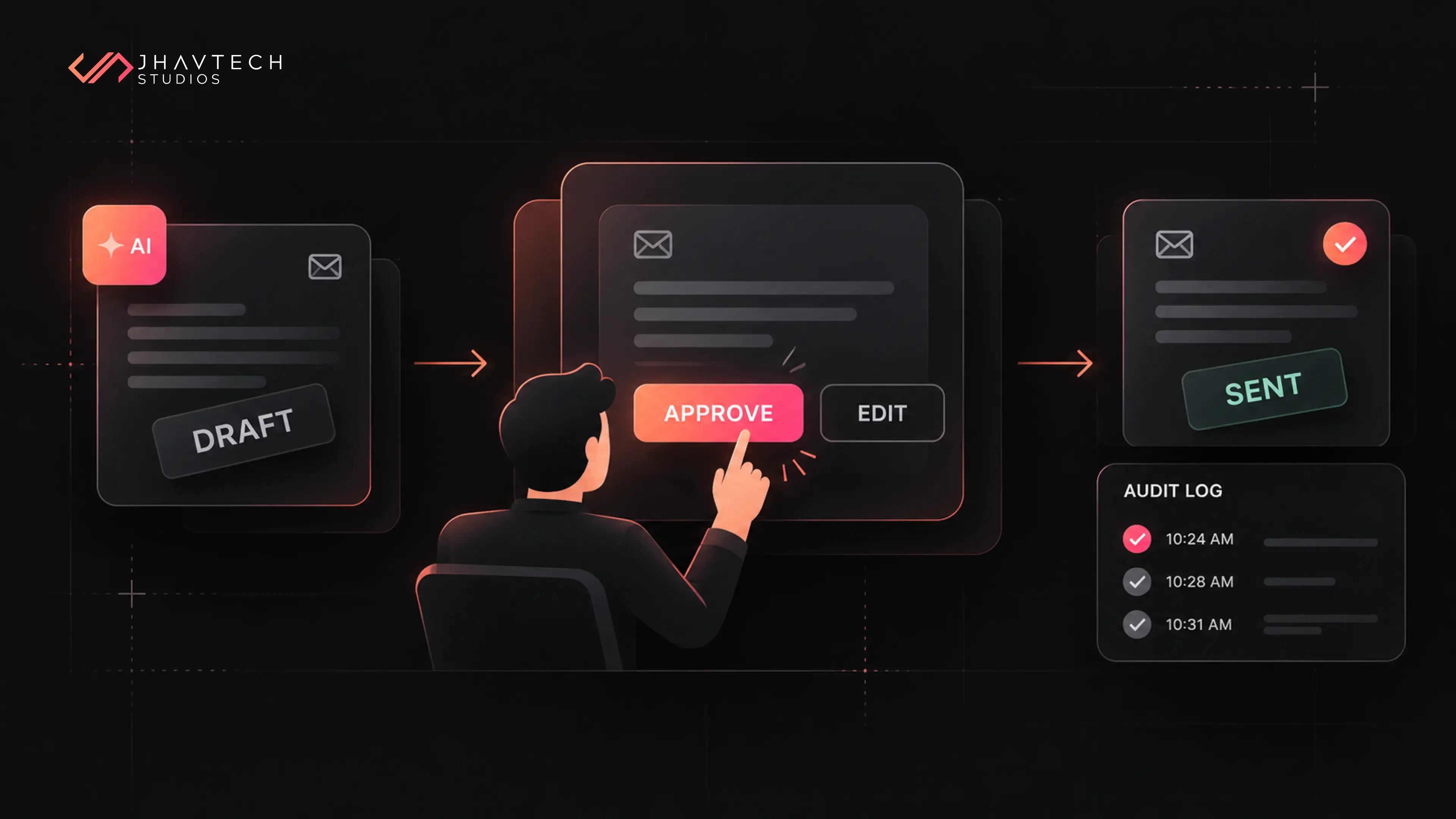
Keeping a human in the loop where it counts is the first defence. Draft, do not send. Suggest, do not decide. Move to full automation only once the error rate has become boring.
Log everything, visibly: which record the AI read, what it produced, and who approved it. When a manager asks why a customer received that answer, you want a trail rather than a shrug.
Then give people an override that genuinely works. If correcting the AI takes longer than doing the task by hand, your team will do the task by hand and keep paying the subscription anyway.
This is where McKinsey’s finding about workflow redesign bites. Pointing AI at an existing process makes that process slightly faster. Rethinking the process around what AI now makes possible changes the economics of it. High performers in that survey were roughly three times as likely as everyone else to have rebuilt workflows rather than inserted AI into them.
Security, Privacy and the Australian Rules
Connecting AI to your systems opens routes your current security testing almost certainly does not cover.
The OWASP Top 10 for LLM Applications still ranks prompt injection first. A user, or a document your AI reads, slips in instructions that make the model ignore its rules or reach for data it should not touch. The defences are unglamorous: treat every model output as untrusted input, never let an AI run database writes or trigger payments without a check in between, and give each connection the narrowest permissions that still let it do the job.
On privacy, if an AI feature touches personal information, the Privacy Act governs what goes in and what comes out. The OAIC’s guidance on privacy and the use of commercially available AI products asks for due diligence on any AI product you adopt, a privacy-by-design approach including a Privacy Impact Assessment, and as best practice keeping personal and sensitive information out of publicly available generative AI tools.
One date to diarise: from 10 December 2026, organisations covered by the Privacy Act must state in their privacy policies when computer programs are involved in decisions that could significantly affect someone’s rights or interests. If your integration scores leads, approves applications or flags accounts for review, check whether it falls in scope before launch rather than after.
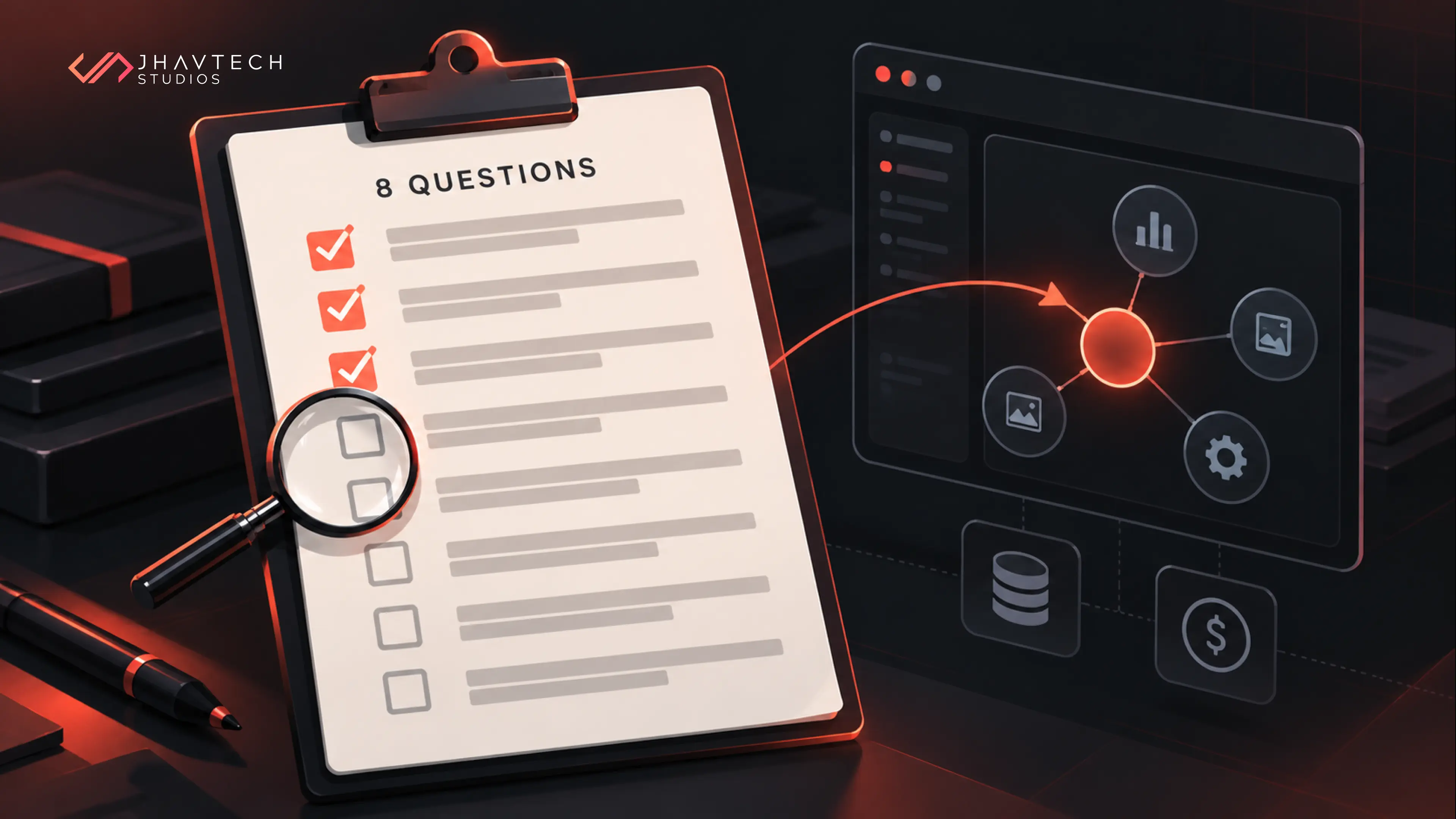
Your AI Integration Checklist
Run through this before briefing anyone. Fewer than seven ticks means there is groundwork to do first.
☐ One workflow chosen, with a number we can measure it against
☐ We know which systems hold the data that workflow needs
☐ Each of those systems can be reached by API, not by manual export
☐ Someone owns data quality in those systems and has cleaned the obvious problems
☐ We have decided what the AI may do alone and what needs approval
☐ API keys and credentials sit server-side, never inside a mobile or browser app
☐ Each connection has its own scoped permissions, not a shared admin account
☐ Monthly token costs are estimated at realistic volumes, with caps set
☐ Logging captures inputs, outputs and approvals for every AI action
☐ There is a fallback path when the AI provider is slow or down
☐ Privacy obligations checked, including the December 2026 disclosure rules
☐ We could switch AI providers without rewriting the feature
Start Narrow, Prove It, Then Widen
The businesses getting real value from AI integration rarely have the most impressive demo. They picked one expensive, annoying workflow, connected real data to it properly, and watched the numbers for a quarter before touching anything else.
That approach costs less and risks less. It also hands you something concrete for the next board meeting and builds the internal trust that turns a pilot into a tool your team opens every morning without being asked.
Get the connections right and AI stops being a bet you are hoping pays off. It becomes infrastructure, which is a far more comfortable thing to own.
Frequently Asked Questions
.webp)


.webp)
.webp)
.webp)
.webp)
.webp)
.webp)

.webp)
.webp)




.png)
.png)
.png)
.png)
.png)
.png)
.png)
.png)
.png)
.png)
.png)
.png)
.png)


.png)
.png)
.png)


.png)
.png)
.png)
.png)
.png)
.png)
.png)
.png)
.png)
.png)
.png)
.png)
.png)
.png)
.png)
.png)
.png)
.png)
.png)
.png)
.png)
.png)
.png)
.png)
.png)
.png)
.png)
.png)