.svg)
.svg)


How to Reduce App Development Costs Without Sacrificing Quality (2026 Guide)
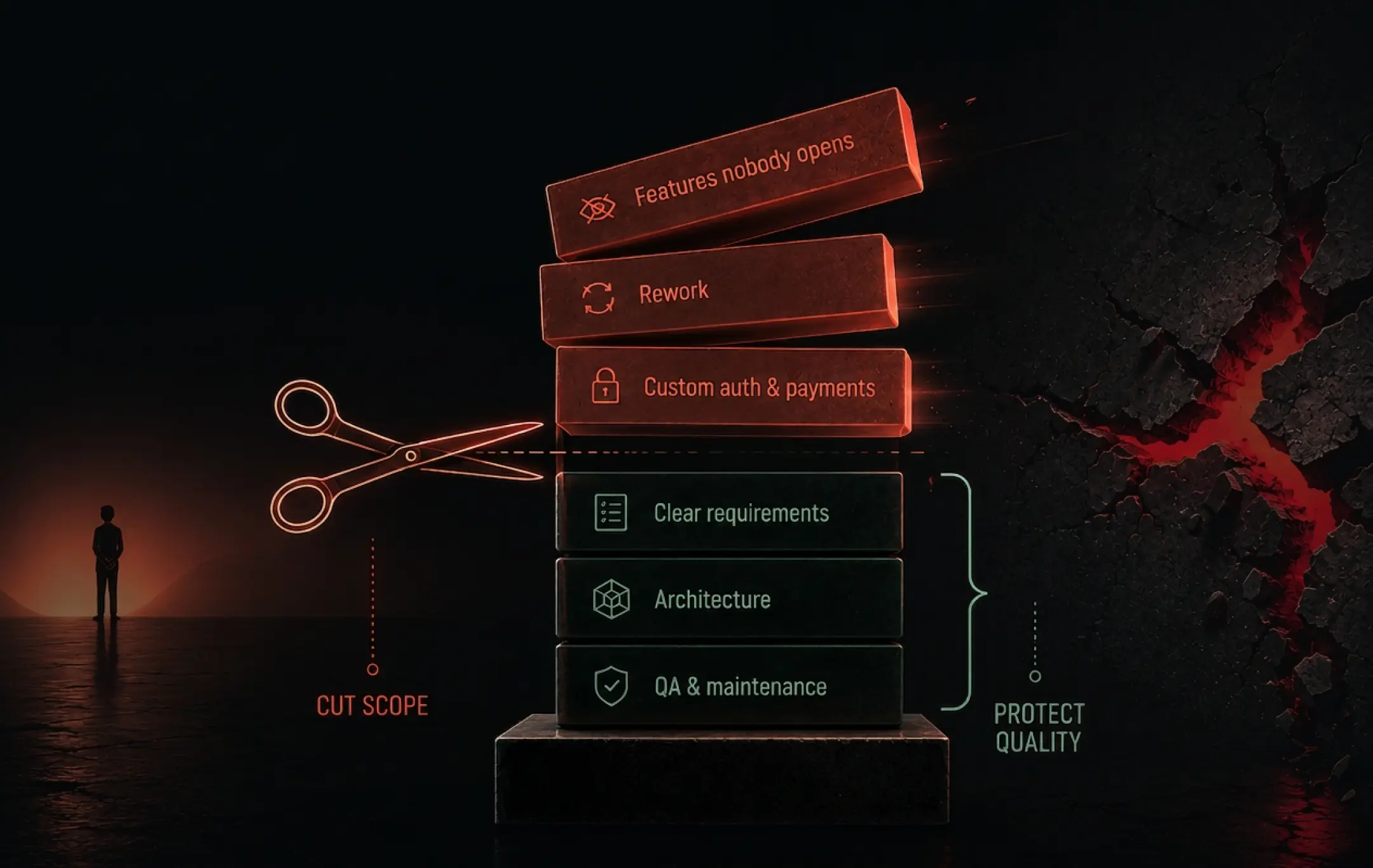
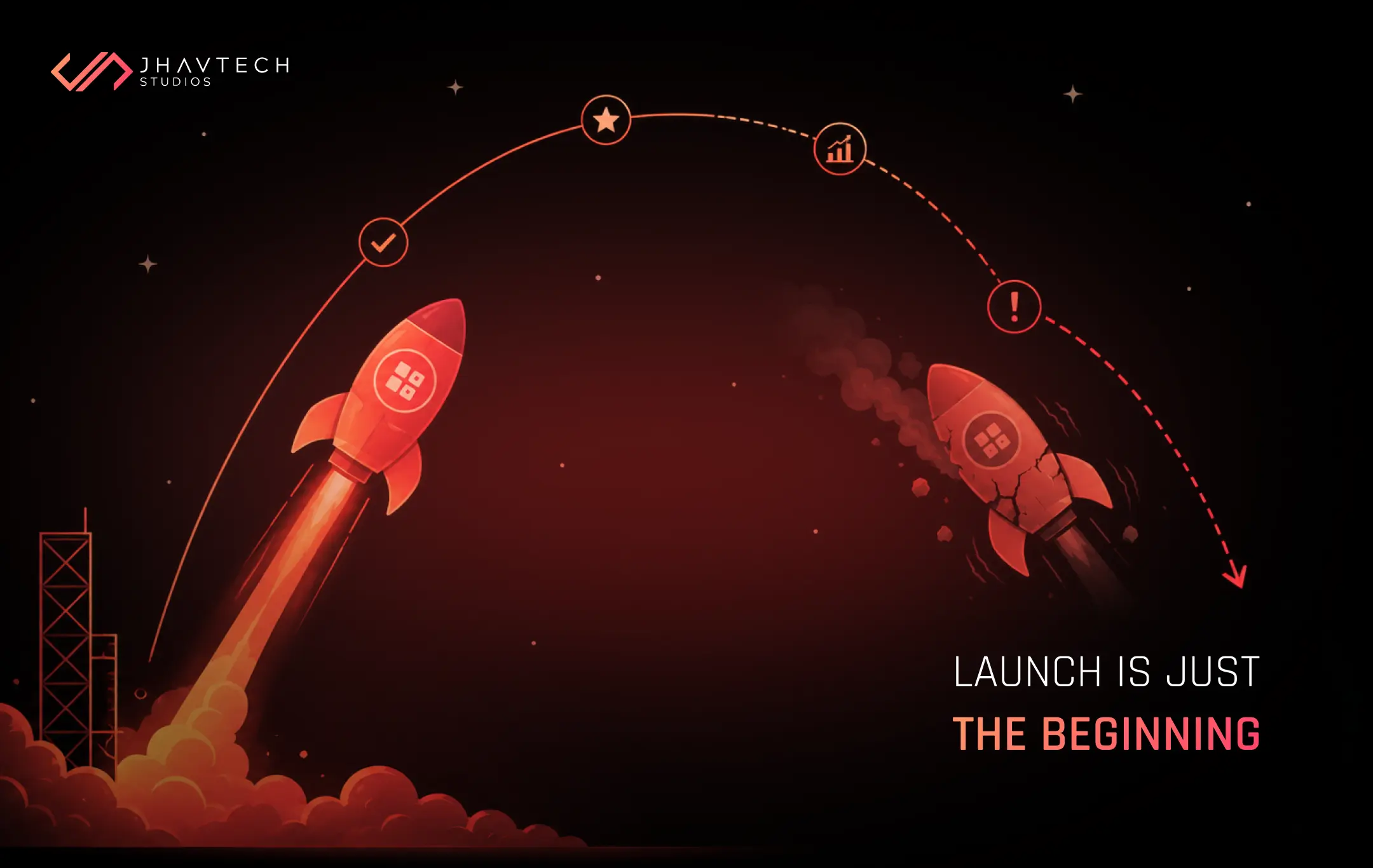
You reduce app development costs by removing waste, not by lowering standards. The savings that hold up are all upstream: validating demand, cutting the first release to one job, choosing an architecture you can afford to maintain, and catching defects before they reach production. Hourly rate is the weakest lever available to you and frequently the most expensive.
In this guide:
- Where app budgets leak, backed by 2025 and 2026 data
- Seven cost reductions that do not damage the product
- A cost-driver table to take into your next vendor call
- A pre-build checklist, plus straight answers on offshore teams and AI tooling
Every founder who books a call with us asks a version of the same question. Can we do this for less? Yes. Almost never in the way they expect, though.
They arrive wanting to negotiate the day rate down by fifteen dollars. What actually moves the number is a two-week argument about what we are not going to build. Across the Australian SME and startup builds we scope at Jhavtech, that pattern barely varies. Founders come in aiming at developer rates, and the money always turns out to be sitting in the feature list.
You cannot negotiate a software bill down at the end of a sprint. You design the cost into the architecture, or out of it, on day one. Here is where it actually leaks.
Why Do App Development Budgets Blow Out?
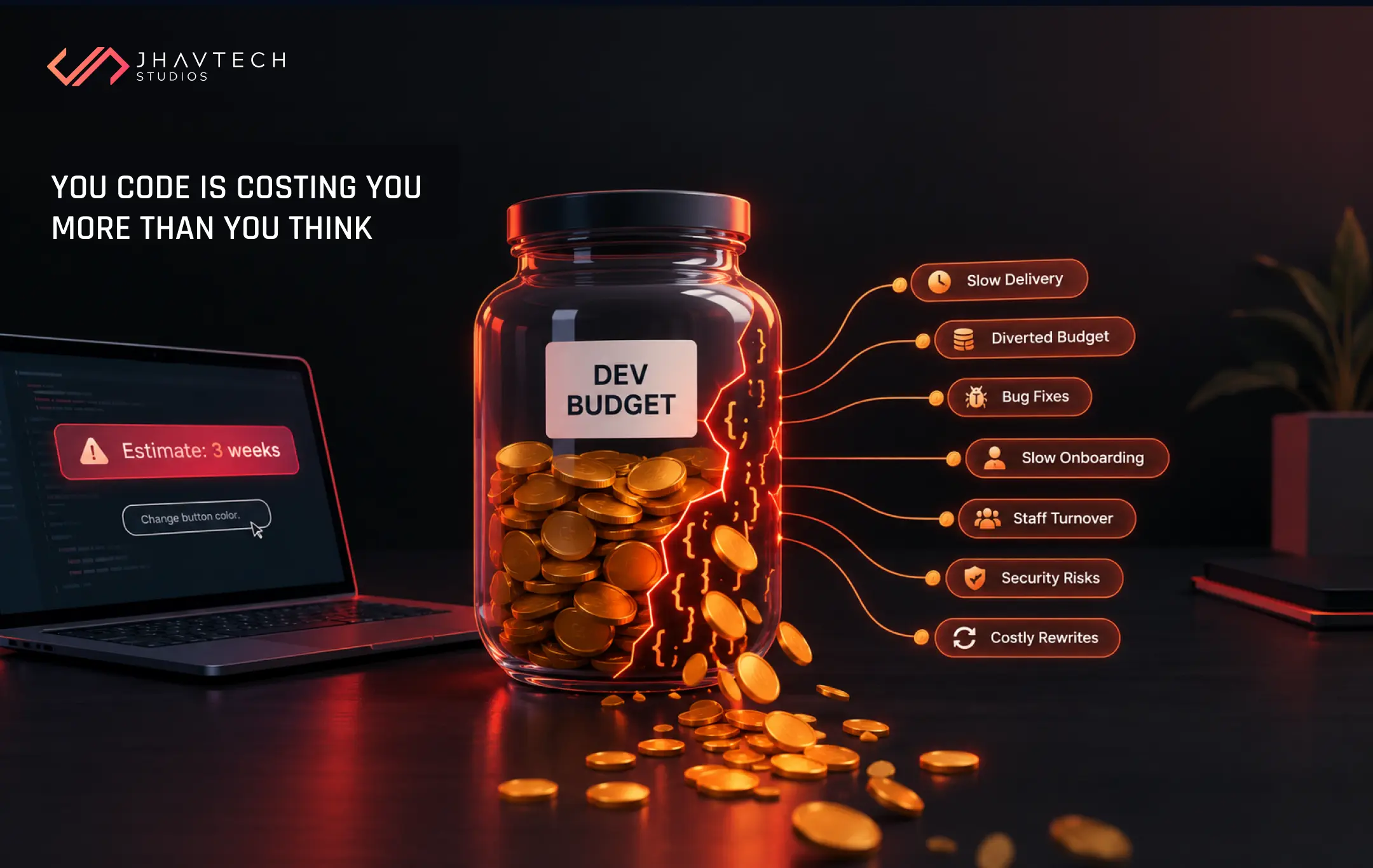
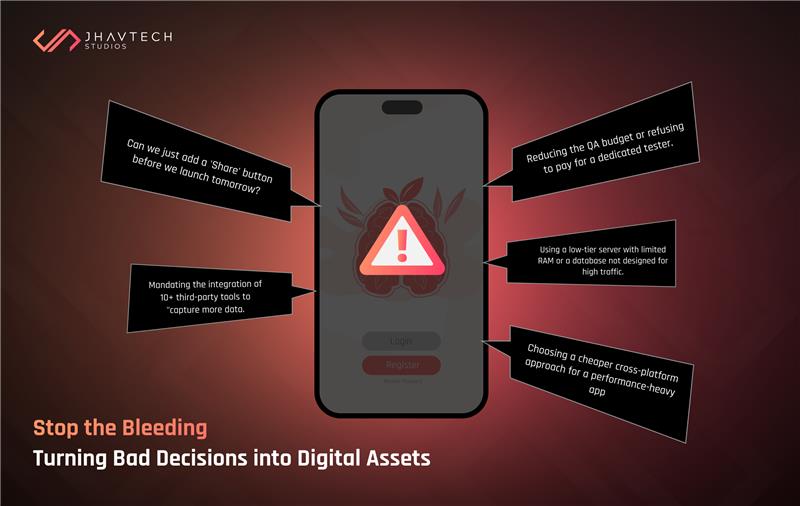
App budgets blow out because of unpriced waste, not because developers cost too much. The waste is rarely labelled as waste at the time, which is exactly why it survives the budgeting process. Four culprits show up on nearly every project we audit.
Building things nobody opens. Pendo's Feature Adoption Report found that roughly 80% of software features are rarely or never used, a figure their 2024 product benchmarks held steady on. Translate that into budget. If four in five features never earn their keep, the problem is not the price of development. It is the target.
Building before validating. CB Insights analysed 431 VC-backed companies that shut down after 2023. Poor product-market fit accounted for 43%. "Ran out of capital" appeared in 70% of cases, but as the ending rather than the cause. The money runs out because the product was wrong. Not the other way around.
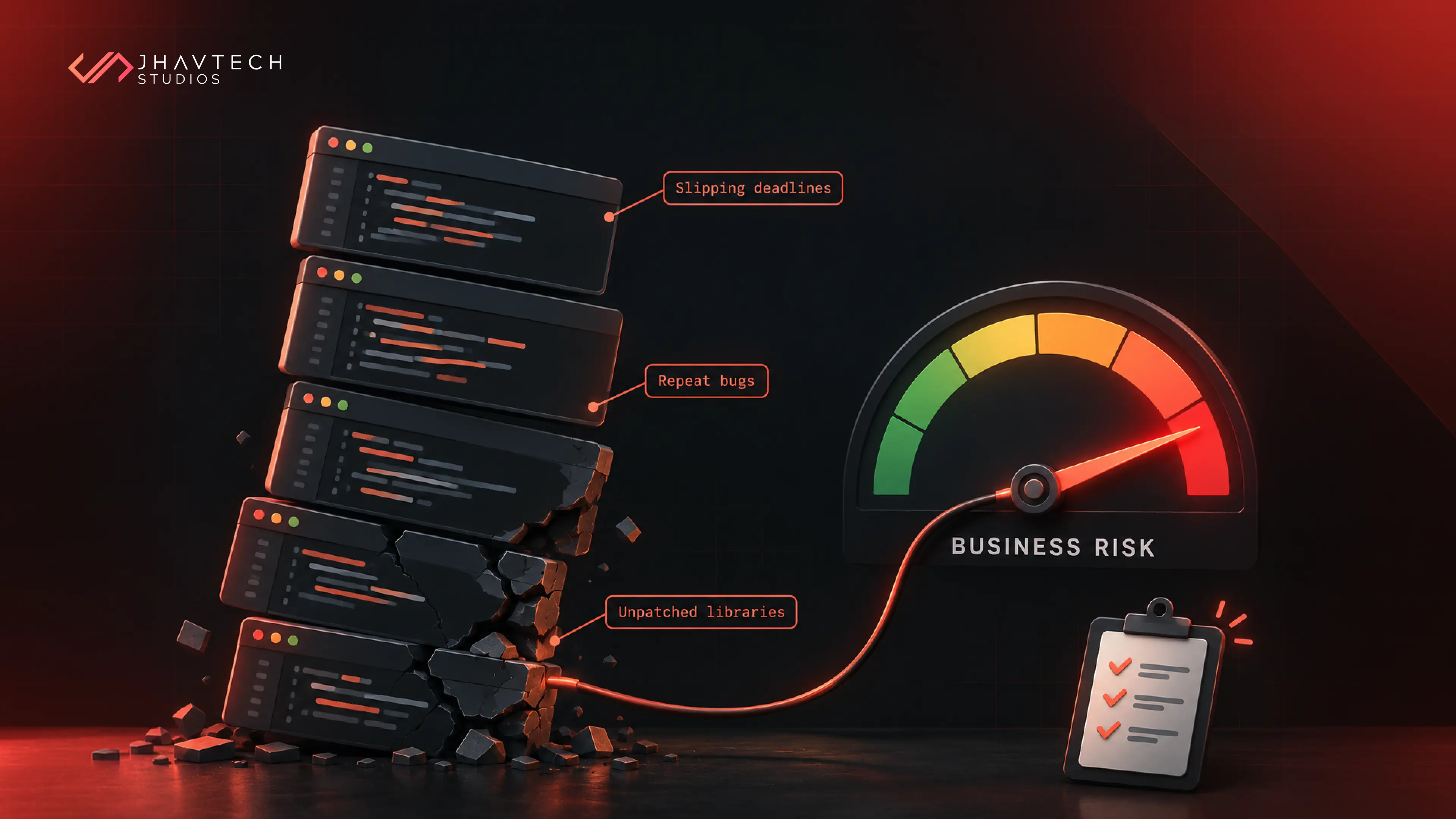
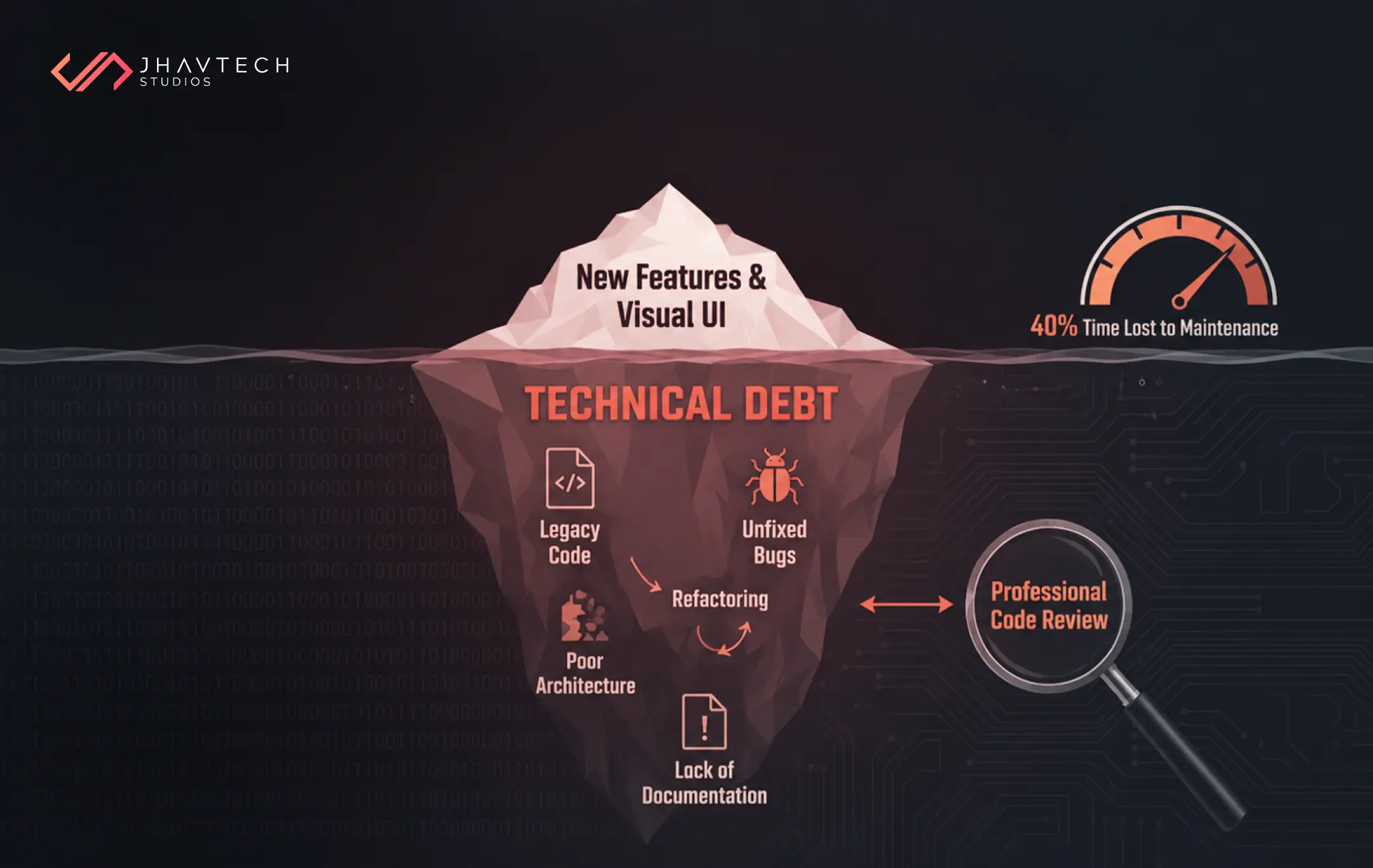
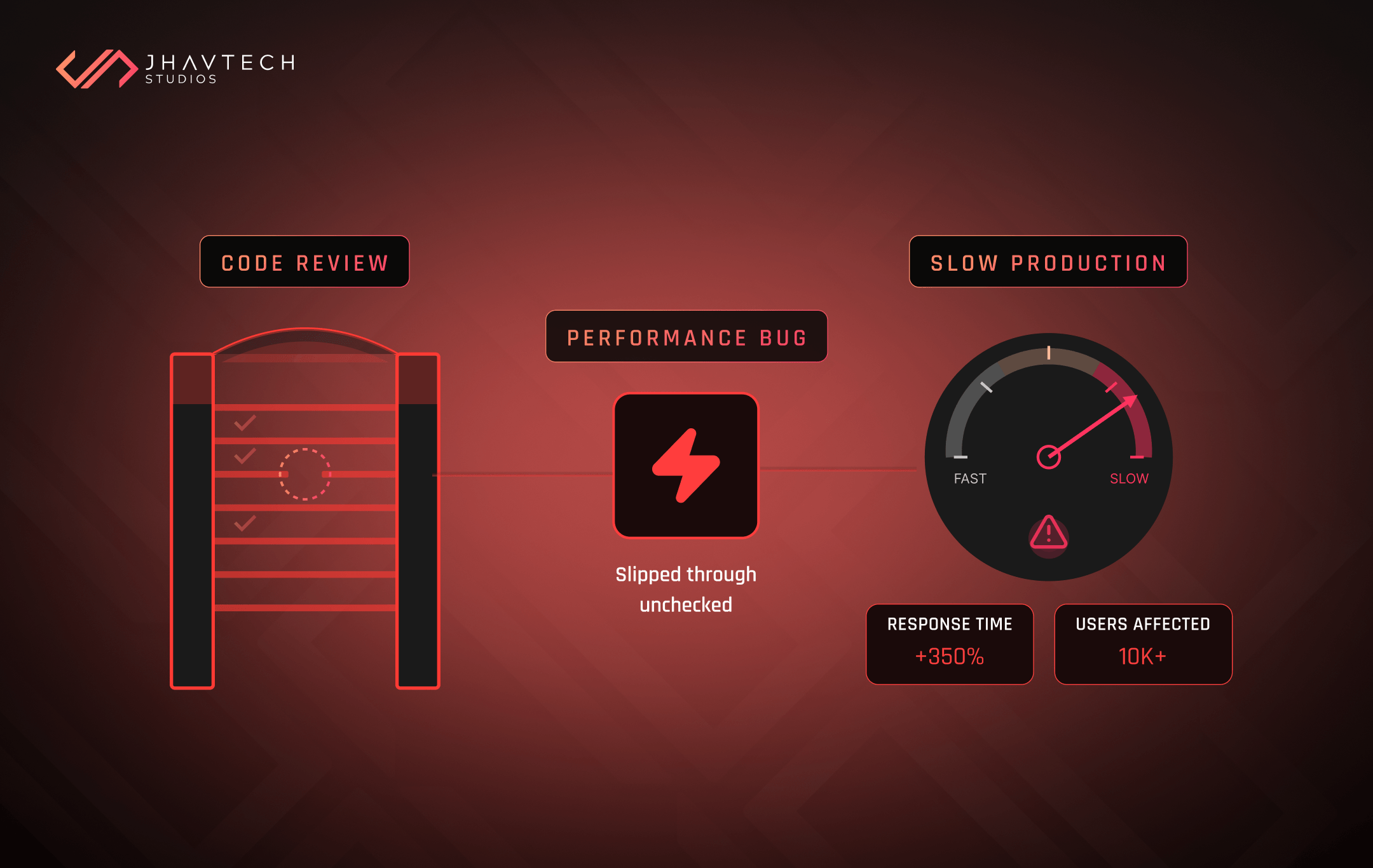
Deferring quality at interest. The Consortium for Information and Software Quality (CISQ) put the cost of poor software quality in the US at $2.41 trillion, with about $1.52 trillion of that sitting in accumulated technical debt. Debt is the correct word. You service it every sprint, forever.
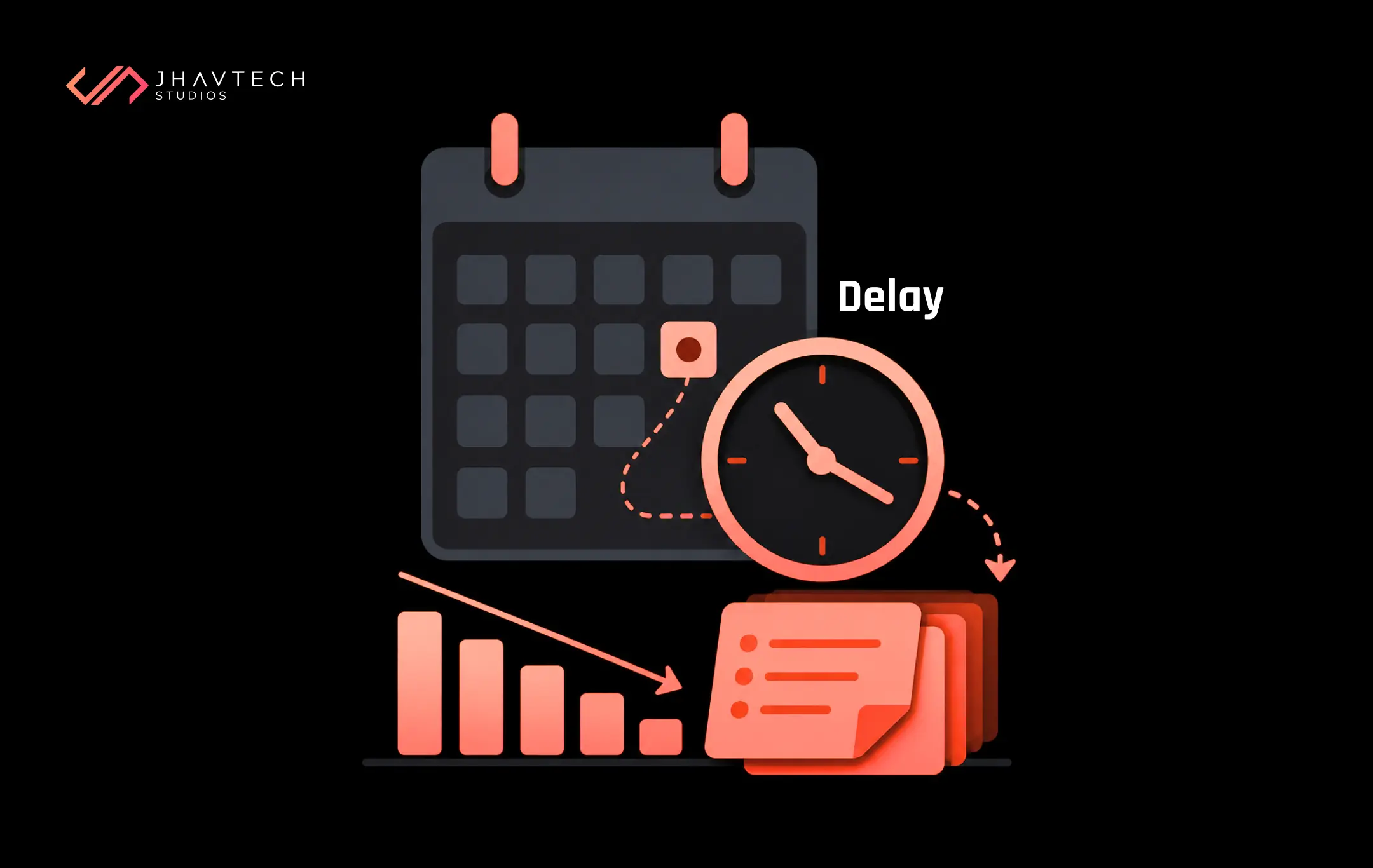
Rework. Vague requirements. A design that changed in week six. An integration nobody scoped. None of it is on the original quote. All of it lands on the invoice.
None of those get solved by a cheaper contractor.

Seven Ways to Reduce App Development Costs
1. Pay for the argument about what not to build
Discovery is the cheapest place in a project to change your mind. Killing a feature in a workshop costs an hour of everyone's time. Killing it in week twelve costs the build, the design, the QA pass, and the morale of a team watching its work get deleted.
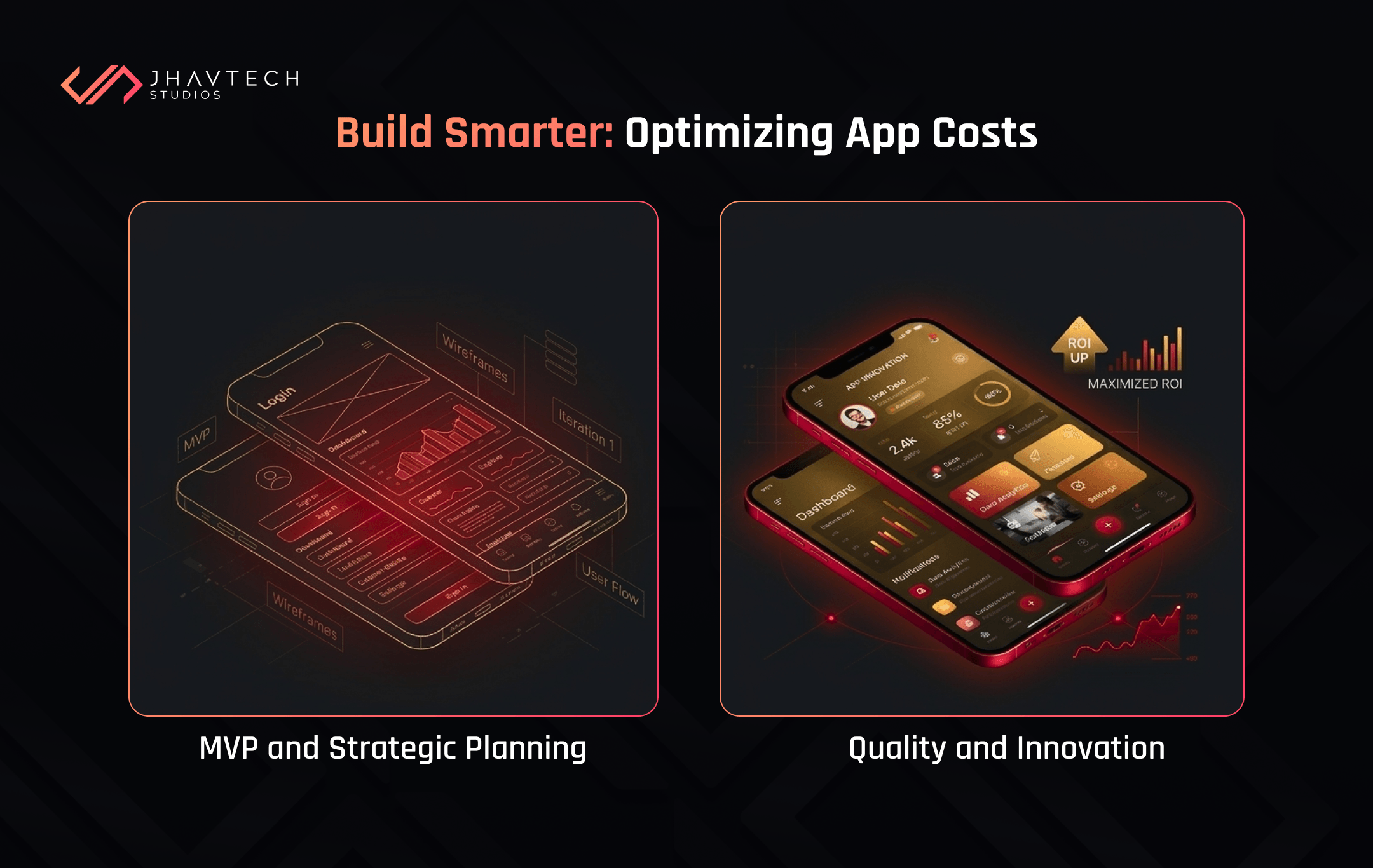
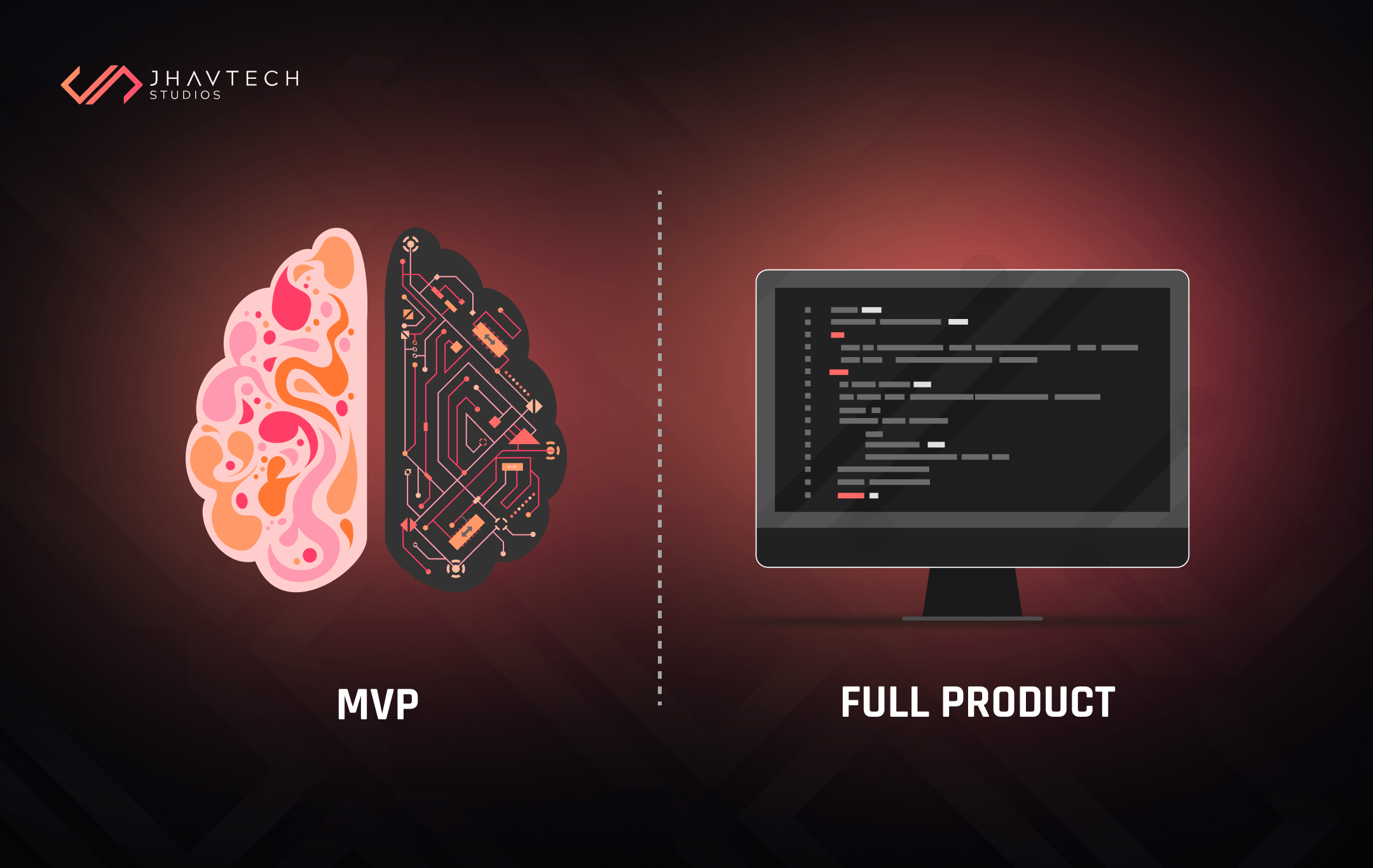
Spending 5% of your budget on a strict discovery phase usually removes 20% from the build. It buys you months of runway. If you are not yet sure the idea holds up, prove it cheaply first. Our guide to validating a SaaS idea without wasting money walks through getting real signal before you commit.
2. Cut release one down to a single job
Lean product development is not building less. It is building less at once. Find the one job your app has to do better than whatever your users are doing today. Ship that. Everything else moves to a version two list you revisit with usage data instead of opinions.
A test we use in scoping sessions: if a feature vanished from the spec tomorrow, would a real user notice within a month? If not, it is not a release one feature. Founders hate this question. It works anyway.
Startup Genome's research on premature scaling found that the large majority of failed startups over-invested in product, team, and marketing before confirming demand. Scope discipline is not stinginess. It is how you stay alive long enough to be right.
3. Treat architecture as a budget line, not a technical detail
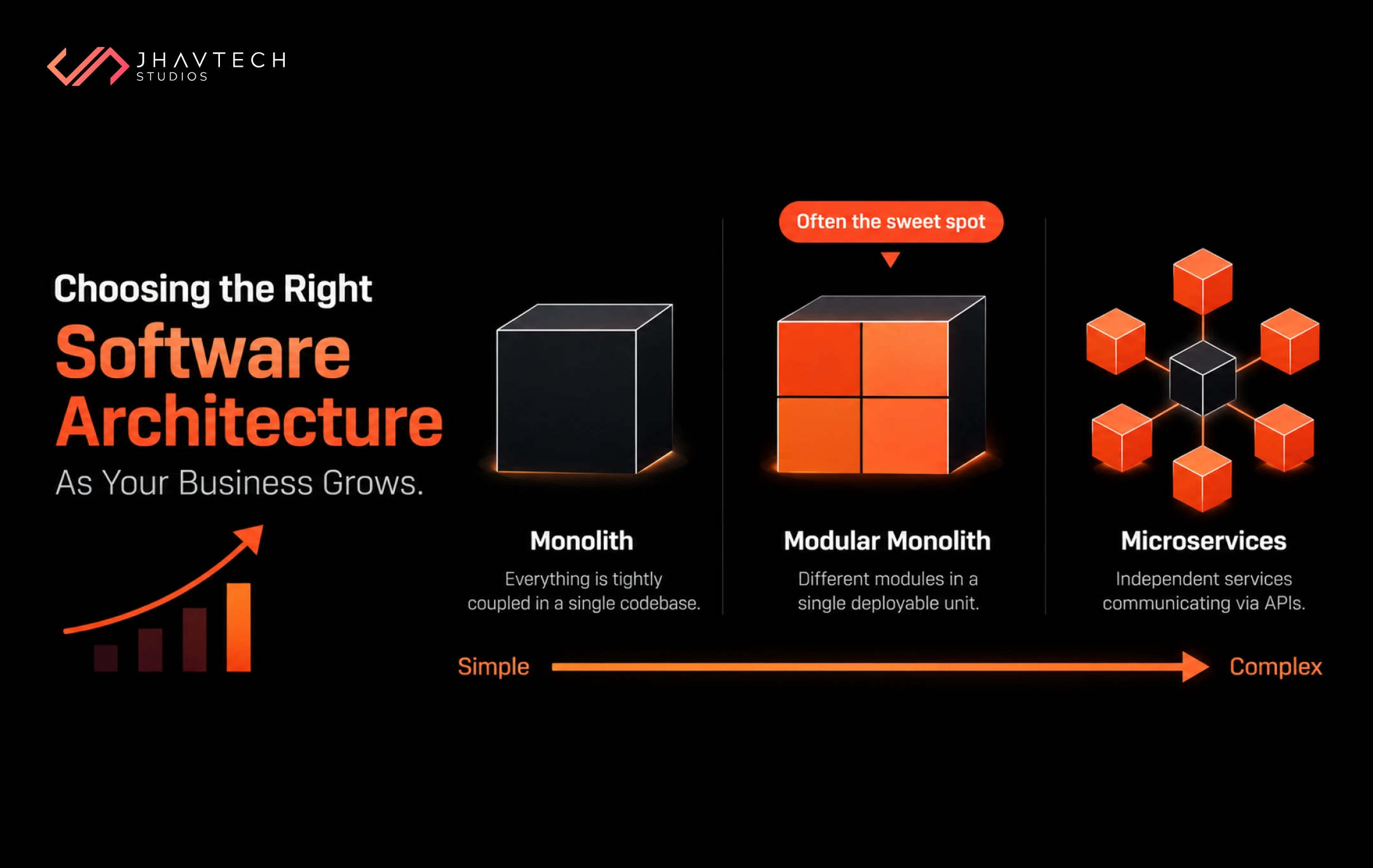
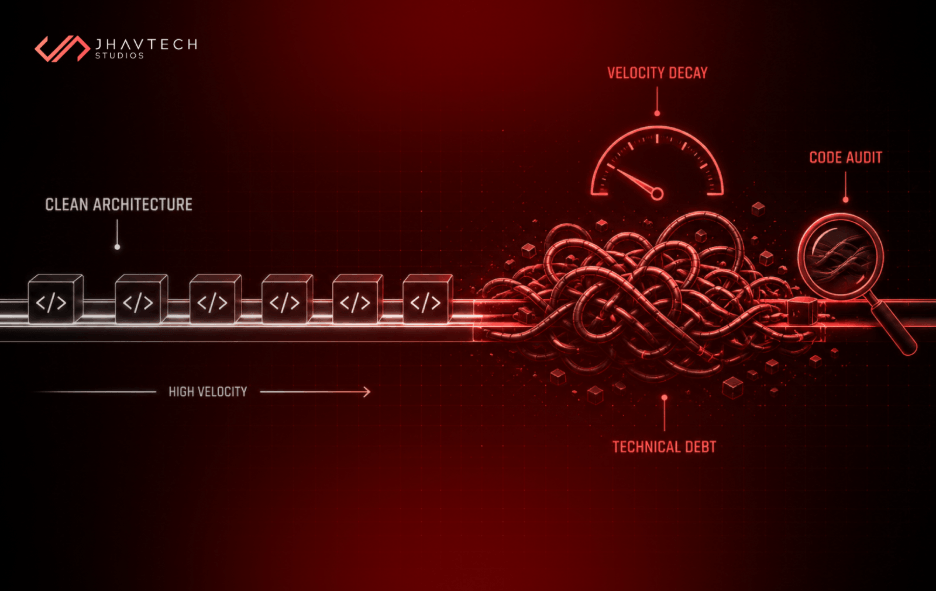
Architecture is the point where cost and quality stop being opposites. A clean codebase costs a bit more in month one and considerably less in month eighteen, because every change after that is faster and less likely to break something adjacent. A rushed one saves you a few thousand now and taxes every release you ever ship.
When we audit codebases for clients, the expensive ones are almost never the ones with bad code. They are the ones where nobody could explain why the code was structured that way. We covered the downstream damage in how poor software architecture creates long-term business risks.
4. Go cross-platform where it fits, native where it does not
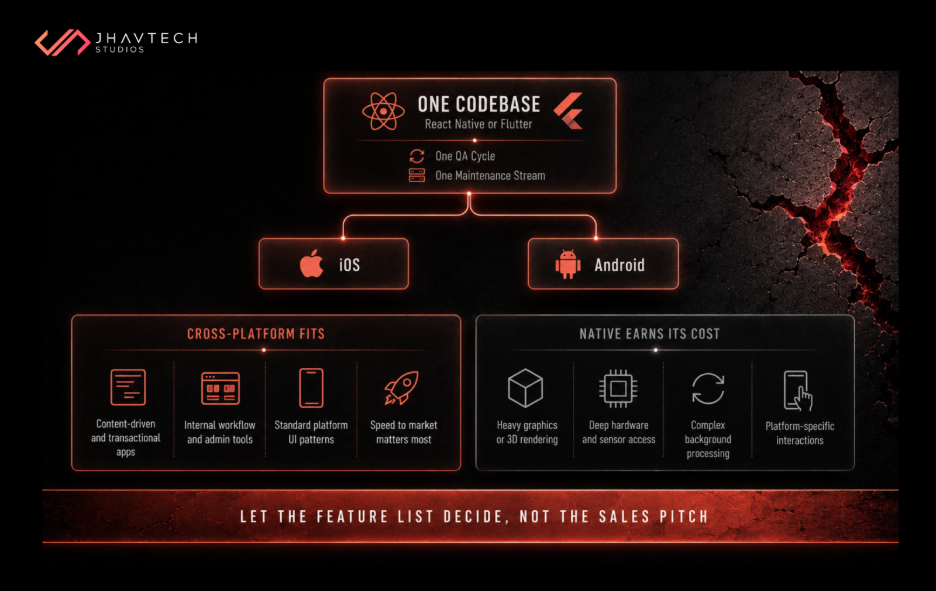
React Native and Flutter cut mobile costs by sharing one codebase across iOS and Android. For content-driven, transactional, and workflow apps, users will not know the difference. Neither will your reviewers.
It is not free money, though. Heavy graphics, deep hardware access, complex background processing, and platform-specific interaction patterns all chip away at the saving until you have paid for a compromise instead of a product. Let the feature list decide, not the sales pitch.
5. Use AI to accelerate a good process, not to replace one
Google's 2025 DORA report, drawn from nearly 5,000 technology professionals, found AI adoption has hit 90%, with over 80% reporting productivity gains. The finding that matters for your budget is the other one. DORA describes AI as an amplifier: it magnifies what high-performing teams already do well and magnifies the dysfunction in teams that were struggling.
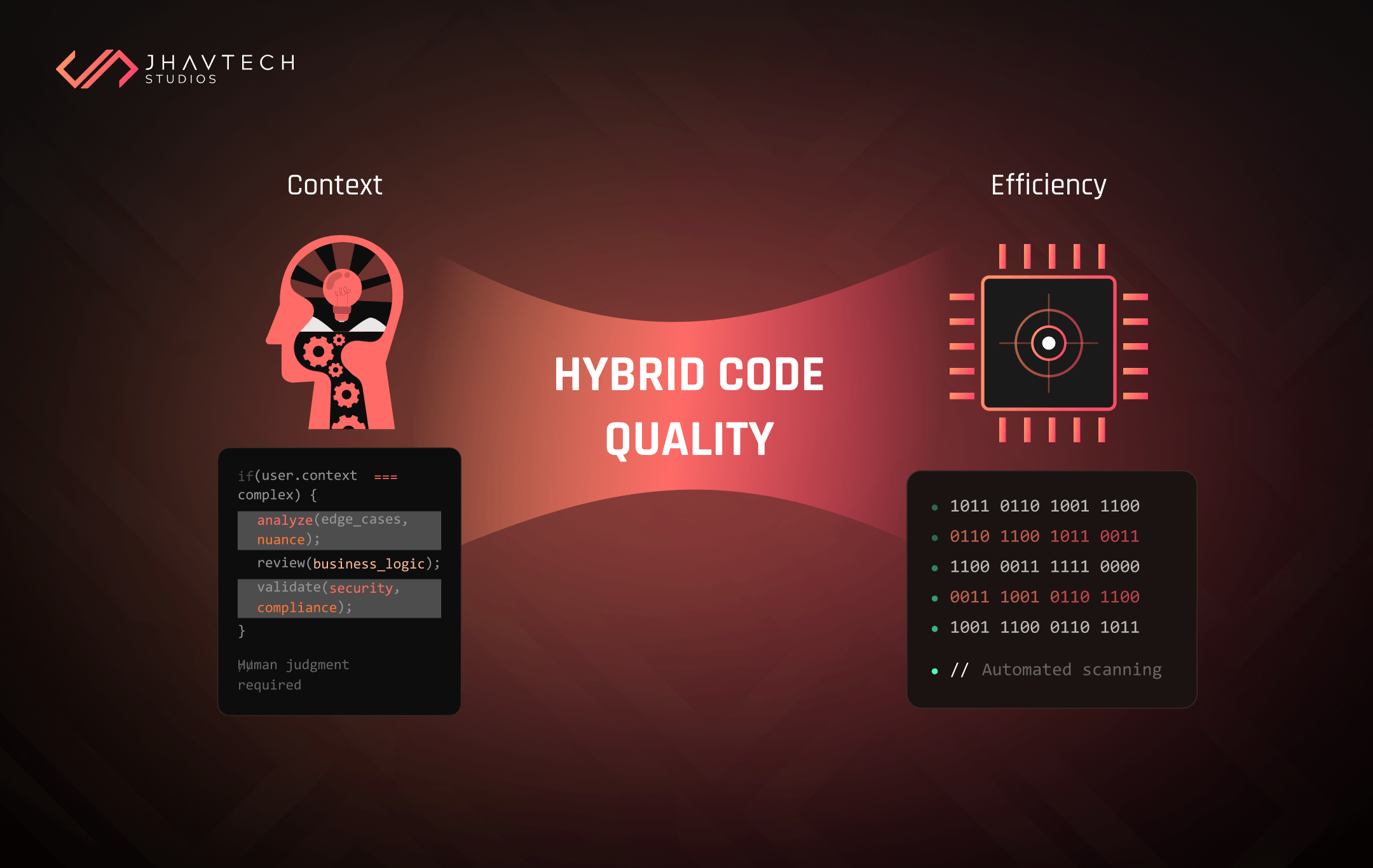
Faster output on unclear requirements just gets you to the wrong place sooner, with more code to unpick when you turn around. Ask your vendor how AI-generated code gets reviewed. Not whether they use it. Everyone uses it.
6. Buy the boring parts
Auth. Payments. Push notifications. Analytics. Search. File storage. None of these are your competitive advantage and all of them are solved. Every week spent rebuilding a login flow is a week not spent on the reason anyone downloaded your app.
Build what makes you different. Buy the rest.
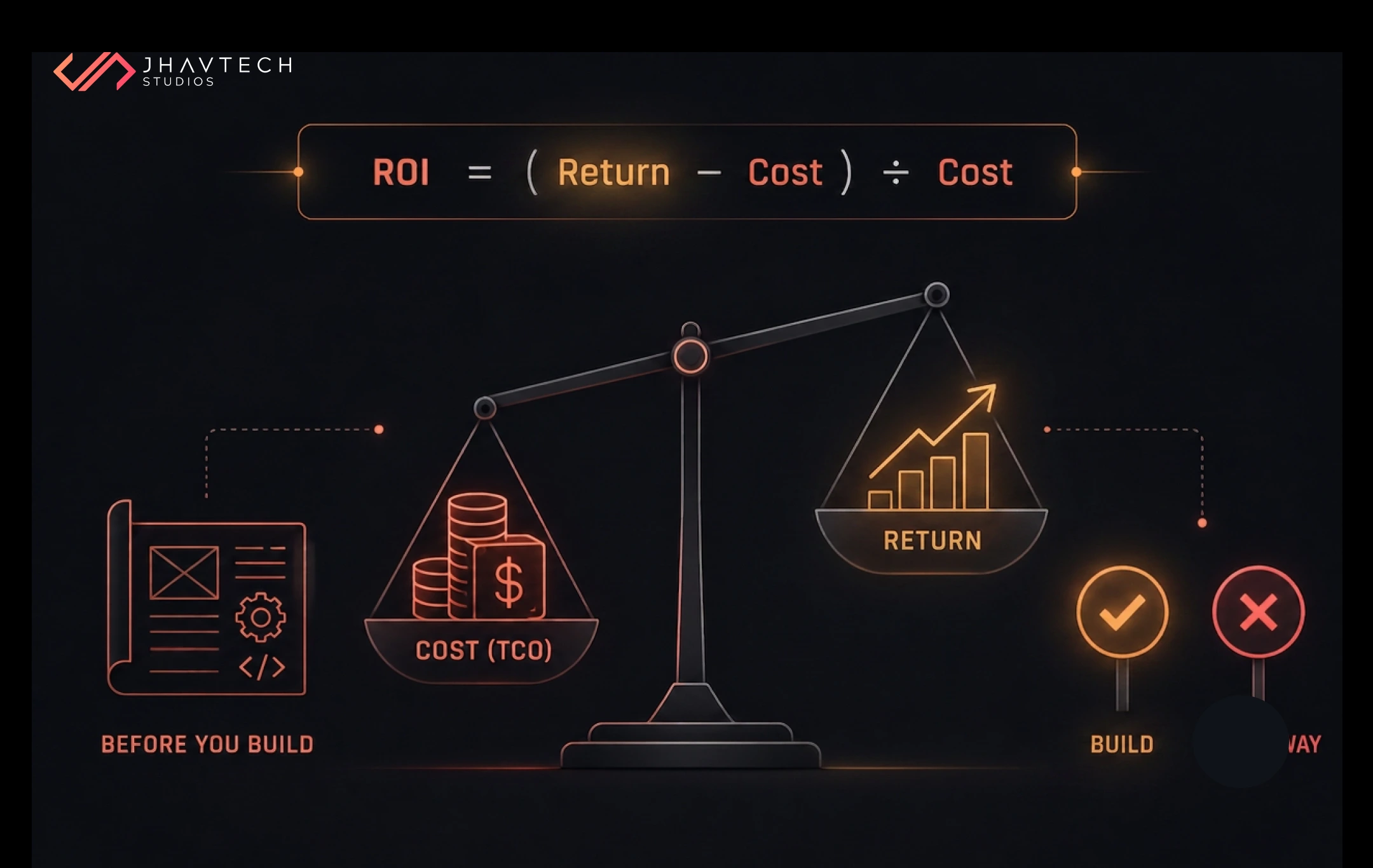
7. Judge partners on total cost, not hourly rate
A team at $25 an hour that needs three attempts, writes code your next developer refuses to touch, and vanishes at handover is not cheap. It is expensive, paid in instalments, with a balloon payment at the end.
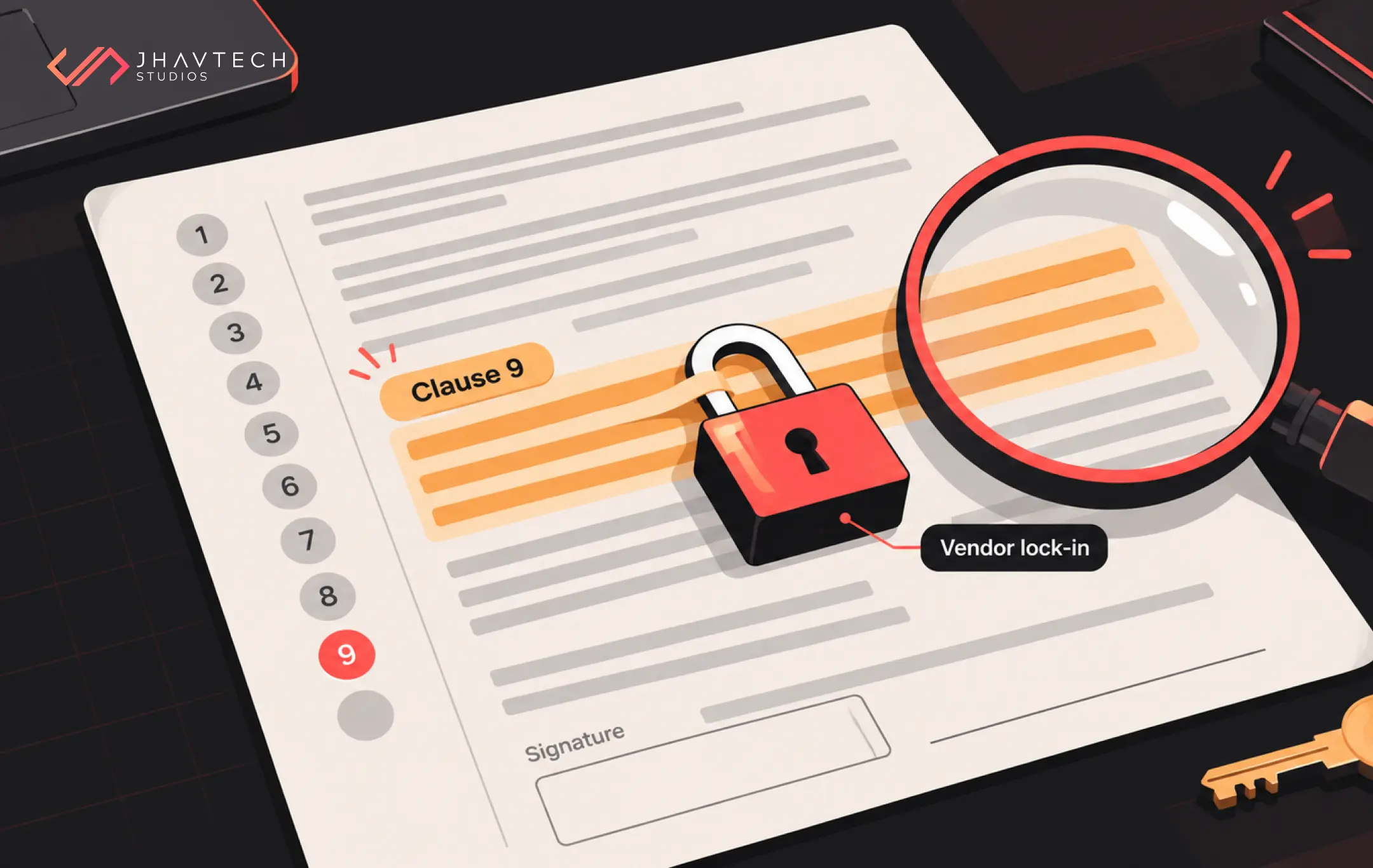
We see the arrival of that bill often enough to have written about the mechanics: why cheap offshore development often costs more in the long run. The saving usually evaporates somewhere between month four and month nine, almost always during the first serious change request.
Where the Money Actually Goes
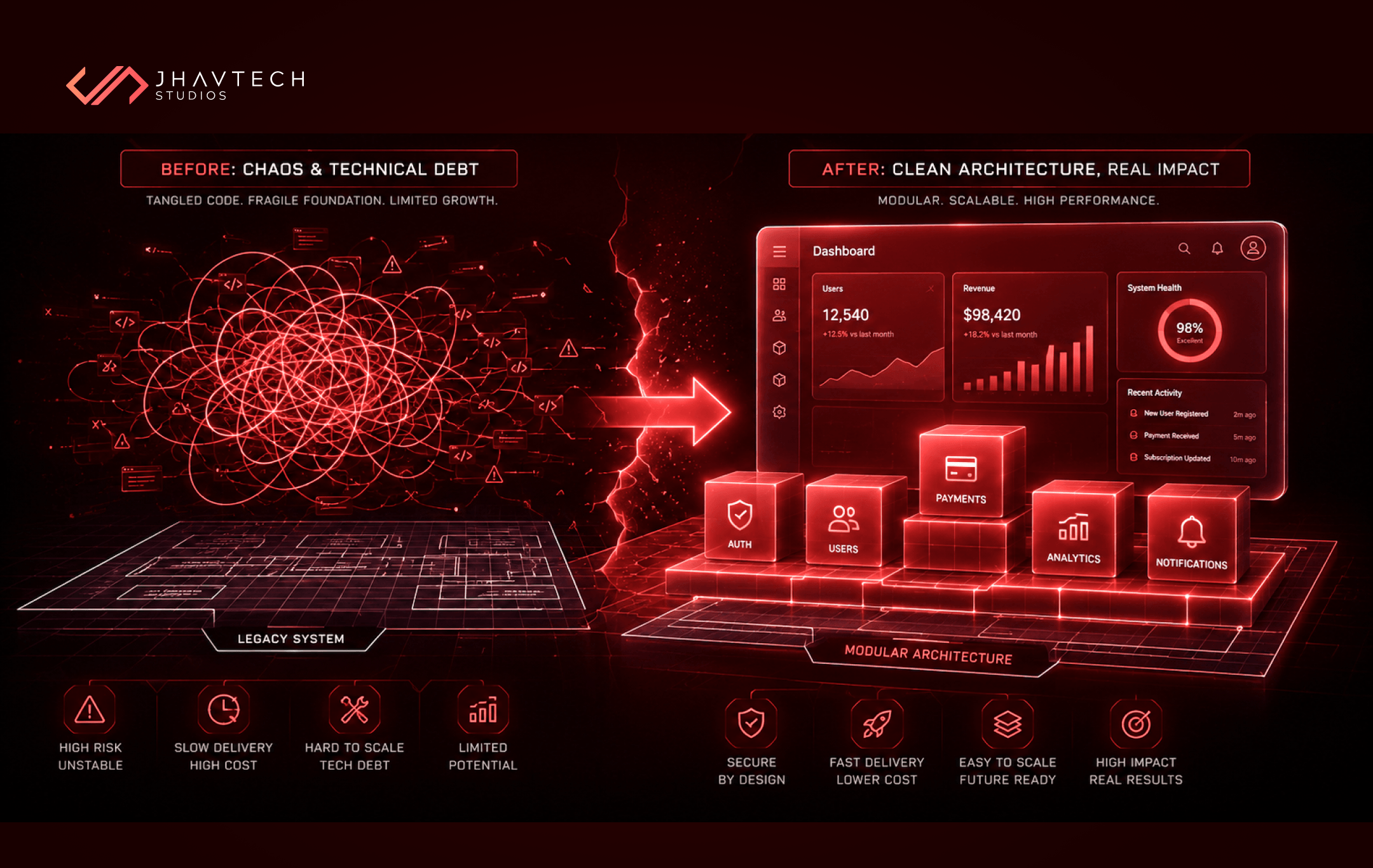
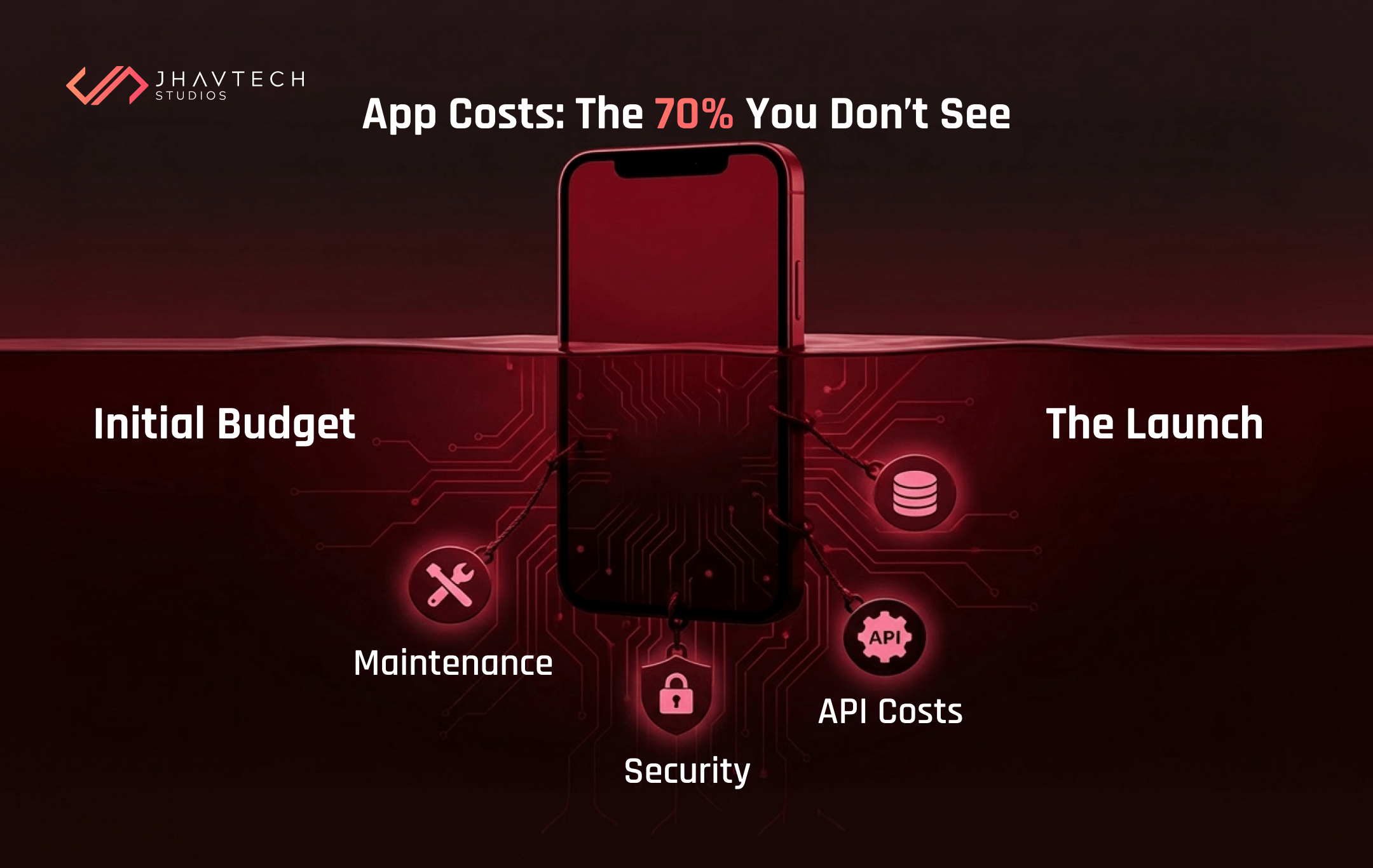
Most quotes you receive are priced from the left column and pitched as if they came from the right. That gap never shows up in the estimate. It shows up around month six, when the first real change request lands and everyone discovers what the shortcuts cost.
Take this into your next vendor conversation and ask which column they are quoting from.

What a Defect Costs, by the Stage You Find It
Every technical lead knows this curve. Most budgets ignore it. A defect does not get more expensive over time because the code gets harder to change. It gets more expensive because every stage you pass adds another person who has to be involved in changing it. A misread requirement caught in a workshop costs one conversation. The same misread requirement caught by a paying customer costs a developer, a tester, a release cycle, a support queue, and a bit of your reputation. The widely cited IBM Systems Sciences Institute figures put the relative cost of fixing a defect at roughly:

The exact multipliers get argued about, and fairly. The shape does not. A misunderstanding caught in a workshop costs a conversation. The same misunderstanding caught by a paying customer costs a hotfix, a release cycle, a support queue, and a bit of your reputation. Which is the whole argument against trimming QA to hit a number. You are not deleting that cost. You are deferring it and adding a multiplier.
Your Pre-build Cost Checklist
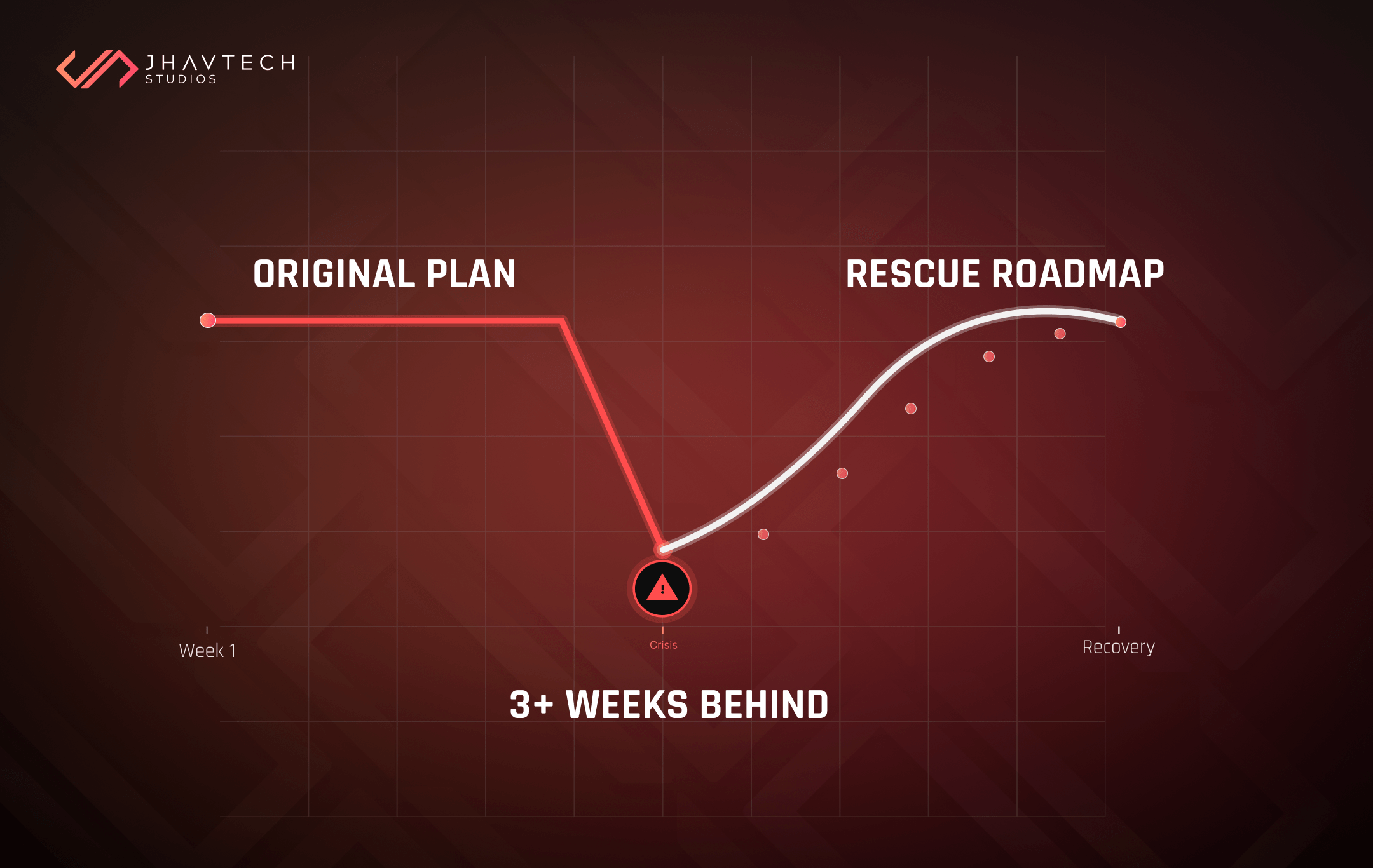
Nearly every software rescue project we take on traces back to two or three of these boxes going unticked at kickoff. Nobody skips them on purpose. They just feel like paperwork when the team is keen to start building, and the cost of skipping them arrives quietly, months later.
Run this before you sign. Every unchecked box is a line item waiting to appear.
Before scoping
Before development
Before launch
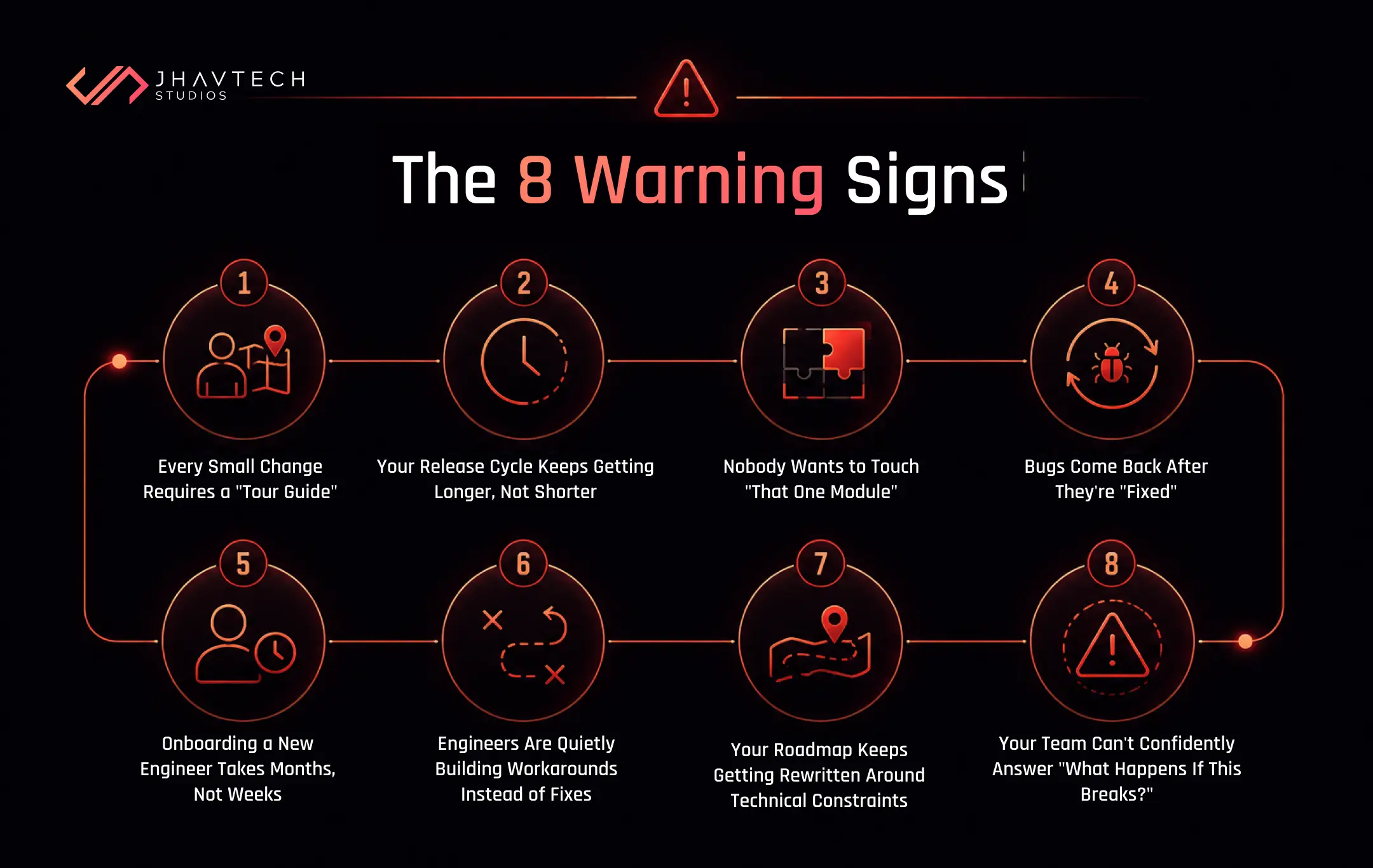
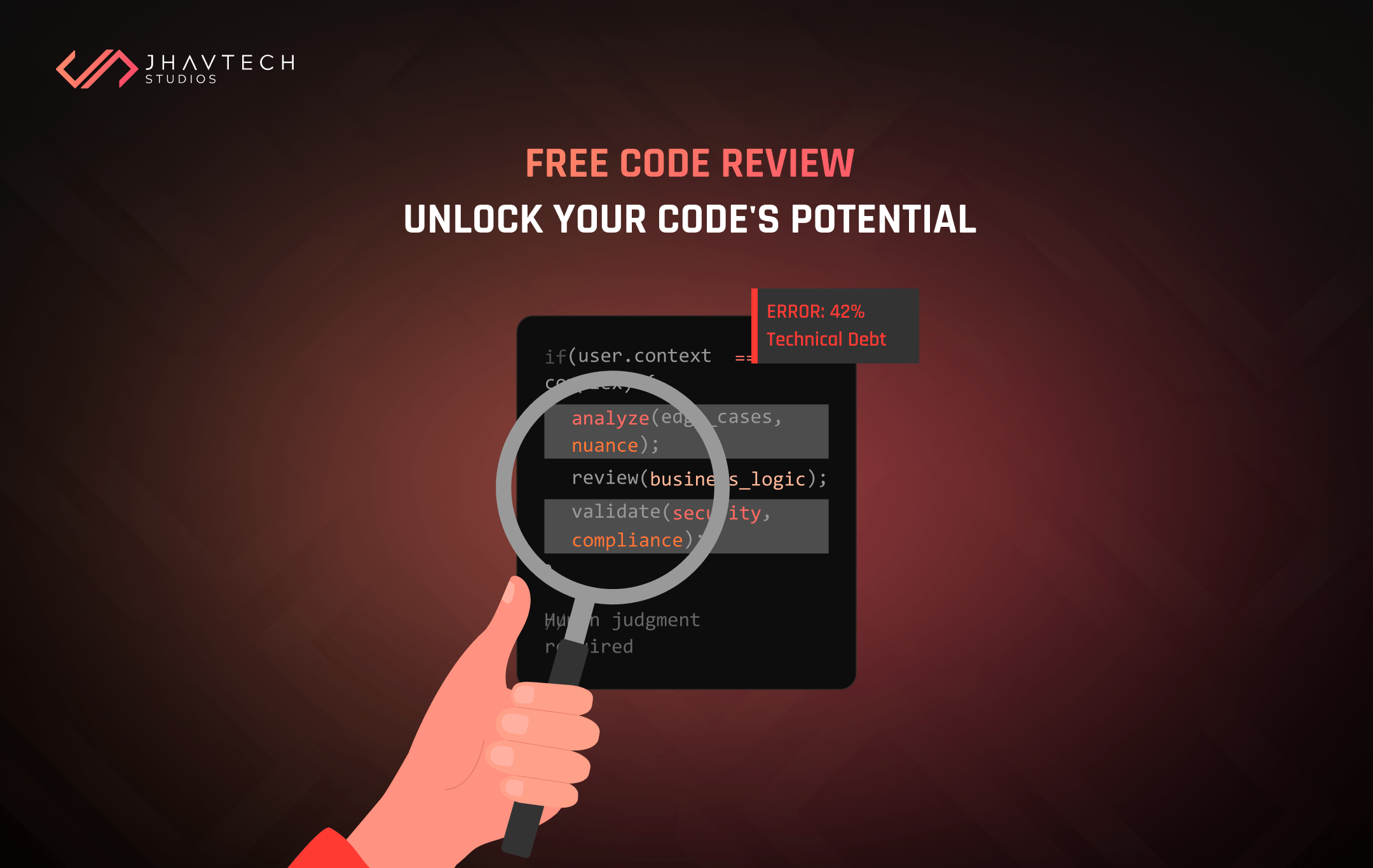
Already mid-build with half of these unchecked? Better to find out now than in three months. A free code review will tell you the real state of your codebase, and if the answer is grim, getting an off-track build back on solid ground is well-trodden ground for us.
What Startup Development Budgeting Gets Wrong about Quality
Quality in software is not visual polish or extra animations. It is structural reliability and maintainability: whether the thing works under load, whether the next developer can read it, and whether adding a feature next year takes two days or two months. Everything else is decoration.
Which is why "reduce app development costs without sacrificing quality" is not really a trade-off at all. Cutting scope protects quality. Cutting corners destroys it. The two get conflated constantly, usually by whoever is trying to hit an arbitrary number by Friday.
Then budget for the upkeep. As we argued in why software maintenance is your best investment, the products that turn expensive are nearly always the ones nobody maintained while maintenance was still cheap.
Frequently Asked Questions







.webp)
.webp)
.webp)
.webp)
.webp)

.webp)
.webp)

.webp)
.webp)



.png)
.png)
.png)
.png)
.png)
.png)
.png)
.png)
.png)
.png)
.png)
.png)
.png)

.png)
.png)
.png)

.png)
.png)
.png)
.png)
.png)
.png)
.png)
.png)
.png)
.png)
.png)

.png)
.png)
.png)
.png)
.png)
.png)
.png)
.png)
.png)
.png)
.png)
.png)
.png)