.svg)
.svg)


What is Windows Polaris? Sneak Peek into Microsoft’s Next OS
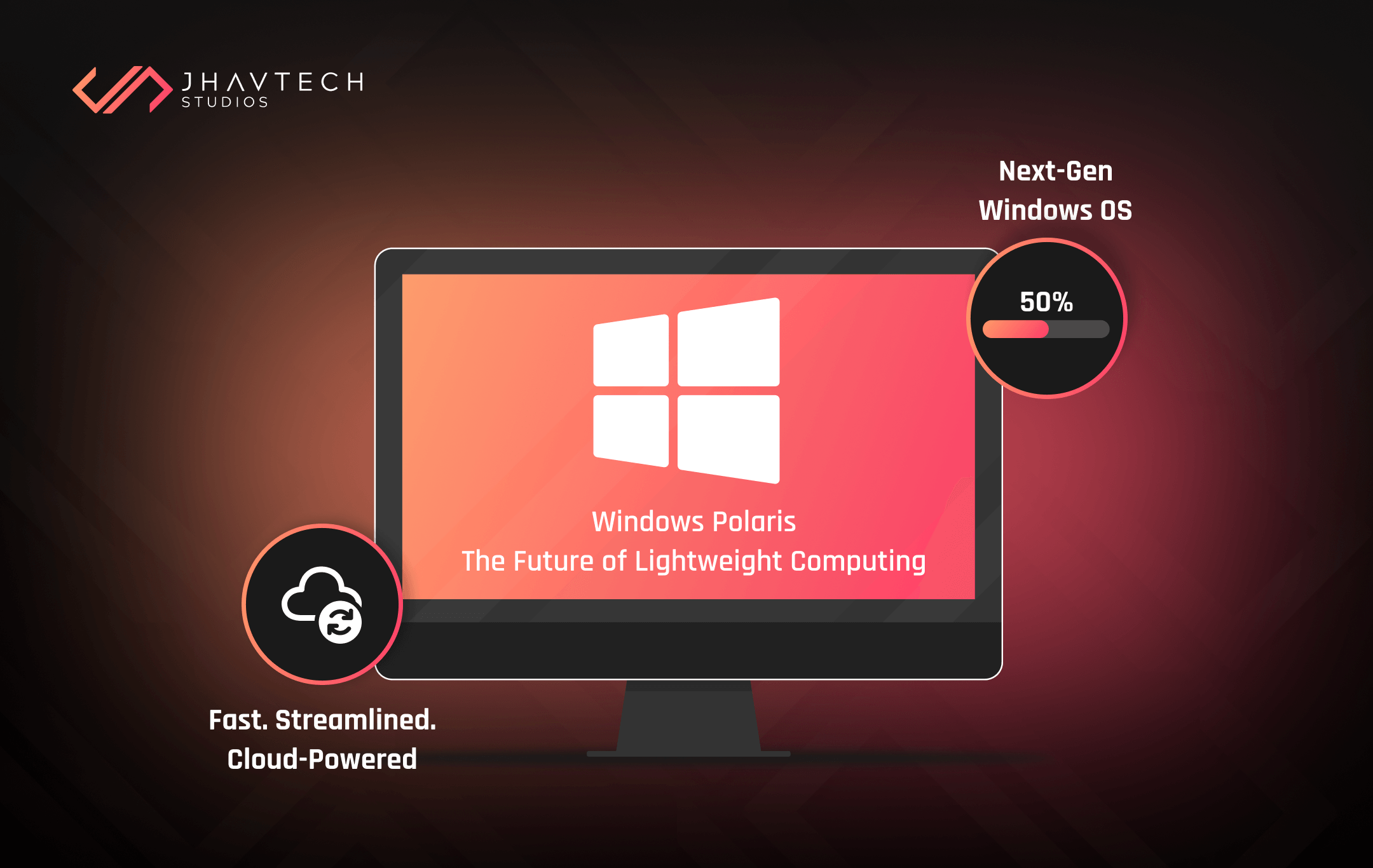
Since Microsoft released Windows 10 in 2015, the tech giant explicitly stated that it wants to veer away from its previous style of operating system (OS) releases and move towards a new unified approach. It has already brought together its Windows 10 OS for desktop, Windows 10 Mobile, and Xbox Live infrastructure — and it appears that the elusive Polaris may be the next step in that trend.
So what is Windows Polaris? It’s really anybody’s guess at the moment since Microsoft has yet to spill the beans and make any kind of official announcements. However, it is widely believed that Polaris is the PC component in the company’s future Windows strategy.
Windows Core OS will serve as the base for all future versions of Windows. There are also indications that the Andromeda OS will be the iteration for mobile, which can be utilised for a Surface phone. Polaris will likely be the one that you’ll run on your desktop or laptop.
Windows Core OS (WCOS)
This is the key component required to turn Windows Polaris into reality. During the last quarter of 2017, anonymous sources and reports hinted that Core will serve as the baseline OS that Polaris and other versions will be built on top of.
The concept behind Core OS is to convert Windows into something that’s more modular so it can quickly react to market changes. While OEMs planning to create new devices have to go with pre-packaged iterations of Windows, likely containing redundant features, Windows Core OS ensures that new versions can be easily designed and built specifically for such devices.
This means that any new form-factor of device can have its own Windows OS but with only the specific features it needs. This translates to longer battery life and more efficient performance for the casual user. As such, Core OS will be in the same league as operating systems that have dominated the mobile market in recent years. It will allow Microsoft to drive development faster and offer new device experiences while maintaining Windows’ familiar look.
Microsoft started its pivot towards this plan in July 2015 when it merged its kernel (OneCore) and OS core for all Windows devices. Universal Windows Platform (UWP) apps served via the Microsoft Store are another component of that strategy. With all crucial elements in place, Windows CShell is the last piece of the Windows Core OS puzzle. It allows Microsoft and device manufacturers to revamp the look and feel of its OS for specific devices without the need to rebuild it from the ground up.
Once these components of Windows Core OS are ready, Microsoft is reportedly planning to launch multiple versions from that baseline, each referred to as separate ‘composers’ – the user interface (UI) experience. One of these is believed to be known as Andromeda, which is designed for mobile devices, while Polaris is likely the one aimed at conventional Windows PCs of different form-factors.
Benefits of Using Windows Polaris
Although Windows Core OS can be regarded as a form of Windows that more commonly mimics the streamlined mobile OS such as Android and iOS, Microsoft still puts a premium on the desktop and laptop niche. The tech firm isn’t satisfied with being king of the desktop market. It wants every single device with a processor running some form of Windows.
According to Windows Central, Polaris is Microsoft’s bid to get rid of some legacy elements so Windows can run faster, particularly on lower-end gadgets. This should also improve security and battery life on mobile devices.
For the common user, booting up Polaris will be just like using any other version of Windows. But, deep inside, it’s a very different beast. For one, all of those esoteric processes will be gone, and instead, users will get a new cohesive ecosystem. Desktops will run seamlessly since they will be running on a new code.
Intended, for casual users and likely crafted as the successor to store-centric Windows 10S, Polaris will be easier to manage via simplification of settings and back-end systems. A brand new UWP version of Windows File Explorer will make navigation easier, especially for those who were not brought up on roughly 20 years of Windows usage. In addition, the Settings App will replace most of the typical functions of the Control Panel so it’s more intuitive to access certain backend functions.

What Will Be Lost?
A crucial component of all the streamlining is discarding features and functions that have been part and parcel of Windows for multiple iterations. While this is handy for casual users who don’t need advanced features, there can be some notable absences from Windows Core OS and Windows Polaris, particularly for those who are more versed in Windows usage.
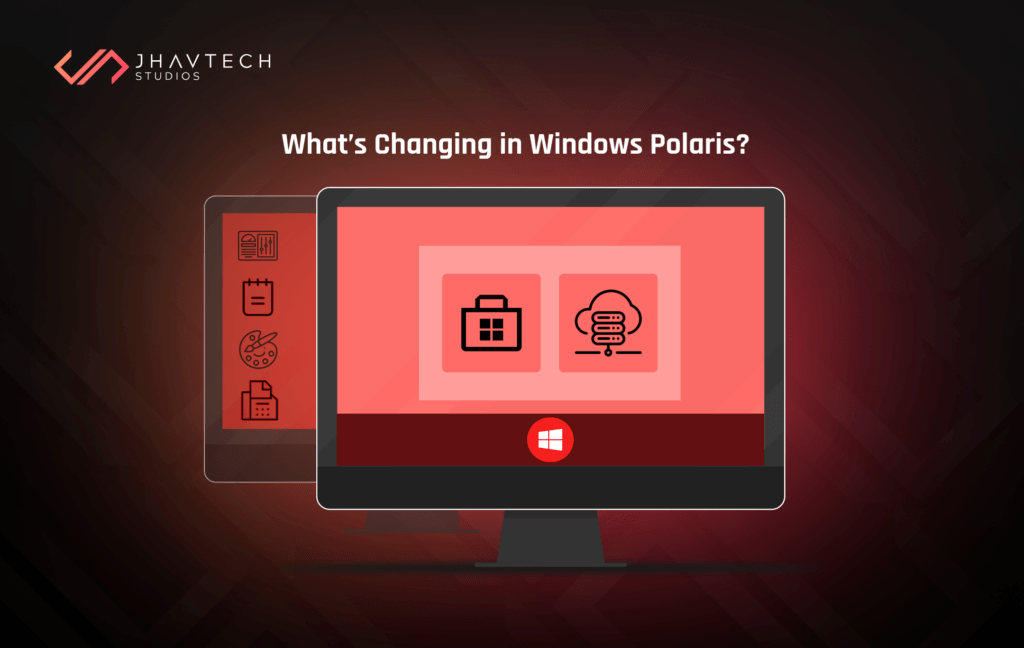
Aside from Control Panel and File Explorer, certain applications like Paint and Notepad may be lost, along with functionalities like fax support. There are even rumors of Win32 app being ditched, which means anything not crafted using Microsoft’s UWP will cease to operate.
Although it seems improbable that Microsoft will completely discard that functionality, the suggestion is that cloud-streaming and virtualisation can enable legacy apps to still function on Polaris. It’s apparent that Microsoft is keen on driving users towards the Microsoft Store, as there are numerous benefits to that type of ecosystem. Obviously Android and iOS have taken full advantage of their app marketplaces for years, but it’s not likely to be a ‘feature’ of Polaris that will pique that interest of everyone.
How Can You Get Polaris?
It is not yet available as the time and date of this post, although there are talks that it is set to release alongside Windows 11. There haven’t been any concrete details from Microsoft about the launch of Windows Polaris nor a release date for Windows 11, despite a lot of anticipation for both updates.
If Polaris makes its debut anytime soon, Microsoft won’t force it to anyone. And while it’s likely to run alongside Windows 10 systems, Polaris will be something that manufacturers can offer as a customisable option for consumers or for entry-level systems. Notable prospective users for it include the education and enterprise market segments.
Considering the current status of Windows 10, we can definitively say that there’s no upgrade path for it. This may be great news for Windows users who love the full control provided by a more conventional Windows OS, but it will be intriguing to see how that will affect uptake. Windows 10 became a huge hit because users can upgrade their Windows 7 with the new operating system. If Polaris calls for a new device, it can take years before it replaces Windows 10.
.webp)


.png)

.webp)
.webp)
.webp)
.webp)

.webp)
.webp)

.webp)
.webp)





.png)
.png)
.png)
.png)
.png)
.png)

.png)
.png)
.png)
.png)
.png)
.png)
.png)

.png)
.png)

.png)



.png)
.png)
.png)
.png)
.png)
.png)
.png)
.png)
.png)
.png)

.png)

.png)

.png)
.png)
.png)
.png)
.png)
.png)
.png)


.png)
.png)
.png)
.png)
.png)
.png)
.png)
.png)
.png)
.png)

.png)
.png)
.png)

.png)