.svg)
.svg)


Using Kiosk Software to Enhance Customer Interaction and Experience
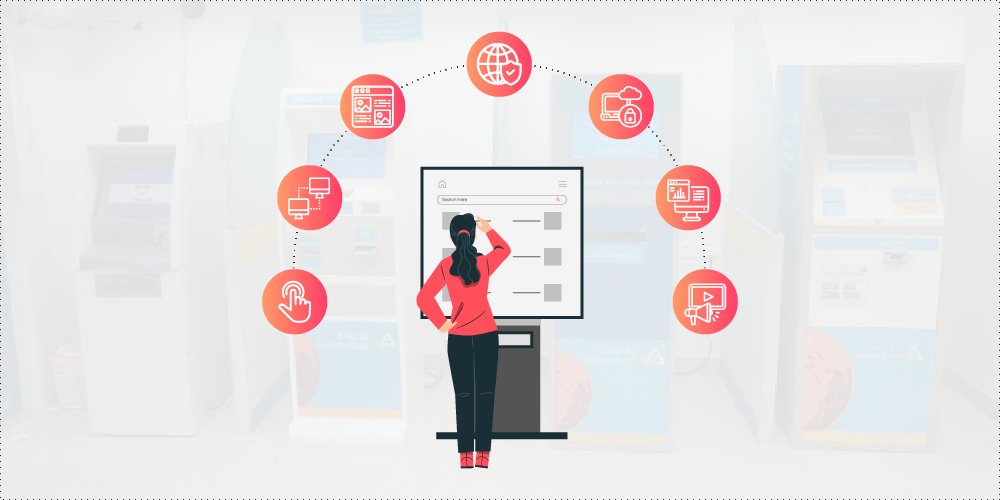
A kiosk software is an application that is especially designed to transform your computer or tablet into a self-service kiosk. It is basically a customer service device that operates on a standalone console.
Kiosk software comes in two types: application software and system software. The former is specifically designed to interact with users, while the latter is meant to protect the application. The kiosk system software encloses the application in a manner that prevents user interaction beyond the scope of functionality of the software while giving kiosk managers unrestricted access with a passcode, key combination or mouse sequence.
Leveraging the functionalities of a kiosk software services and kiosk service solutions is an excellent way to boost customer interaction and experience. If you decide to purchase one for your business, it is a must for you to understand its features. Here’s a rundown of the most common ones:
Touch Screen – allows your customers to retrieve info with a tap on the screen.
Remote Access & Monitoring – allows you to access your kiosks remotely so you can monitor their status in real-time and update content using the software’s digital signage functionality.
Graphical User Interface – allows you to integrate complex content from websites, back end systems, and business applications into a seamless and easy-to-use interactive resource, including media assets like animation, audio, and full motion video.
Secure Browsing – allows you to completely block access to different domains and provides customers a pop-up alert when access is denied.
User Session Management – allows you to secure customer data with utmost confidence. The kiosk software clears cookies, web cache, printer queue, and other session-specific info to ensure the privacy of your customers. It also resets user controls to default settings to ensure a fresh session for every customer.
Usage Reporting – allows you to collect reports about customer navigation, searched URLs and usage history based on title tags and date range. The system also tracks system connectivity and uptime. The reports are available for certain date ranges, and for individual or multiple kiosks.
Digital Signage – allows you to run ads on graphic or multimedia displays. You can set and edit the run-time to suit your preferences and specific needs.
Aside from the aforementioned features, there are three more that we’d like to highlight in this post as they offer more essential uses in a wide variety of scenarios and deployment locations. They are as follows…
First up is multilingual support which is increasingly becoming a staple in most kiosk software architecture. As diversity becomes more and more important in today’s society, we have been doing our best to provide businesses and organizations the benefit of more efficient communication with clients who don’t speak English. We are eliminating communication barriers so we devise kiosk software with the ability to translate into multiple languages.
This will empower you and give you the ability to make sure that all your customers enjoy the same user experience, which is of utmost importance with the current expectations of inclusion. Moreover, kiosk software solutions can be customized so they have multi-lingual options that suit your specific needs. You can choose the language options that suit the cultural demands of your target market.
As society becomes more and more divergent, multilingual kiosks will become the norm for public use. They will enable users to remain independent by making information more readily accessible in the user’s native language. No wonder multilingual kiosks are increasingly becoming common in airports, hotels, convention centers, shopping malls, hospitals, universities, places of worship, among others.
Next is the ability to process credit card payments. Self-service checkout is fast becoming a standard in retail establishments across the globe. Setting up a payment processing system can lead to higher customer satisfaction and offer significant savings because you’ll be able to reduce the number of needed personnel.
Based on a recent study conducted by Cisco, 52 percent of shoppers worldwide prefer self-service shopping so they don’t have to wait in line for their purchases. This explains why a number of businesses are using self-service credit card processing kiosks that provide their valued clients an efficient, faster, and secure way to check out. Finally, these kiosks enable businesses to process credit cards and effectively execute transactions without requiring any human intervention. This streamlined process involves authorizing the payment and integrating a kiosk security software to protect against fraud.
Last but not least are kiosk software that allow customers to fill up surveys and provide feedback about their experience. These features make it convenient for your customers to express their needs and wants, share their likes and dislikes, and specify any issues or requests. This is non-intrusive and depending on the nature of your business and the rapport you wish to develop with your customers, it’s never a good idea to interrupt them as they go about their routine just to ask them for their feedback.
Unlike emails or pop-ups, the feedback and results of the survey are immediately available, giving you a heads up and the ability to act quickly. The surveys also significantly raise the accuracy of the feedback gathered. Customers tend to forget those in-the-moment experiences while interacting with your product or while being serviced.
Equally important is the fact that kiosk survey software is easy to implement as it only requires little to no maintenance at all. As Internet becomes faster and more reliable, kiosks can be set up in any location to provide real time feedback. Sans the need to hardwire equipment, kiosks are making it extremely efficient and cost-effective to implement.
.webp)
.png)
.png)
.png)

.webp)
.webp)
.webp)
.webp)
.webp)
.webp)

.webp)
.webp)



.png)
.png)
.png)
.png)
.png)
.png)
.png)
.png)
.png)
.png)
.png)
.png)
.png)
.png)
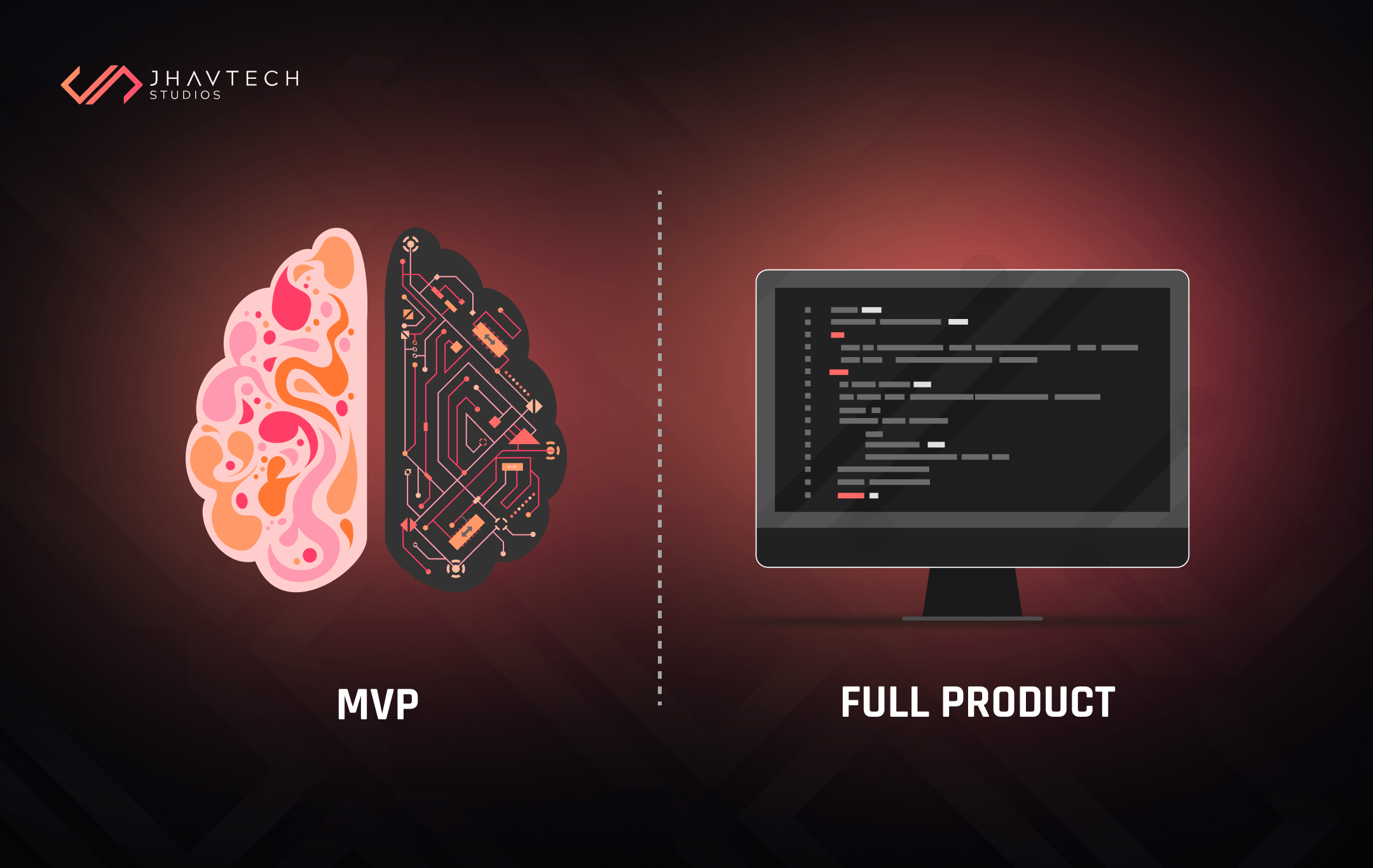
.png)
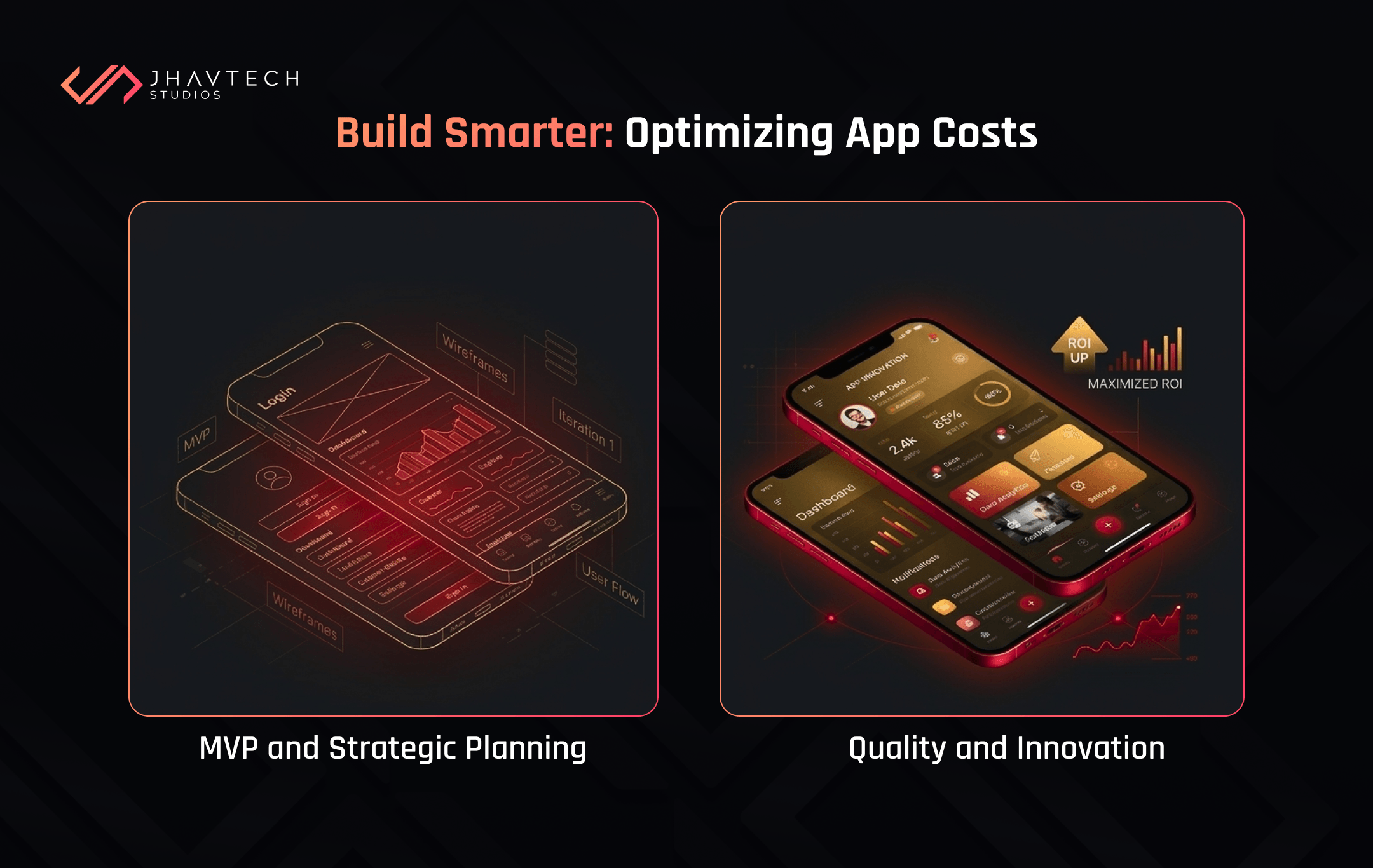
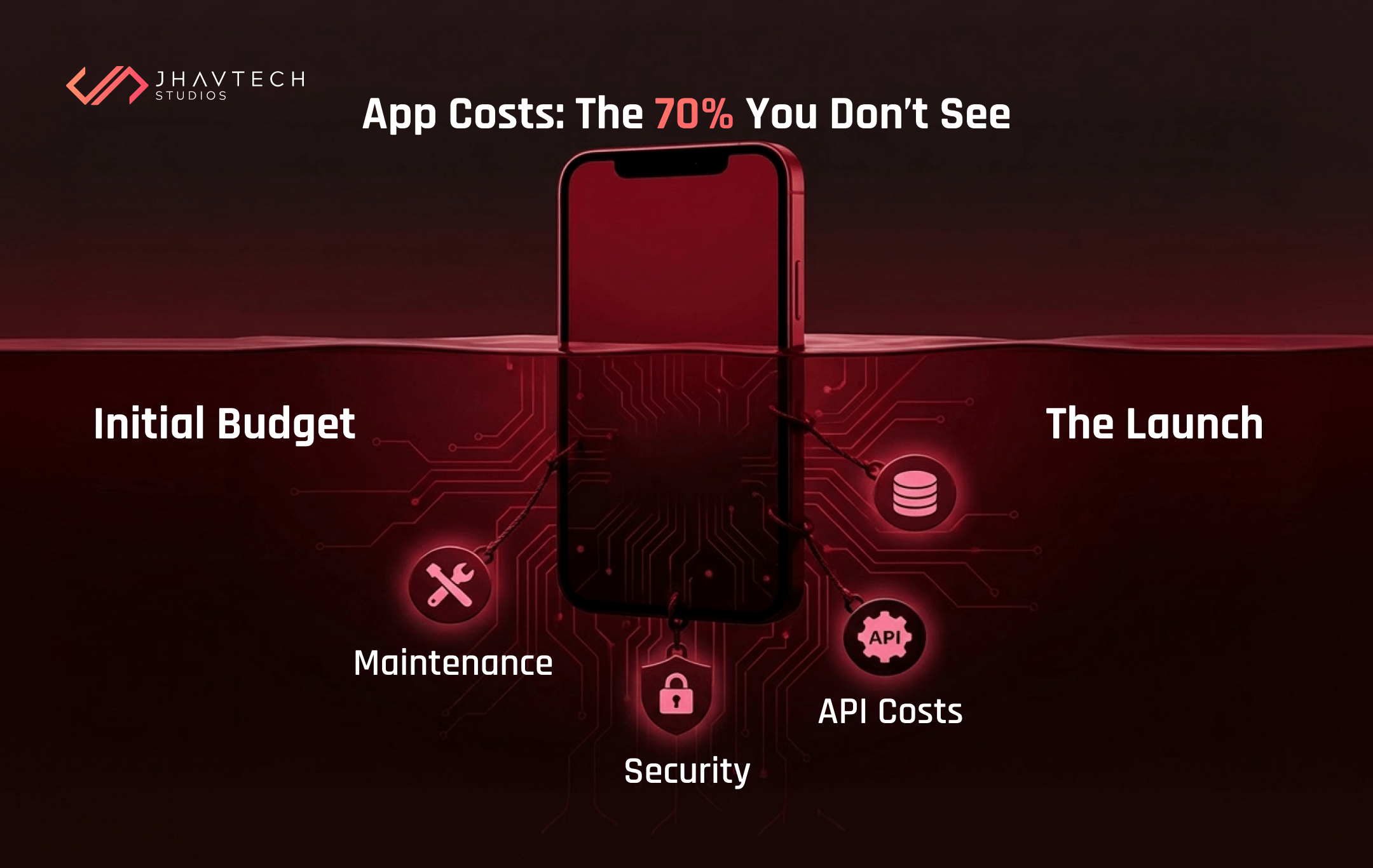
.png)
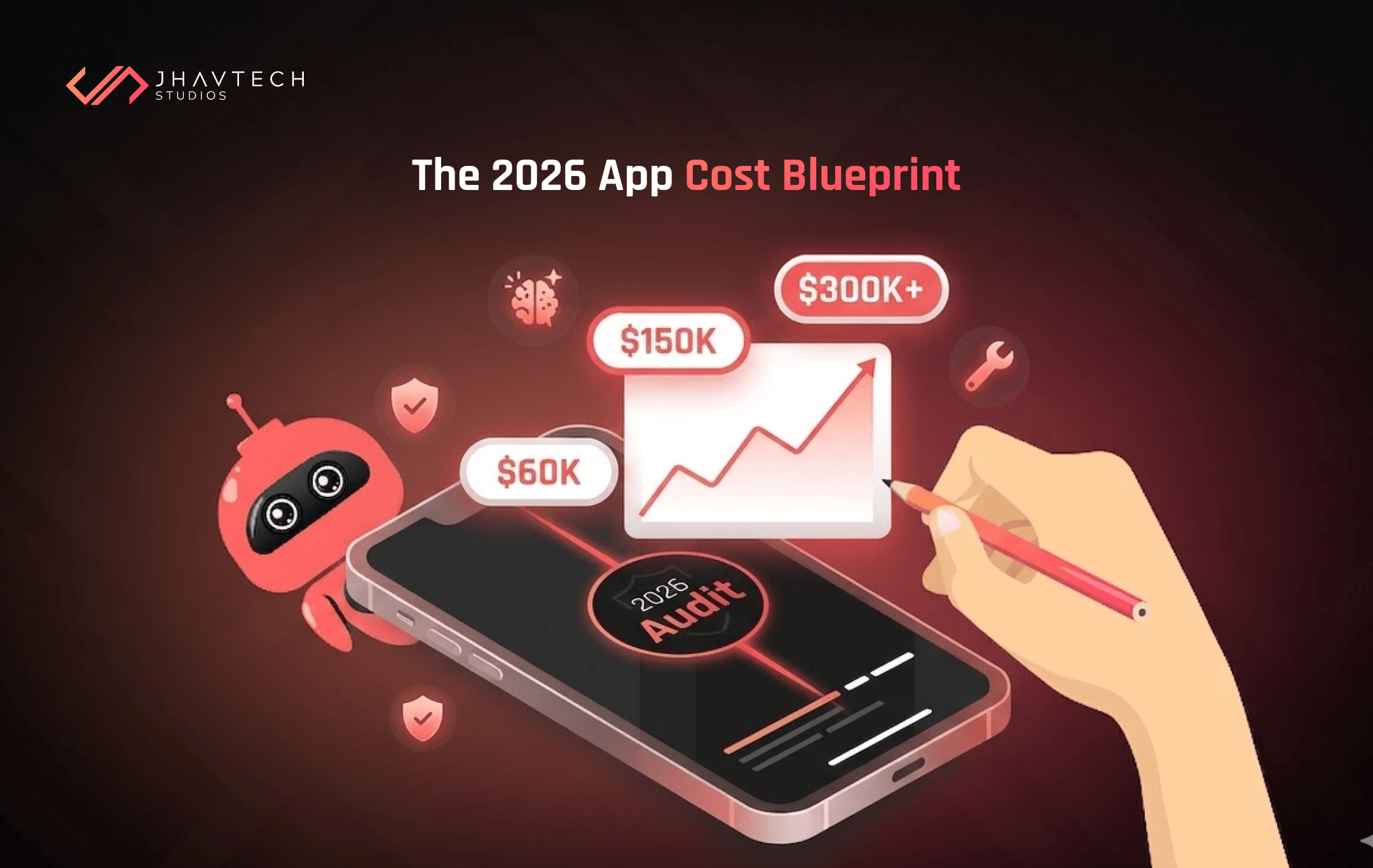


.png)
.png)
.png)
.png)
.png)
.png)
.png)
.png)
.png)
.png)
.png)

.png)

.png)
.png)
.png)
.png)
.png)
.png)
.png)

.png)
.png)
.png)
.png)
.png)
.png)
.png)
.png)
.png)
.png)

.png)
.png)
.png)

.png)