.svg)
.svg)


Accessibility and Assistive Technologies to Get the Best Out of Modern Kiosk Software
Industries are becoming more reliant on self-service technology and interactive digital signage to enhance customer experience. From tablets used to collect payments to standalone kiosks used for self-service transactions, technology empowers businesses to offer a variety of options to customers to enhance their experience. However, it’s not obligatory for business owners to provide an accessible and equal experience for all their clients and customers when utilising new technologies.
People with disabilities are frequently left out of the interactive experience because of the notion that they are more easily satisfied with the help of an in-person attendant. This does not provide an experience that’s comparable to that of a non-disabled patron. Most people with disabilities don’t want to be treated differently from anyone else.
In Australia, it appears that there are currently few government guidelines that relate to the accessibility of kiosks. In contrast, there are guidelines and regulations relating to the accessibility of ATMs and information/transaction machines (ITMs). The good news is that such guidelines and regulations are now being increasingly applied to kiosks. Manufacturers are already considering both hardware design and software controls to develop interactive kiosks that are accessible to people with different physical abilities.
Kiosk Accessibility and Why It Matters
Accessibility is not just the legal thing to do nor the profitable thing to do, it is the right thing to do as far as service to all is concerned. As for businesses, the lack or absence of assistive technologies for people with disabilities will have a negative effect on their brand and influence their choice of product or service provider in the future.
By improving accessibility and usability for people who are blind, deaf, or those in wheelchairs, kiosks will be able to improve user experience. Presenting content and navigation redundancies entails providing different ways to receive information and interact with it. Doing so in a manner that is accessible is crucial to the success of kiosk deployments and will well-serve both businesses and their customers.
Things are starting to come together but at the outset, institutions had mixed reactions to the lockdown. Some are technologically ready. They managed to leverage their Learning Management System (LMS) to conduct E-learning. Other unprepared players are just starting to realise their indiscretion on not going online.
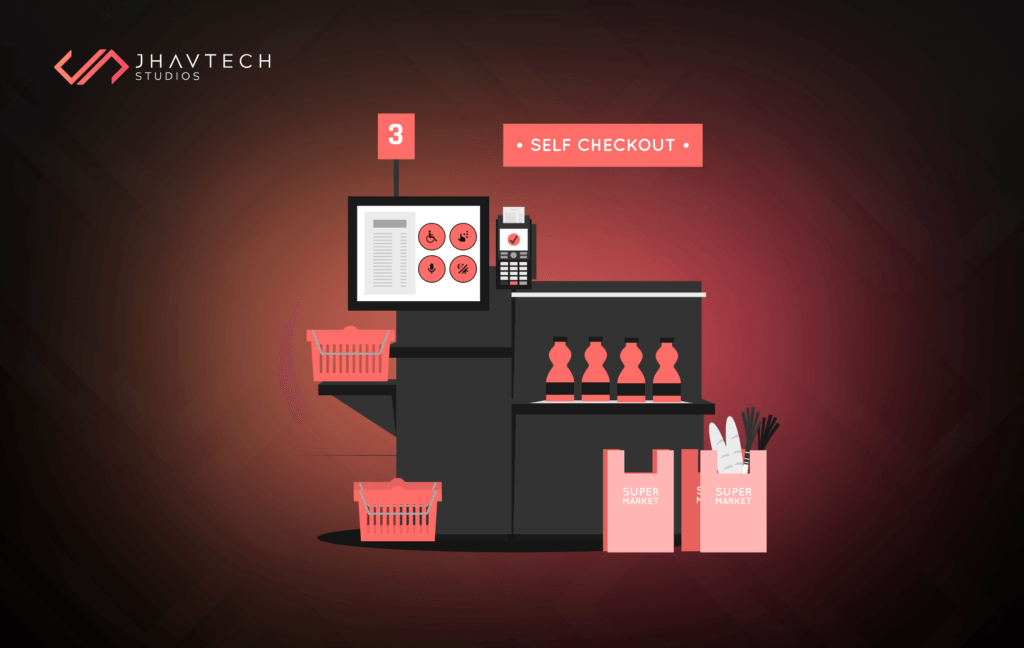
In general, most of the accessibility issues relating to kiosks fall into two categories:
Kiosk Setting and Structure
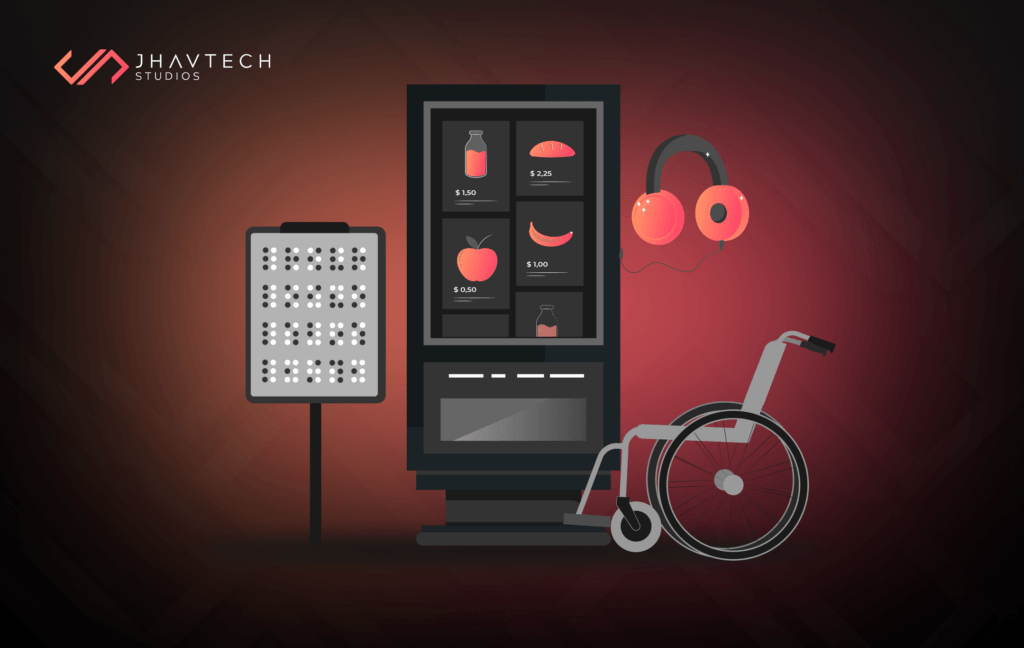
This pertains to the location of the kiosk and providing ease of access for all users including the elderly, those in wheelchairs, and people with impaired vision. This also relates to the physical structure of the kiosk, including the height of the screen and keyboard, the provision for headphone connectivity, among others.
Screen Interface Design
This includes the size and color of the font and buttons, ease of navigation, and the provision of audio prompts and audio alternatives for the information conveyed by text or images. There must also be a feature that will allow users to increase the time required to complete a task, as well as the ability to review, revise, and verify any transaction.
Considerations When Making Kiosks More Accessible
The following are useful when integrating accessibility to kiosks:
Hardware Design
- All controls must be tactilely distinguishable. For instance, it should be easy to find the audio headphone jack, either by touch or by a tactile symbol.
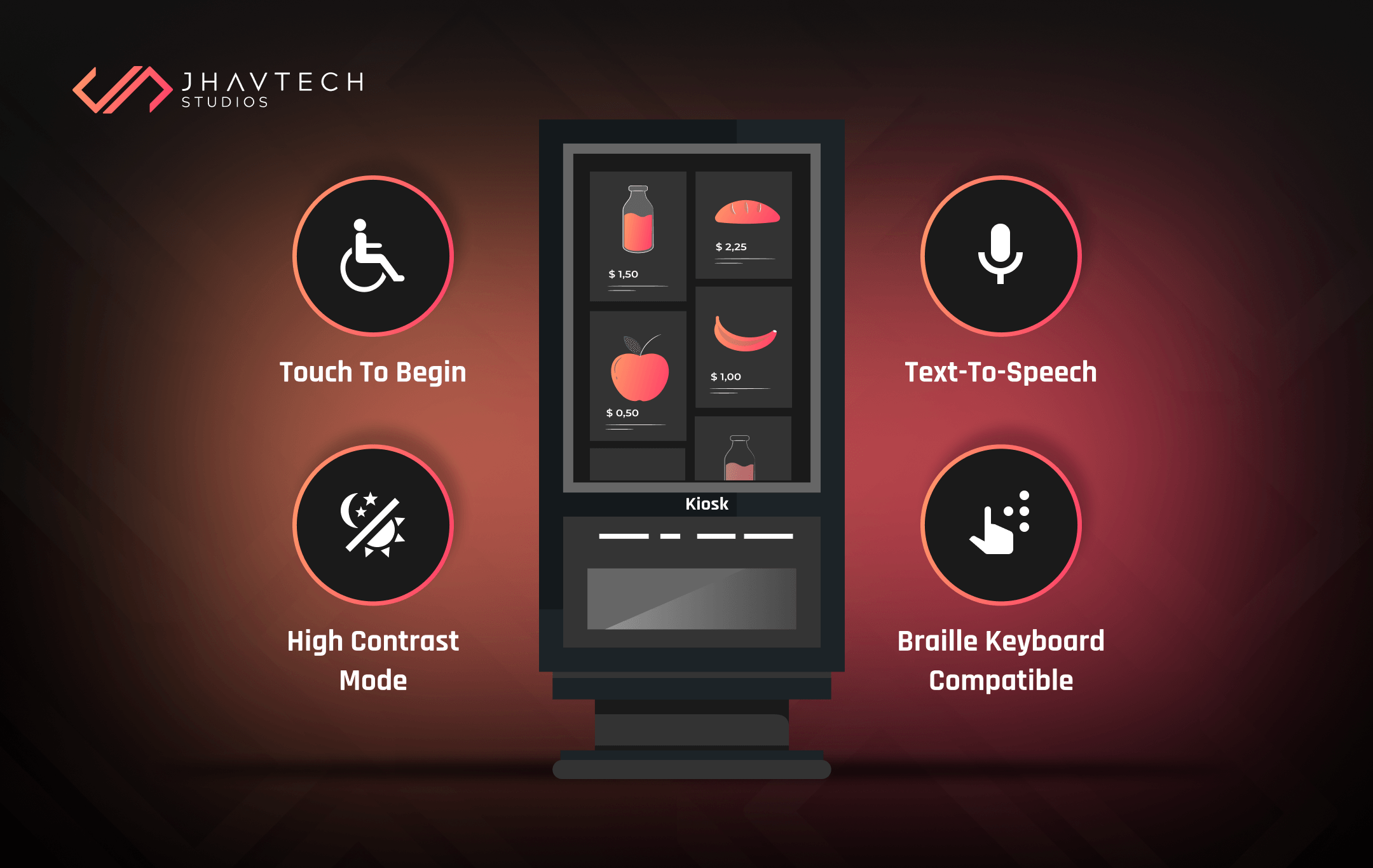
- Controls must have braille, large print labels, or raised lettering. It may not be necessary to put braille labels on a QWERTY keyboard, but it would be useful to label special function keys that are not standard on a conventional one.
- Also under consideration is the placement of the kiosk. There must be sufficient space around the kiosk for people using assistive mobility devices. A person in a wheelchair will need more physical clearance in order to maneuver when approaching or leaving the kiosk.
- A clear floor or ground space is also a must. Access to the controls must be positioned within the required distance on the vertical plane. The height of the screen and controls must be appropriate for different types of users. Note that a person in a wheelchair will be seeing the screen from a lower angle as compared to someone who is standing. Adjustable height kiosks are available if there’s a need to have fully accommodating hardware.
Interface Design
- Determine the types of controls required to use the interface. For instance, a touch screen may be needed along with a keyboard in order for someone to enter text. A mouse, track ball, or touch pad must be available if a pointer or cursor is needed to use the interface. Someone with motor skills impairment may have a tough time using a touch screen but may have no issues using a track ball or touch pad pointer.
- Determine if the interface needs to provide speech output. For users who are blind or with visual problems, speech output may be the only way to interact with the kiosk. This feature (text-to-audio) must automatically activate when headphones are plugged into the jack. If not, there must be a way, like a braille sign, so the user knows how to activate the feature.
- Determine if the interface’s visual presentation can be customised. For instance, it would be useful for visually impaired users if they can zoom in or out to modify the size of the font.
- Determine if the interface resets to a default setup after each person uses it. The interface must always return to a standard configuration after every user completes their tasks.
Software Requirements
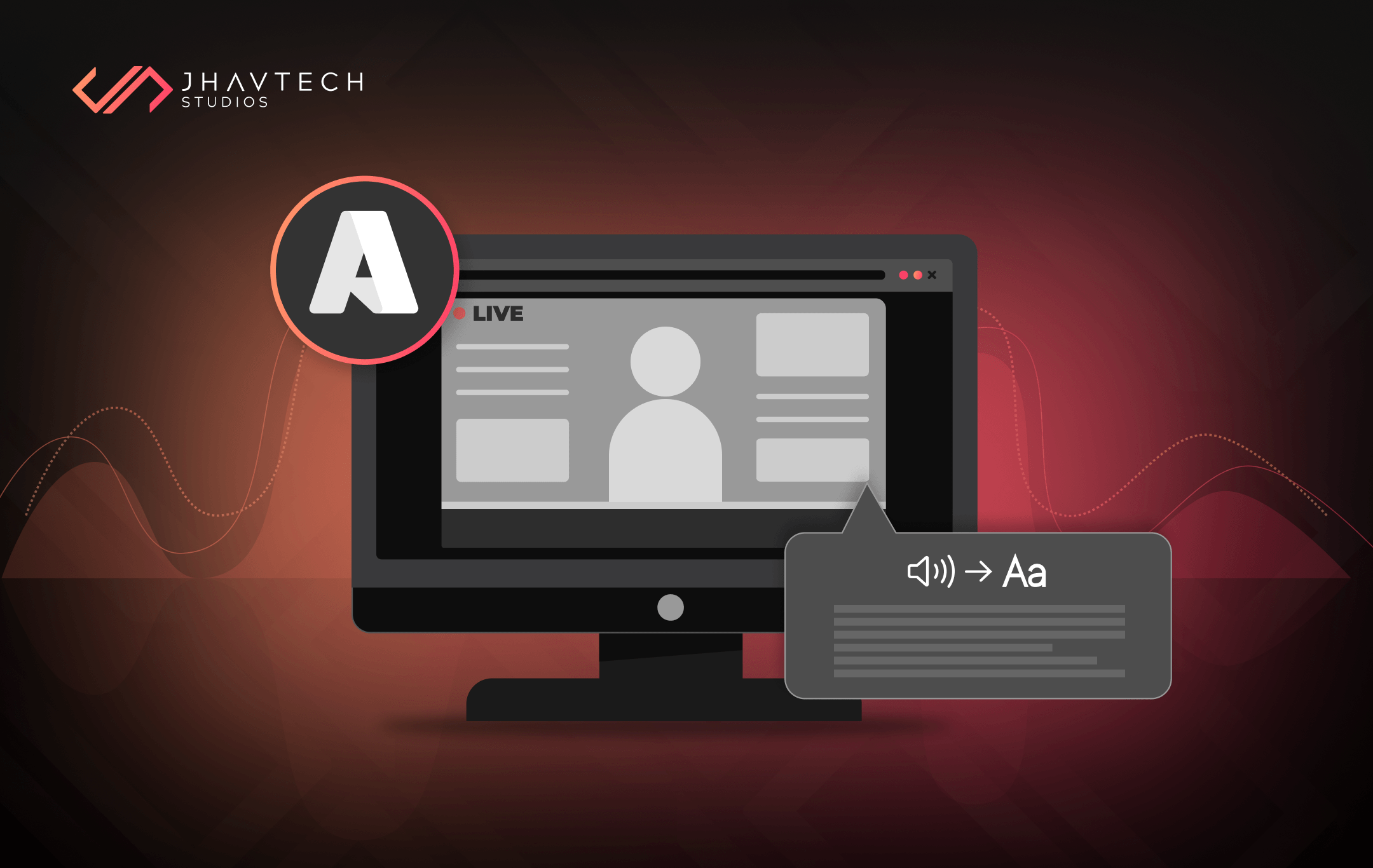
- Assistive listening systems are needed to make the kiosk usable for people with hearing impairments. Appropriate kiosk system software supports external device access and integrates programs that go from voice to text into your kiosk deployment. Text and images must be vocalised by the software, and alt text set to images to make them identifiable by users who can’t see the graphics.
- Aside from incorporating things like alt text, there are several design considerations when developing a kiosk software. For instance, having sufficient contrast between text and background will make the former more distinguishable.
- It is generally recommended that text characters be formatted without italics, script, or other complex frills that will make the text less legible. Character height and proportions also have specific guidelines, though using software with zoom functionality and ability to enlarge font is advisable.
- When digital forms are used, they must allow individuals using assistive technology to access the information required. This means that everyone must be able to enter information and navigate through the system. It can be achieved in different ways, though a common method is thru a software navigation keypad designed for users with mobility or sensory impairments. With such software, specific keys and key combinations can be set to provide simpler navigational steps. In this case, the keypad requires software integration. It can be configured to work with an existing application and can be set to work with a custom app designed to reduce the number of steps required to navigate to certain pages.
Parting Words…
Aside from the considerations discussed above, it is important to make sure that the kiosk – including both software and hardware – is tested by people with different types of disabilities. This may involve testing at various phases during the design and development process. It is also important to bear in mind that modern kiosk software is only as good as the ability to use them. This is where accessibility and assistive technologies come into the picture because they can deliver an independent and meaningful experience for all users.
Finally, it is imperative to consider an accessible design and which assistive technologies to integrate right from the get go. It is much more expensive and inefficient to add accessibility and assistive technologies after a kiosk has been developed or is already in use.
Our kiosk consultants here at Jhavtech Studios can assist with kiosk software design and development, usability testing, and reviews for accessibility. Feel free to contact us and we’ll be happy to assist.

.webp)
.png)
.png)
.png)

.png)
.png)
.png)
.png)
.png)
.png)
.png)
.png)
.png)
.png)
.png)

.png)
.png)
.png)
.png)
.png)
.png)
.png)

.png)
.png)
.png)
.png)
.png)
.png)
.png)
.png)
.png)
.png)
.png)
.png)
.png)
.png)
.png)
.png)
.png)
.png)
.png)
.png)
.png)
.png)
.png)
.png)

.png)

.png)

.png)



.png)



.png)




.png)

.png)


.png)

.png)
.png)
.png)