.svg)
.svg)


Top 10 Code Review Mistakes That Let Performance Issues Slip
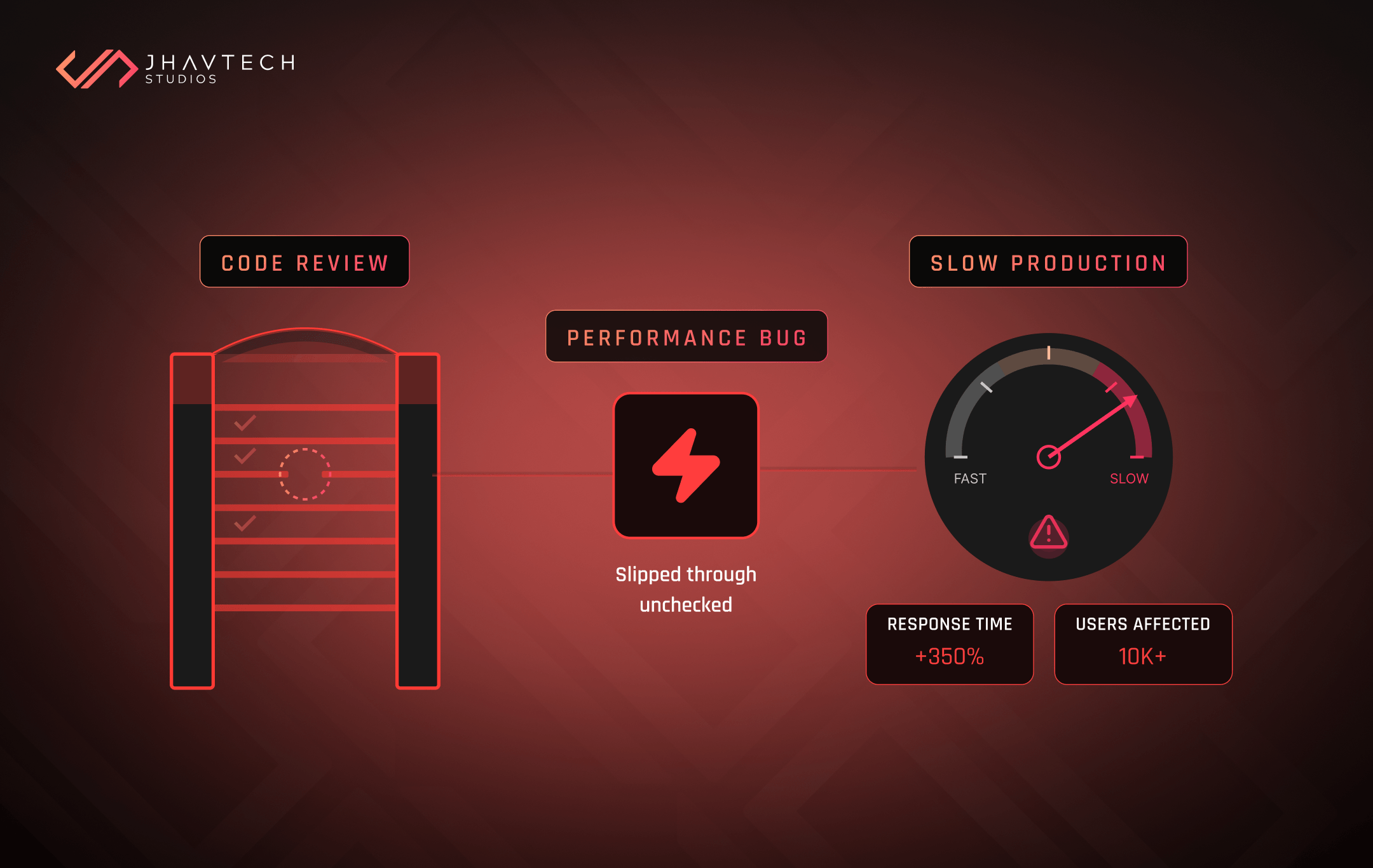
If you’re a technical leader, a development manager, or a DevOps engineer, you already know the sinking feeling. It’s that moment when your new feature gets pushed to production, only to cause a cascade of slow loading times, timeout exceptions, or sudden memory spikes. The application, which looked perfect in staging, is now sluggish, frustrated customers are complaining, and your system feels fragile.
What went wrong?
Chances are, the fault lies not just in the code itself, but in the process designed to catch those flaws: the code review.
Think of it as your final quality checkpoint... the exhaustive pre-flight inspection before the rocket launches. It’s not just about catching simple typos or making sure semicolons are in place. It is a mandatory quality assurance activity where developers collectively ensure the code is robust, maintainable, and designed for speed and scalability. Without a rigorous, focused review process, you’re essentially running a building inspection that only checks the colour of the paint, ignoring structural integrity and electrical wiring. When done incorrectly, the whole system suffers long-term.
We want to walk you through the top 10 mistakes that high-performing teams, especially here in Australia, miss during the review process, allowing performance-killing issues to sneak into production and sabotage your business outcomes.
Why Your Code Review Process Isn't Catching Bottlenecks
The primary goal of a thorough code inspection is to save time and money by detecting issues earlier in the development lifecycle. Why is this early detection so critical? Because issues found in production are exponentially more complex and expensive to repair than those caught during development. But too often, this foundational process is sabotaged by common developer pitfalls that turn the review into a frustrating, ineffective formality.
The Hidden Cost of Code Debt
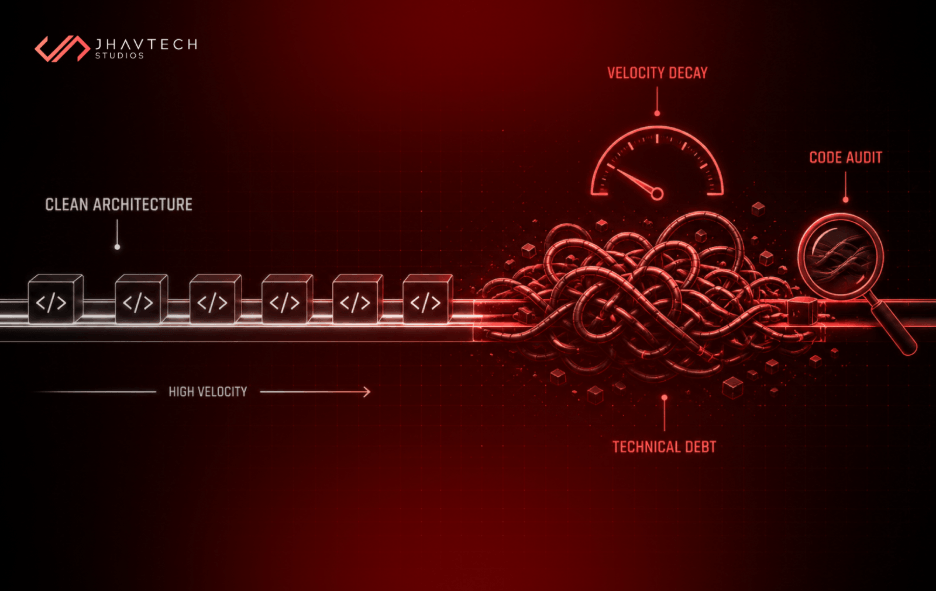
When performance issues slip past review, they accumulate as "technical debt", which is essentially a metaphorical debt that accrues interest in the form of extra rework, debugging time, and system fragility. This debt severely hinders your ability to scale and innovate.
The figures underscore the urgency of addressing this systemic failure. According to recent estimates, the cost of poor software quality in the United States alone has grown to at least $2.41 trillion, and this trend continues to escalate. For businesses and organisations, the impact is acute: poorly written code and unpatched vulnerabilities are a major risk factor, with the average cost of a data breach standing at $4.45 million in 2023. If your current review process is failing to catch these systemic errors, you are effectively trading quick delivery today for a crippling cost tomorrow, often leading to the eventual need for a complete software project rescue down the line.
The Top 10 Mistakes That Allow Performance Flaws to Slip
Mistake 1: Skipping Performance Optimisation Code Review
Many teams conduct a code review for correctness, compliance, and readability, but they stop short of dedicated performance optimisation. This is a massive missed opportunity. A truly professional review involves dedicated effort to analyse algorithms, data structures, and how efficiently resources are used.
The review should look beyond mere functionality and ask the hard questions: Is this the most efficient algorithm (e.g., is it O(n log n) instead of a performance-killing O(n²))? Are we leveraging caching in the right place to reduce latency? Are the data structures appropriate and efficient for the operation being performed? A proper requires a mindset shift: you must proactively look for performance regressions, rather than reactively fixing them after the fact.
Mistake 2: Ignoring Code Quality Metrics
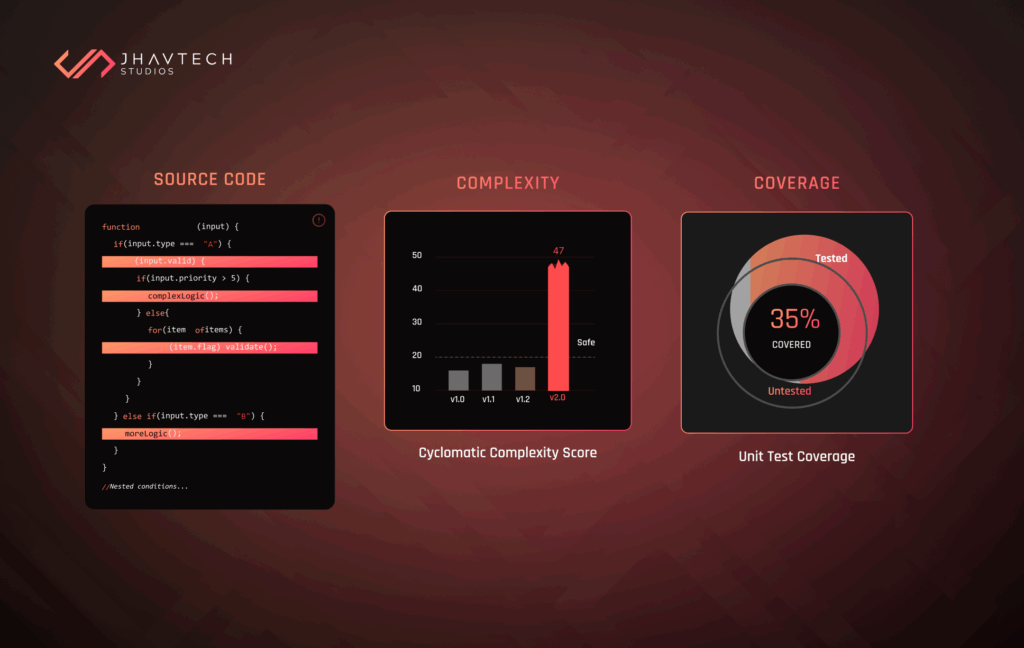
Developers often overlook quantitative measures that predict future performance issues. While you can manually spot obvious mistakes, code quality metrics provide objective data points that ensure code maintains consistency and maintainability, which is vital for long-term stability and efficiency. Key metrics you should be tracking and discussing during review include:
- Cyclomatic Complexity: This metric quantifies the complexity of a program's control flow. High complexity leads to code that is inherently more difficult to test and debug, often hiding significant performance code smell and making future optimisations nearly impossible.
- Test Coverage: Ensuring sufficient unit and integration tests are present guarantees that if a change is merged, its impact on the system’s performance and stability is measurable.
Ignoring these quantitative aspects means you are relying on gut instinct instead of hard data to maintain a healthy and consistent codebase.
Mistake 3: Reviewer Fatigue and Large Pull Requests
It is a documented best practice to keep changes small and focused. When a developer submits a pull request (PR) with hundreds of lines of code, the reviewer often suffers from "review fatigue." Critical issues, including subtle performance bottlenecks, get missed because the human brain simply cannot maintain intense scrutiny over massive changes.
To combat this, teams should set strict limits, often restricting PRs to only a few hundred lines of code or less, and setting time limits (e.g., no more than an hour on a review). This ensures the reviewer meticulously checks the part of the code tied to the immediate change, rather than scanning a massive, unmanageable block.
Mistake 4: Missing the N+1 Query Anti-Pattern
One of the most destructive performance issues is the N+1 query problem, and teams regularly fail to catch it during code inspection.
The N+1 problem occurs when code that should execute a single, efficient database query unexpectedly multiplies into dozens of database calls—for example, fetching related records one at a time within a loop. This pattern drastically increases API response times and is a major factor in slow loading times. If these issues are present, you will see immediate red flags in your server health check logs, such as high CPU usage and I/O wait times, indicating that the database is struggling to keep up under the sudden load.
The search term ‘How to spot slow database queries during code review’ indicates that developers are actively looking for specific techniques here. Reviewers must look for code that executes database operations inside loops or uses correlated subqueries. They should look for inefficient join logic and encourage the use of batching techniques (like a DataLoader pattern) to consolidate multiple database calls into a single, efficient query. Even without executing the query, a dedicated reviewer can spot these patterns in the code, or check system diagnostics for previous executions, looking for high total_elapsed_time.
Mistake 5: Failing to Check Memory Safety and Leaks
Memory leaks are insidious performance killers. In applications, especially in mobile app development, a leak occurs when the application holds onto objects (like screens or large images) that are no longer needed, preventing the system from freeing that memory. This causes slow computer performance, battery drain, and intermittent crashes for end users.
The code review should specifically focus on memory management best practices, such as checking for the avoidance of storing large or temporary data in global variables. Moreover, unmanaged memory leaks can compound database performance issues. When large memory grant requests occur, index pages may be flushed from the buffer cache, forcing subsequent query requests to retrieve data from the significantly slower disk, leading to further performance degradation.
Mistake 6: Focusing on Style Over Substance
The tone and focus of a code review matters. When reviewers spend all their time nitpicking arbitrary formatting details (e.g., "Why is there a space here?") that automated tools should handle, they introduce friction and waste valuable time and energy. This hyper-focus on style distracts from the core architectural or performance-related questions.
As one engineer noted, if a style rule isn't automated, you're wasting time enforcing it manually. A professional review should prioritise major issues like logic, design, security, and performance, leaving style to automation and fostering a positive, constructive environment.
Mistake 7: Lack of Automated Performance Checks
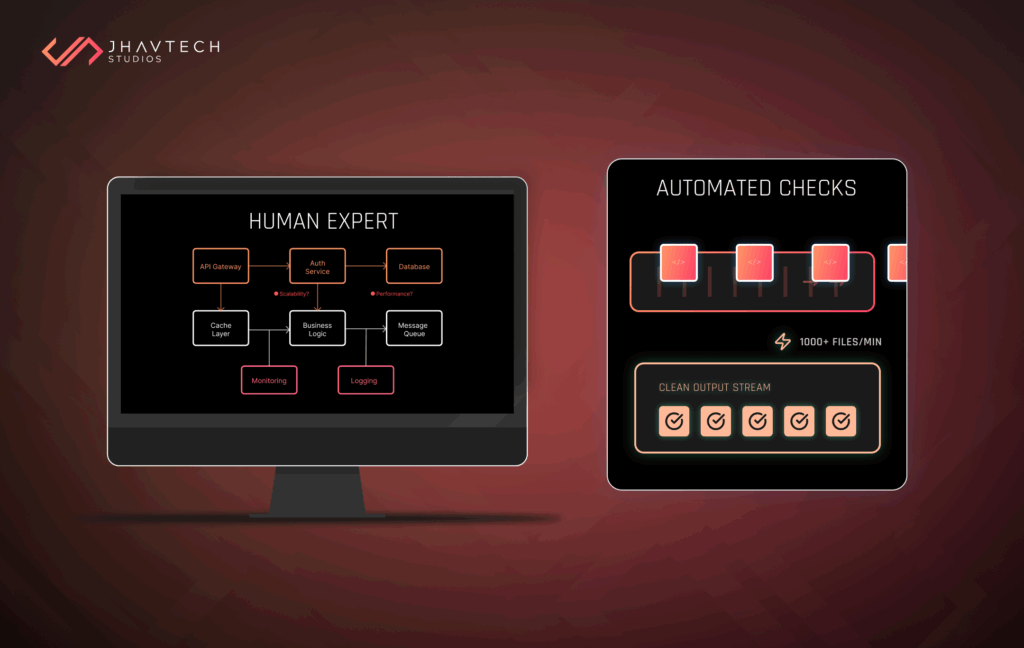
Relying solely on manual code audit is an outdated strategy, especially given the sophistication of modern applications. Modern DevOps solutions and practices demand the integration of automated tools that run linters, security scanners, and performance testing frameworks against every pull request. These tools can flag potential performance regressions by comparing the new code’s resource usage against established benchmarks before a human even looks at it.
For instance, the development of AI Code Review Assistants is designed to automatically analyse code structure and validate compliance, freeing up the human reviewer to focus entirely on the complex logic and deep performance implications that machines might miss.
Mistake 8: Treating Performance as an Afterthought
Performance optimisation should be incorporated into the development process from the beginning, not patched in at the end. A crucial code review mistake is failing to enforce a culture of regular performance testing. This includes asking developers to run load testing, stress testing, and benchmarking tools against their changes to proactively detect and address bottlenecks. If this step is consistently missed, it indicates a systemic failure in the company's IT consulting and development standards. The code audit must act as a gate, demanding evidence of performance testing for high-risk changes.
Mistake 9: Ignoring Client-Side Efficiency
Application speed is not just about the backend; client-side delivery can cause long loading times and poor user experiences. Reviewers often miss obvious inefficiencies related to asset delivery and browser performance. Key checks related to UI/UX design should include:
- Are images and media compressed efficiently? (e.g., using formats like WebP).
- Is the code minified (stripping extra characters from HTML, CSS, and JS) to reduce file size?
- Are we leveraging a Content Delivery Network (CDN) to serve files from a location closer to the end users?
These seemingly small details are critical for technical performance and improving the user experience, especially in our high-traffic, smartphone-dominant digital market.
Mistake 10: No Code Review Checklist Catching Performance Issues
Finally, the biggest process failure is having no formalised, performance-focused checklist at all. A comprehensive checklist ensures consistency and prevents high-impact items from being forgotten.
The checklist should explicitly include components that verify functionality, security, and, crucially, performance and efficiency. For teams operating in the Australian landscape, the checklist should have specific steps dedicated to evaluating memory usage, checking for opportunities for caching, and reviewing database logic to ensure local applications are fast and reliable. By standardising this process with a formal code review checklist catching performance issues, you guarantee that every piece of code is held to the same high standard of quality.
Elevating Your Code Review Practice
The difference between a fast, reliable application and one requiring costly, emergency fixes often comes down to the quality of your code audit.
By focusing your reviews on code quality metrics, ensuring a dedicated performance optimisation code review effort, and implementing a formal checklist to guide your team, you can drastically reduce the amount of technical debt your organisation accrues. By adopting automated tools and integrating DevOps principles, you can ensure that best practices are enforced proactively.
If you suspect your current development workflow is suffering from these blind spots, Jhavtech Studios is here to help. We offer a free code review service designed to audit your existing code and identify the hidden performance bottlenecks, security vulnerabilities, and process weaknesses before they lead to catastrophic failure.
Contact us today to strengthen your development process and ensure your applications are built for speed and stability.




.png)

.png)
.png)
.png)
.png)
.png)
.png)
.png)
.png)
.png)
.png)
.png)


.png)
.png)
.png)
.png)
.png)
.png)
.png)
.png)
.png)

.png)
.png)
.png)
.png)
.png)
.png)
.png)
.png)
.png)
.png)


.png)
.png)
.png)

.png)
.png)
.png)
.png)

.png)
.png)
.png)


.png)
.png)
.png)


.png)

.png)


.png)


.png)





.png)



.png)







.png)

.png)




.png)


.png)


.png)
.png)