.svg)
.svg)


Cross-Platform Mobile App Development: Xamarin v/s Flutter v/s React Native
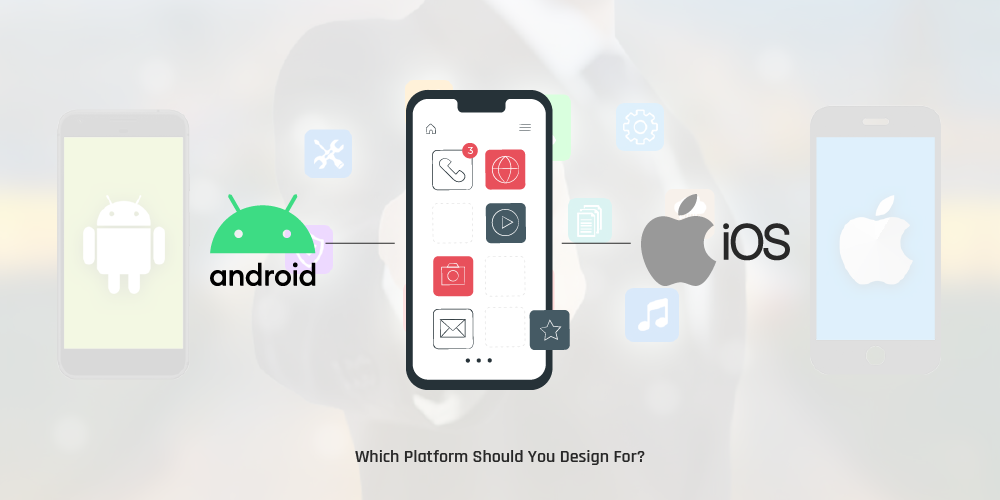
When it comes to mobile app development, there are two kinds of applications: Android and iOS. The former is developed using Java and Kotlin while the latter uses Swift and Objective-C. Both Android and iOS apps are developed to deliver the best possible performance.
However, if we take into account how the apps are designed and built, one thing is for certain: the development process is expensive and time-consuming. The reason behind this is that the same code needs to be written twice. The solution to this pitfall is cross-platform mobile app development. It allows developers to write a piece of code that works seamlessly on multiple platforms.
Using the same code and a single technology stack means that instead of making two or more versions of a mobile app, each written with the native language for each platform, developers can write the code once and then use it on several platforms right away. The single shared codebase will allow you to have the same look and feel across different platforms.
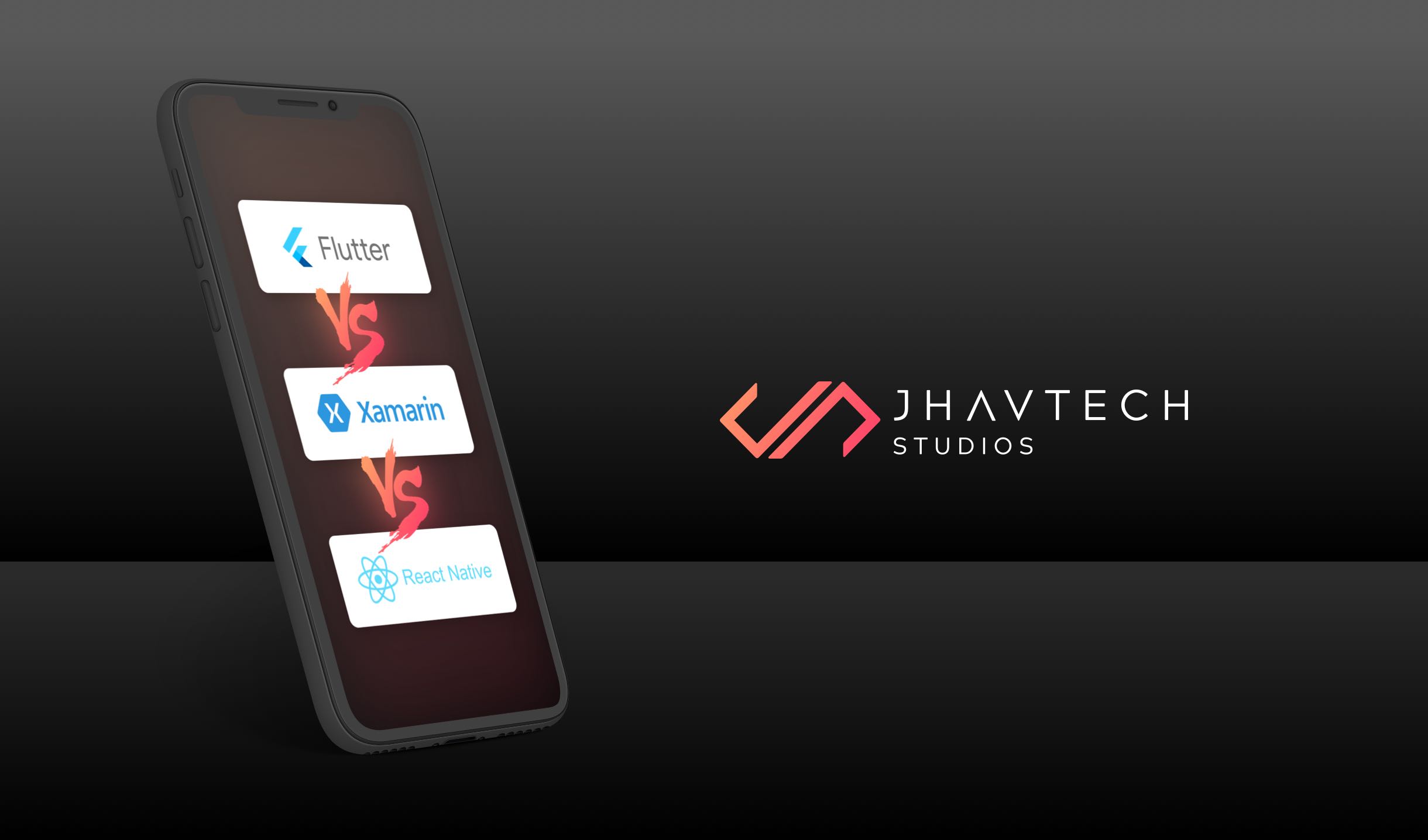
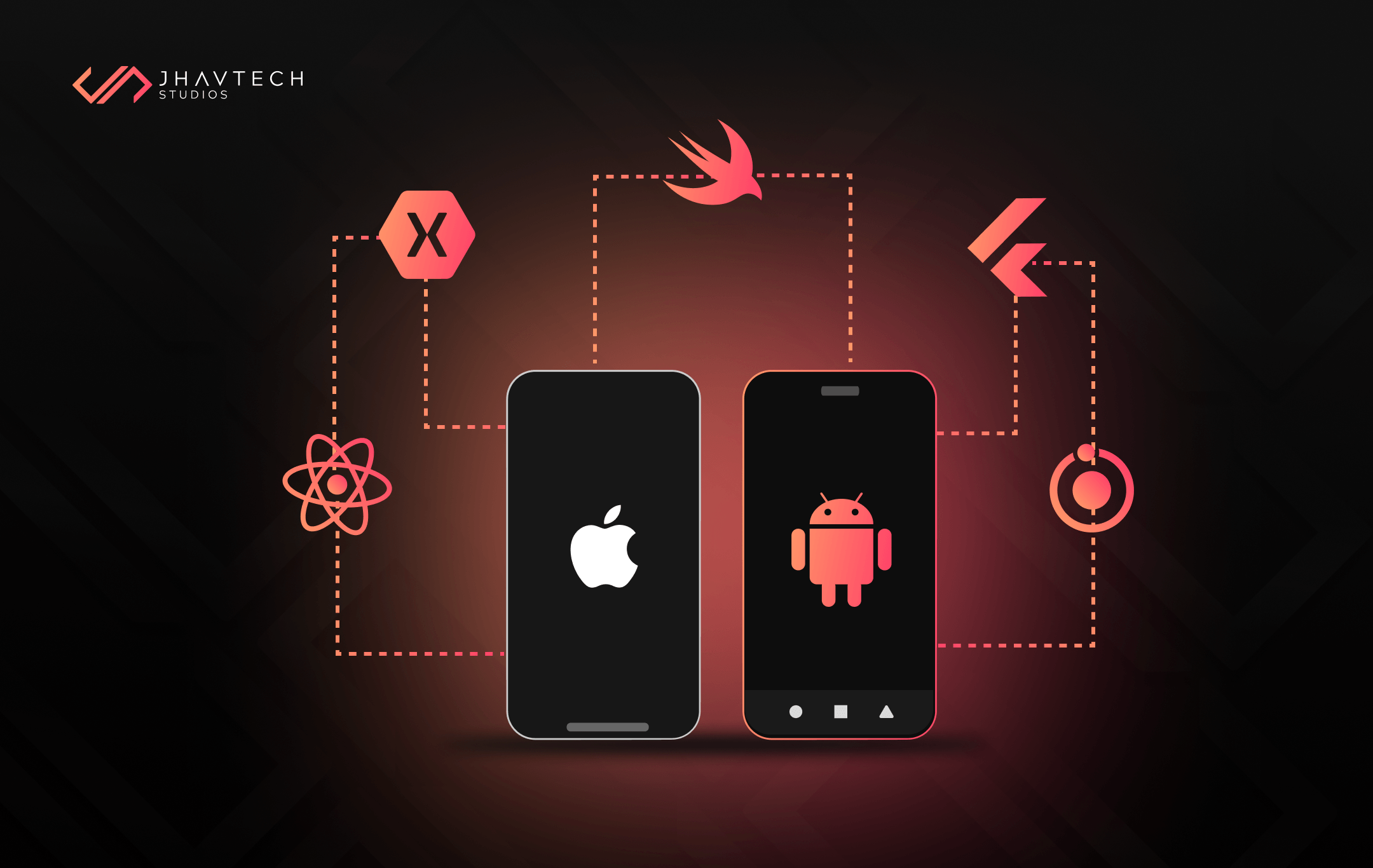
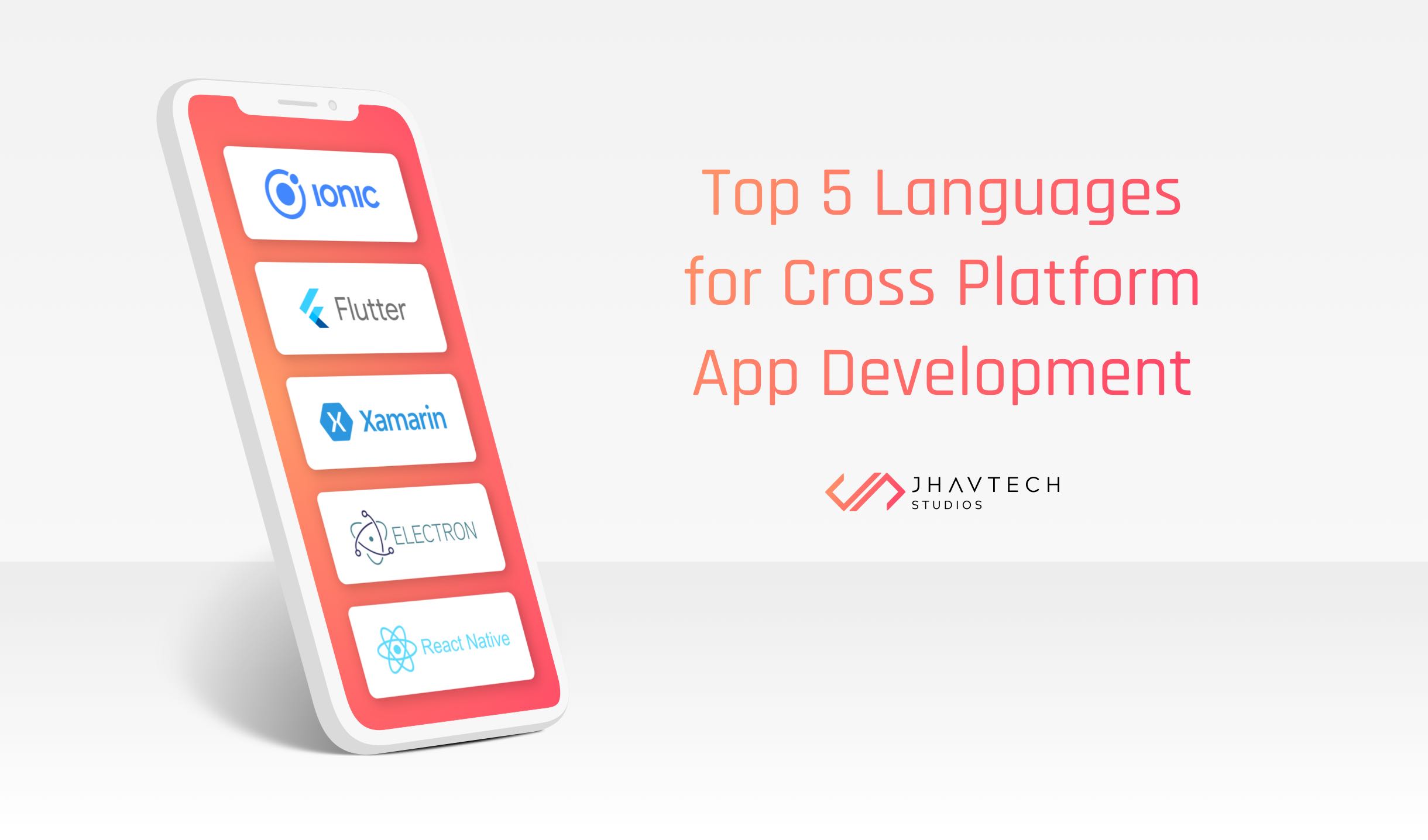
In this post, we’ll take a close look at three of the best cross-platform mobile app development frameworks in the market today: Xamarin, Flutter, and React Native. There’s a big battle brewing among these three and it’s making developers weigh the pros and cons to select the best fit for their projects.
Xamarin
Released in 2011, Xamarin is the oldest in the group. It was acquired by Microsoft in 2016 and integrated into the .NET platform. In a nutshell, Xamarin is an open-source C#-based framework that allows mobile app development for Android and iOS from a single codebase using C# and XAML.
Xamarin gained popularity for its exceptional performance as attested by the more than 15,000 businesses and companies relying on it. Some of the more notable ones include Alaska Airlines, UPS, Bosch, BBC Good Food, Du Pont, Kelloggs, Kimberly Clark, JetBlue, Pinterest, Slack, and The World Bank.
There are two ways of creating cross-platform apps using Xamarin.
- Forms will allow you to map out a visual interface once, integrate C# logic, and share the codebase to iOS, Android, and Windows with a few tweaks to the code. This means the backend and UI code are used in tandem for all solutions.
Xamarin.Forms are ideal if sharing code is more important than having a custom user interface. It is best used for mobile apps that demand minimal platform-specific functionality. On a side note, it is scheduled to be merged with .NET in November this year to form a Multi-Platform App UI.
- Xamarin Native has a separate set of tools for iOS, Android, and Windows development. The codebase is 70% shareable and adjusted to suit specific hardware requirements. The UI code is specific for every solution, but the backend is shared.
Xamarin Native is ideal when the custom user interface is more important than the sharing of code. It is best used for mobile apps with interactions that demand native behavior.
Xamarin Advantages
The pros of using this cross-platform mobile app development framework include:
Peerless Performance: Mobile apps developed using Xamarin are known for their near native-like performance. The overall look and feel of Xamarin apps are as close to native as you can get.
Seamless UX: Xamarin.Forms allow you to take full advantage of standard interface components by providing templates so you can reuse your code across multiple platforms without compromising the app’s performance and maintainability. If needed, you can use Xamarin. Android and Xamarin.iOS for manual customization.
Xamarin offers tools that will allow you to make the near-native user experience even closer to 100%. You can use Xamarin Forms to create native code for each OS or ‘translate’ app elements across different platforms.
Full Development Ecosystem: All you need are C#, .Net, and Microsoft Visual Studio to build Xamarin mobile apps. This makes Xamarin one of the most complete cross-platform mobile app development frameworks in the market today.
Testing Tools and Microsoft Support: Xamarin provides a set of tools to test for issues. You can use its Test Cloud function to test across 2,000 devices and guarantee the best possible quality regardless of who is using the app. And since Xamarin is part of the software development package of Microsoft, you get learning opportunities, continuous support, and platform stability.
Xamarin Disadvantages
Platform-specific Code: You may have to rewrite in native code certain parts of the user interface in your mobile app. This means you’ll need some experience in native programming languages like Swift or Objective-C for iOS, and Java or Kotlin for Android.
Delay in Updates: Since Xamarin is owned by a tech giant (i.e. Microsoft), updates don’t come up quickly, so you may not be able to immediately use the latest features of the upcoming iOS or Android update. In addition, when new platform updates or features are released, there’s typically a delay until such changes are reflected in Xamarin tools, and this may cause problems with your mobile app.
Heavy Graphics: In general, Xamarin is superb for mobile apps with a simple user interface. But, developing complex apps may not be advisable because you’ll need to allow a significant amount of time writing platform-specific code, which is counterproductive and defeats the purpose of using Xamarin.
Large Bundle Size: Xamarin apps contain a package that includes the app, the libraries, the Mono runtime, among others. This makes them larger than native apps as they can add 5 megabytes for release builds and around 20 megabytes for debug builds. The large size leads to slower download and installs times.
React Native
React Native came to life in 2015 during the internal hackathon at Facebook. This open-source, cross-platform mobile app development framework brings the React approach to the realm of mobile apps. A single codebase is written in JavaScript and subsequently compiled into native applications.
JavaScript is by far the most popular, dynamic, and high-performance language. React Native combines its benefits with React JS. In addition, it allows you to write code in Java, Obj-C, or Swift when needed. With React Native, you’ll be implementing JavaScript code in two environments: in most instances, React Native uses JavaScriptCore, the JavaScript engine that powers Safari. If you’ll use Chrome debugging, the JavaScript code will run within Chrome itself, interfacing with native code through WebSockets.
Aside from JavaScript, you can also use TypeScript – a programming language developed by Microsoft. It’s a syntactical superset of JavaScript that extends it by integrating type definitions, just like Flow. TypeScript is meant for the development of large apps and transcompiles to JavaScript. You can think of it as JavaScript, but with static type definitions.
If you intend to handle heavy operations, you have access to native libraries and modules in apps based on React Native. The modules work with native UI controllers which deliver a superb user experience that is comparable to native apps. It also uses ReactJS libraries and UI components that consolidate the UI development. App performance is also close to that of native apps since React Native utilises code elements that are specific to React Native APIs.
Here are some of the notable apps built using React Native: Facebook, Facebook Ads Manager, Facebook Analytics, Instagram, Pinterest, Skype, Uber Eats, Walmart, Tesla, Bloomberg, Discord, Artsy, Vogue, SoundCloud Pulse, Myntra, and Gyroscope.
React Native Advantages
Cost Saving and Maximum Code Reuse - You can use the same code for app deployment on both Android and iOS. This means significant savings in development time and cost. Development effort can be reduced by as much as 50%, and based on recent calculations, approximately 90% of the code can be reused.
Solid Performance for Mobile Environments – The architecture of React Native is well-tuned to mobile devices. It uses the Graphics Processing Unit (GPU) as compared to native platforms that are more ‘CPU intensive’. When weighed up against hybrid technologies – which used to be the only option for cross-platform development – React Native is exceptionally fast.
Live Reload / Hot Reload – This feature of React Native is something that you won’t find in native frameworks. It allows you to instantly see the result of the latest change you made to the code. You can immediately apply changes to the apps without having to recompile them.
If you have two screens opened – one showing the code and the other containing a mobile screen generated by the code – you can see there and then the effect of what you’ve changed in one screen, on the other screen.
Community-Driven – React Native was created by Facebook in response to the need of the developer community that was searching for a mobile alternative that will combine the power of the native React environment with the advantages of mobile app development. It is well supported and continuously updated by the development community. You can rely on the availability of a huge team of JS and native developers to share their knowledge, expertise, and massive catalogs of freely available components.
React-Native Disadvantages
Navigation Issues - Navigation developed in React Native is not flawless and not on par with native navigation.
Complex User Interface: React Native may not be your best bet when it comes to creating complex animation and transitions.
Restrictive: When you decide to use React Native, you better be sure that you’ll use it till the culmination of your project. Migration to other cross-platform mobile app frameworks will require a full rewrite.
Flutter
Unveiled by Google in May 2017, Flutter is an open-source, cross-platform mobile application development framework. It is used to build cross-platform apps for Android, iOS, Google Fuchsia, Linux, Mac, Windows, and the web from a single codebase.
It is the youngest among the three frameworks but it has already gained a lot of attention that it has emerged as one of the most popular cross-platform frameworks among front-end developers.
One of the main challenges of cross-platform developers with Xamarin and React Native is the limited support for customisation of native UI elements that are internally used in both frameworks.
Flutter addressed this problem by having its UI engine and UI components. They are rendered by Flutter itself and they look the same across different devices. This approach in UI development makes Flutter stand out, and it is also easy to build and update the UI, which is quite cumbersome when using other tools.
Some of the notable apps built using Flutter include Google AdWords, Google Greentea, Alibaba, AppTree, BetaBubs, Birch Finance, Hookle, OfflinePal, Reflect, and Topline
Flutter Advantages
Complete Development Ecosystem - It offers practically all that you’ll need for cross-platform mobile app development, including APIs, CLI tools, pre-built widgets, among others.
Quicker Time-to-Market - Flutter works faster than its alternatives. In most instances, a Flutter app needs at least two times fewer man-hours compared to an identical app built separately for Android and iOS.
Hot Reload – This feature provides for faster code writing as it allows you to fix bugs quickly through faster code implementation. Android and iOS developers typically need to write code, wait for it to compile, then be loaded into the device before viewing the changes. With Flutter’s hot reload, you can immediately see the effects.
Near Native App Performance - In most cases, Flutter app performance is indistinguishable from that of native app, and it’s even better in complex UI animation scenarios. The reason behind this is that unlike the approach of other cross-platform frameworks, Flutter does not depend on any intermediate code interpretation or representations.
Potential to Go Beyond Mobile - You can go beyond mobile app development because there’s already Flutter for Web and Flutter Desktop Embeddings. It is possible to run Flutter apps on browsers even without changes to the source code. There is also Flutter Octopus, which will allow you to simultaneously debug on multiple platforms. From a single codebase, you can come up with a solution that will work on mobile, the web, and also on Mac.
Flutter Disadvantages
Flutter is a new cross-platform mobile app framework and thus presents a few challenges:
Apps Tend to be Weighty - Flutter apps have bigger file sizes when compared to other cross-platform frameworks. You may have to compress images, reduce the number of packages and libraries used, and even refrain from using animation in favor of reducing app size.
Weak Support for iOS Features – Flutter is a Google product so you may expect that the support for iOS apps is not that great. If the SDK functions on Android work seamlessly, then there are issues with iOS. Moreover, iOS special features like Audio Description, Captioning, Guided Access, and VoiceOver are practically not implemented.
Migration Issues - Flutter uses Dart and the framework was created almost entirely from scratch. You will find it difficult to migrate Flutter projects to other cross-platform frameworks. You will have to rewrite everything.
Parting Words…
One fundamental aspect of cross-platform mobile app development is that there’s no one-size-fits-all design. At the end of the day, the choice of a particular cross-platform framework will depend on the specific requirements of your project. You can make the right decision by weighing up the drawbacks against the proven advantages of each framework.
Thanks for taking the time to read this article. If you find it useful, feel free to share it with your friends and colleagues. If you have any questions or feedback, please drop a note.





.png)
.png)
.png)
.png)
.png)
.png)
.png)
.png)
.png)
.png)
.png)


.png)
.png)
.png)
.png)
.png)
.png)
.png)
.png)
.png)

.png)
.png)
.png)
.png)
.png)
.png)
.png)
.png)
.png)
.png)
.png)
.png)
.png)

.png)
.png)
.png)
.png)

.png)
.png)
.png)

.png)
.png)
.png)

.png)

.png)


.png)


.png)





.png)




.png)






.png)

.png)

.png)

.png)

.png)
.png)