.svg)
.svg)


Master App Development: Build Apps Faster and Smarter with Flutter
.png)
App development is a complex and time-consuming process, especially when aiming to build high-quality, native applications for multiple platforms. However, the emergence of modern frameworks like Flutter has changed the game, enabling developers to streamline the development process without compromising on performance or user experience.
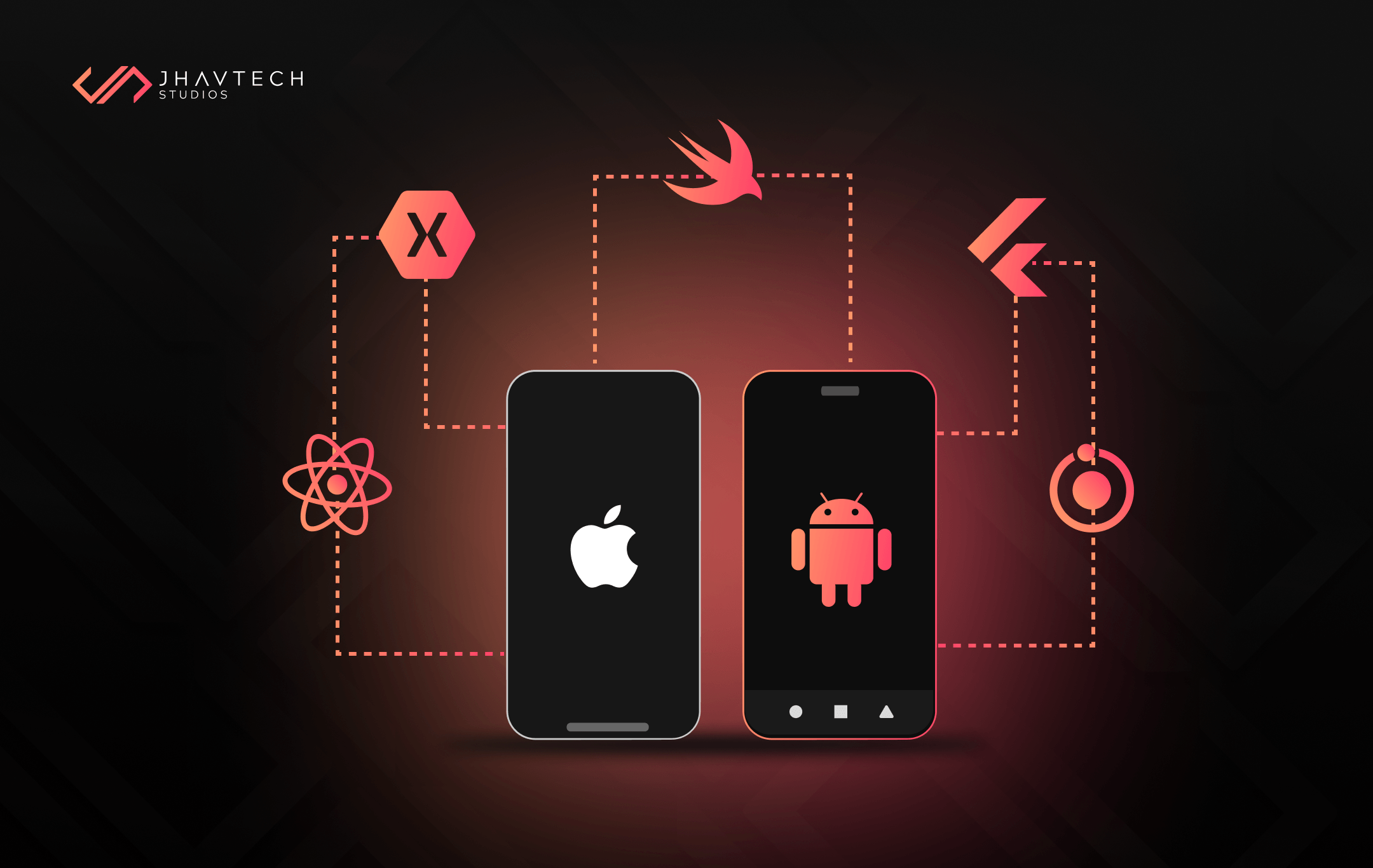
Flutter, an open-source framework by Google, has gained significant popularity in recent years, positioning itself as a leading tool for building fast, visually attractive, and natively compiled apps for both iOS and Android from a single codebase.
In this article, we’ll explore how Flutter revolutionises app development, its key features, and why it stands out from other frameworks. We’ll also provide insights into best practices and strategies for mastering app development with Flutter, as well as some essential resources for getting started.
Why Flutter is Revolutionising App Development
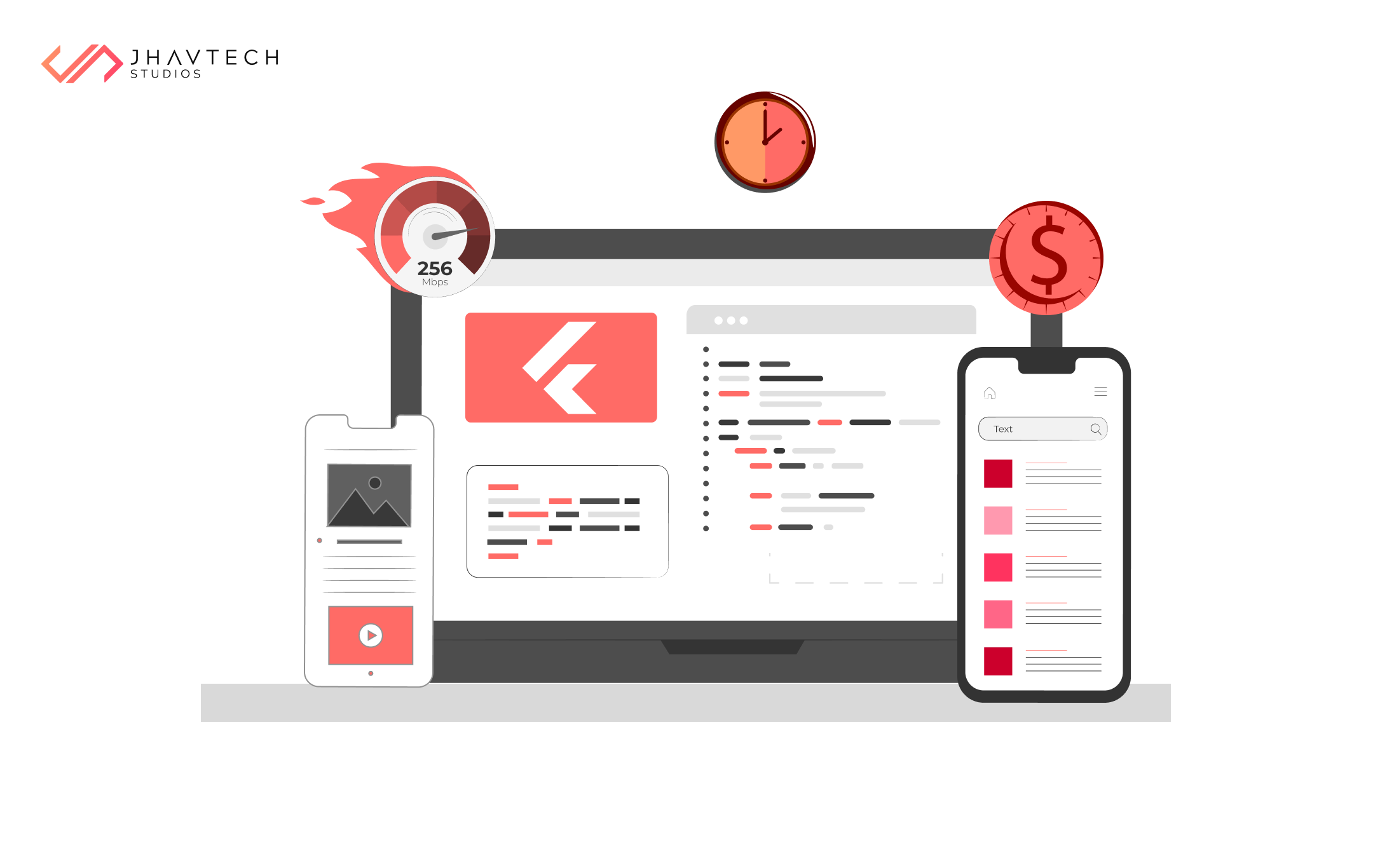
Traditional app development typically requires creating two separate codebases for iOS and Android, which can be time-intensive, expensive, and prone to inconsistencies between platforms. Flutter resolves these issues by allowing developers to build cross-platform applications with a single codebase. This dramatically reduces development costs and time while ensuring a consistent user experience across different platforms.
According to a 2023 Stack Overflow Developer Survey, Flutter ranks as one of the most loved frameworks, with over 50% of developers expressing interest in continuing to work with it . Google itself backs Flutter, ensuring continuous updates and community support, which has contributed to its rise in the tech industry. In 2024, Flutter also surpassed React Native in GitHub stars, signaling its growing popularity and adoption worldwide.
Key Features that Set Flutter Apart
1. Single Codebase for iOS and Android
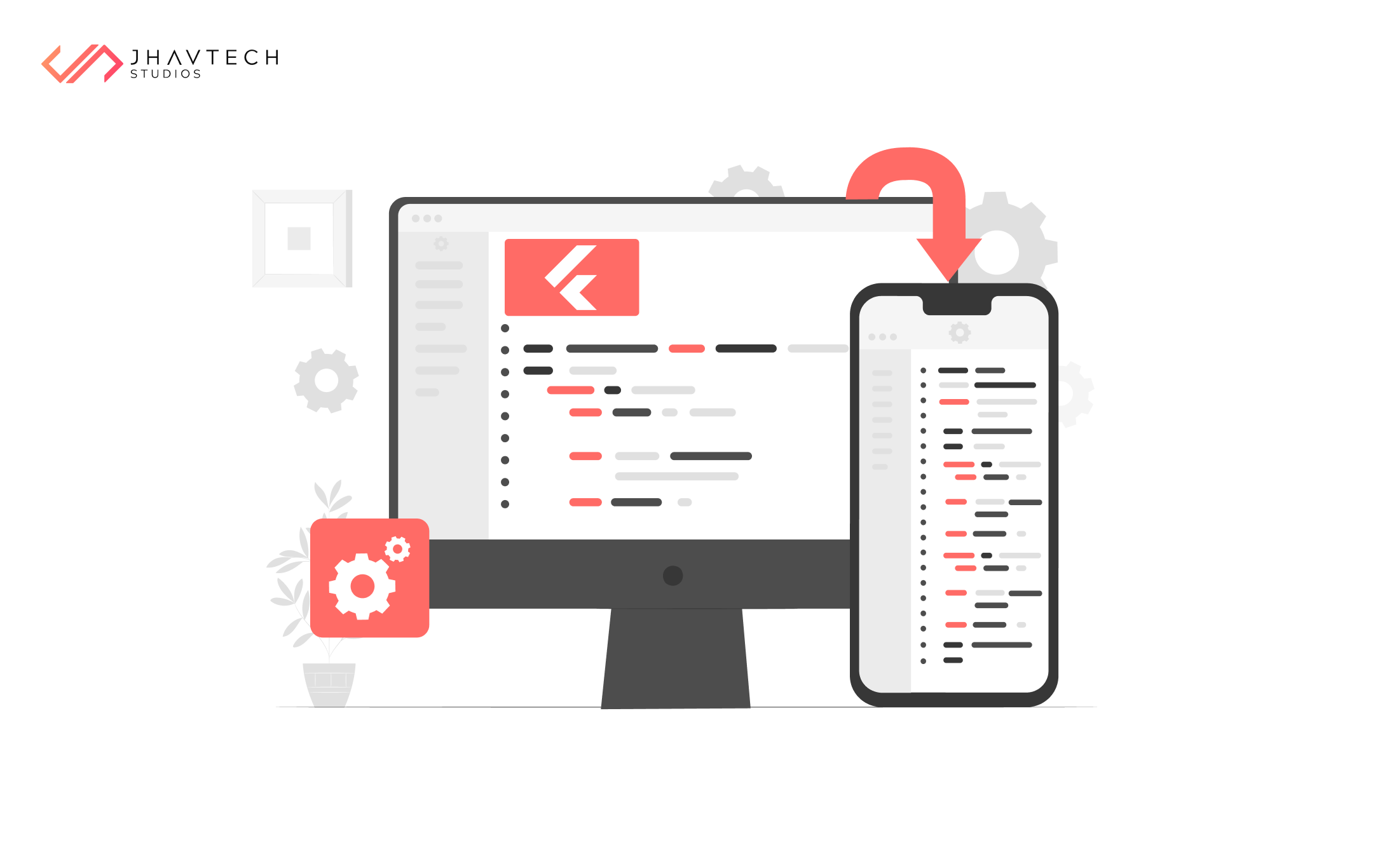
One of Flutter's main strengths lies in its ability to build apps for both iOS and Android platforms using a single codebase. This significantly speeds up the development process by allowing developers to write one set of code that works across multiple devices, ensuring uniform functionality and aesthetics without needing separate codebases for each platform.
2. Hot Reload
Flutter’s "hot reload" feature is a game-changer for developers, enabling them to see changes in real time as they code. This eliminates the need for app restarts after each code modification, dramatically speeding up the development cycle. Hot reload also makes testing and iterating on features quicker and more efficient, leading to a more streamlined development process.
3. Rich Set of Widgets
Flutter is built on a robust collection of pre-designed widgets that can be customised and combined to create stunning user interfaces. These widgets are pixel-perfect on any screen, ensuring consistent design across different devices. Whether you are building a simple app or a complex enterprise-level application, Flutter’s widget library offers the flexibility to create tailored UI experiences.
4. Native-Like Performance
Unlike other cross-platform frameworks, Flutter compiles directly to native ARM code, ensuring that apps run smoothly and efficiently. The framework also uses its own rendering engine, Skia, to provide consistent 60 frames-per-second performance. This makes Flutter apps indistinguishable from those built with platform-native tools, both in terms of speed and user experience.
5. Growing Ecosystem of Plugins
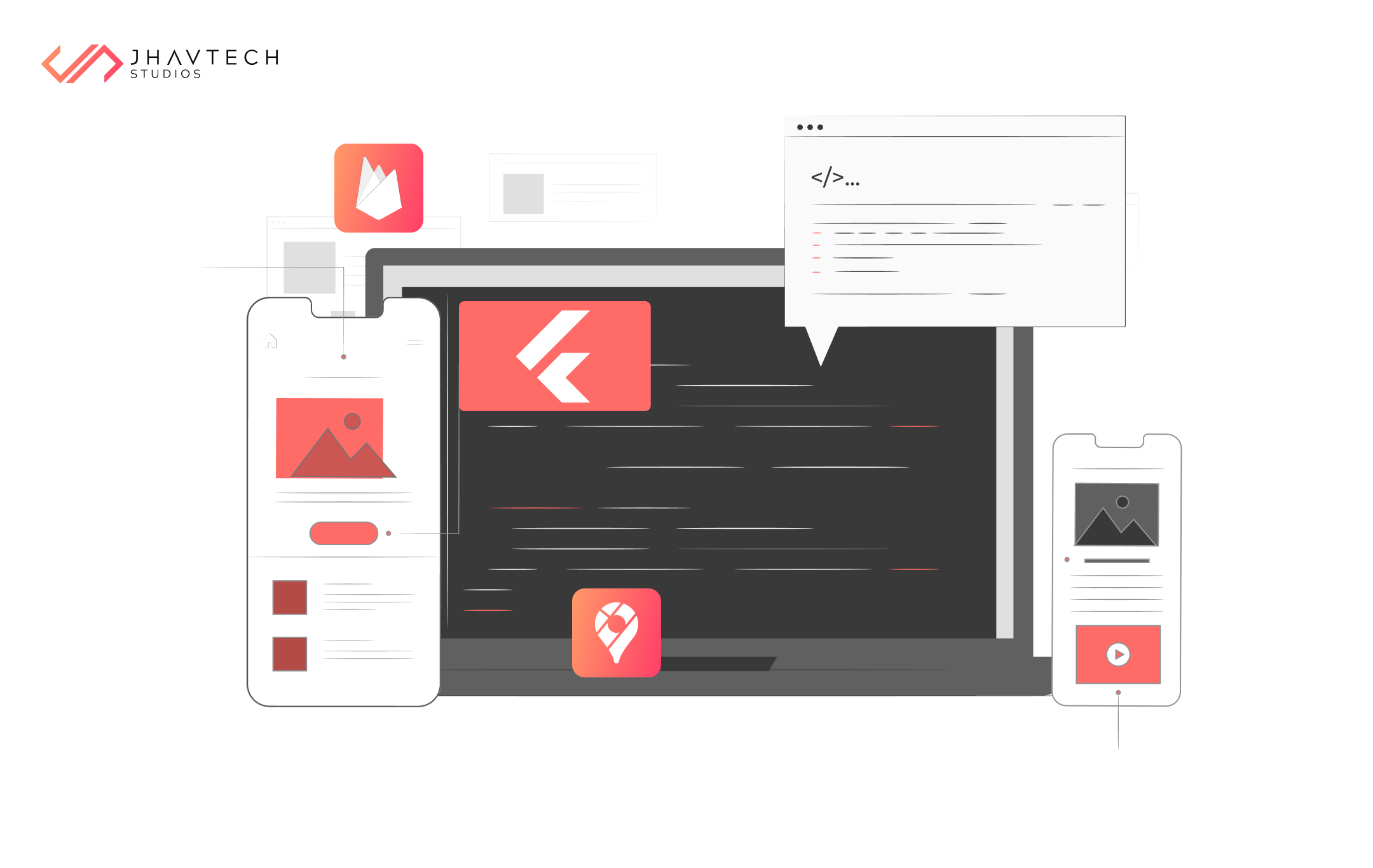
The Flutter ecosystem is rapidly expanding, with thousands of plugins available that integrate seamlessly with services like Firebase, Google Maps, and payment gateways. This extensive package library makes it easy to add complex functionality to your app without starting from scratch.
Flutter vs. Other App Development Frameworks
While Flutter is a relatively new entrant compared to frameworks like React Native and Xamarin, it offers some distinct advantages that make it a compelling choice for modern application development.
Flutter vs. React Native
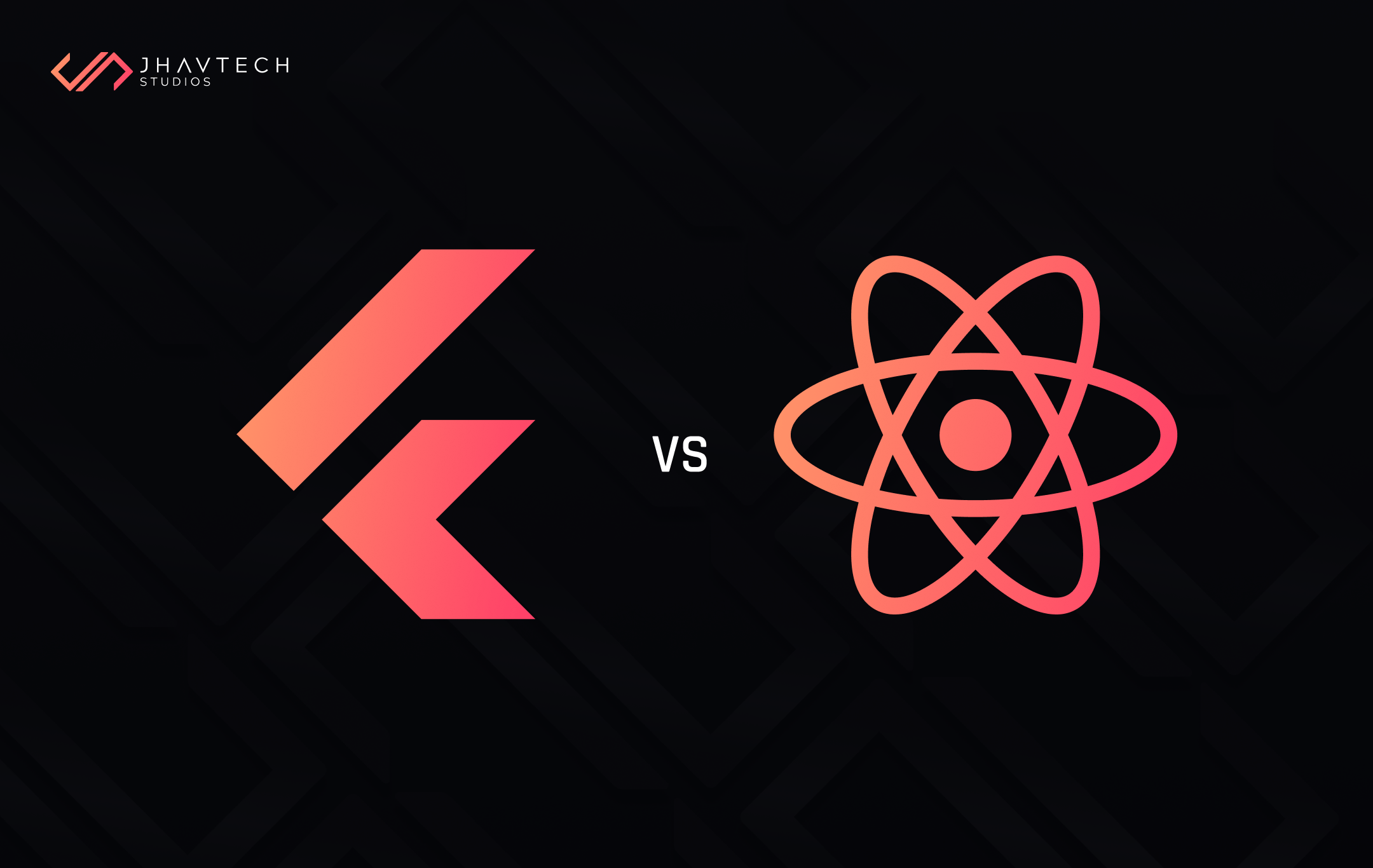
Both Flutter and React Native are popular frameworks for building cross-platform apps, but they differ in their approaches. React Native uses native components, while Flutter creates its own UI components. This allows Flutter to have more consistent design across platforms, whereas React Native apps can sometimes look and behave differently on iOS versus Android.
Flutter also compiles directly to native code, unlike React Native, which relies on a JavaScript bridge to communicate with native components. This results in faster performance for Flutter apps. A 2022 performance benchmark comparison revealed that Flutter apps can be up to 20% faster than those built with React Native when handling intensive animations and graphics.
Flutter vs. Xamarin
Xamarin, a Microsoft framework, also allows developers to build apps with a shared codebase, but it uses C# and the .NET framework. While Xamarin has a strong ecosystem and integrates well with Microsoft's tools, it can be more challenging for developers not already familiar with C#. On the other hand, Flutter uses the Dart programming language, which is simpler to learn, especially for developers coming from JavaScript or TypeScript backgrounds.
In terms of performance, Flutter’s native compilation and efficient rendering engine give it a slight edge over Xamarin. Additionally, Flutter's hot reload feature provides a faster feedback loop than Xamarin’s Live Reload, making the development process smoother.
Advantages of Using Flutter for App Development
1. Cost Efficiency
Flutter’s single codebase approach can reduce development costs by up to 40%, according to a 2023 survey of mobile app development companies. By cutting down on the time and resources needed to develop separate iOS and Android apps, Flutter enables startups and businesses to bring their products to market faster without sacrificing quality.
2. Performance and Speed
Flutter’s performance rivals that of natively developed applications. This is largely due to its ability to compile directly to machine code, bypassing the JavaScript bridge that other frameworks like React Native rely on. For apps that require high frame rates, such as gaming or animation-heavy apps, Flutter’s rendering engine ensures a consistently smooth user experience.
3. Developer Productivity
With its hot reload feature, developers can instantly see the impact of their code changes without needing to rebuild the entire app. This can cut down development time by up to 30%, based on industry reports. Developers can experiment freely and fix bugs faster, leading to more efficient development cycles and faster iterations.
4. Flexibility with UI
One of Flutter’s most appealing features is its ability to create complex, visually stunning interfaces with ease. The framework’s wide range of customisable widgets provides a unique level of control over the app's UI/UX design and functionality. This allows developers to create highly tailored user interfaces that meet the specific needs of the app while maintaining design consistency across platforms.
5. Strong Community Support
Since its launch in 2017, Flutter’s developer community has grown rapidly. With a vibrant ecosystem of plugins, packages, and tools, developers can find solutions to most problems through community-driven resources or official documentation. Flutter’s popularity means that it is continuously evolving, with new features, updates, and libraries being added regularly.
Best Practices for Efficient Flutter App Development
To get the most out of Flutter, following best practices can help developers build more efficient, scalable, and maintainable apps. Below are some strategies to keep in mind:
1. Modular Architecture
A modular architecture allows for better maintainability and scalability. By breaking the app down into smaller, reusable modules, developers can manage complex codebases more efficiently. Adhering to architectural principles such as separation of concerns and single responsibility will result in cleaner, more organised code.
2. Effective State Management
Handling state efficiently is crucial in any app, especially in Flutter, where UI components are updated frequently. Frameworks like Provider, Riverpod, or Bloc offer robust solutions for managing state in Flutter applications, enabling developers to handle complex user interactions and data updates with ease.
3. Optimise for Performance
While Flutter offers excellent performance out of the box, developers should still pay attention to best practices for performance optimisation. This includes minimising widget rebuilds, using the appropriate data structures, and leveraging asynchronous programming where necessary to ensure smooth animations and transitions.
4. Comprehensive Testing
Flutter provides built-in testing support, including unit tests, widget tests, and integration tests. Implementing a solid testing strategy ensures that your app is free from bugs and performs reliably across various devices and scenarios. Developers can also use CI/CD pipelines to automate testing and deployment, further streamlining the development process.
5. Accessibility and Internationalisation
Building apps that are accessible to all users, regardless of disability, is not only good practice but often a legal requirement. Flutter provides tools for enhancing app accessibility, such as semantic labels and screen reader support. Internationalisation is also straightforward with Flutter’s extensive support for multiple languages and locale-specific formatting.
Resources for Mastering Flutter
For developers looking to master Flutter, there are numerous resources available:
Official Flutter Documentation
Google’s official Flutter documentation offers comprehensive tutorials, guides, and API references.
Flutter Codelabs
Interactive, hands-on labs created by Google, guiding developers through various tasks such as integrating Firebase or building responsive UIs.
Flutter Dev YouTube Channel
A wealth of tutorials and interviews with Flutter experts, covering everything from basics to advanced topics.
Flutter Community
An active online community where developers can share experiences, ask questions, and collaborate on projects.
Online Courses
Platforms like Udemy, Coursera, and Pluralsight offer in-depth courses on Flutter development, suitable for all skill levels.
Conclusion
As the app development landscape continues to evolve, frameworks like Flutter have emerged as key tools in building faster, smarter, and more efficient applications. With its powerful features, growing ecosystem, and strong community support, Flutter is revolutionising the way developers create apps for both iOS and Android. By leveraging the framework’s strengths—single codebase, hot reload, native performance, and rich UI capabilities—developers can deliver high-quality apps that meet the demands of today’s fast-paced mobile environment.
Mastering Flutter enables developers to not only streamline their workflows but also deliver exceptional user experiences, ensuring that their apps stand out in competitive markets.
Ready to Build Your Next App with Flutter?
At Jhavtech Studios, we specialise in leveraging cutting-edge frameworks like Flutter to create high-performance, cross-platform applications tailored to your business needs. Whether you're looking to launch a startup app or optimise your existing solution, our team of expert developers is ready to turn your vision into reality.
Contact us today for a consultation and let’s build something amazing together!




.png)
.png)
.png)
.png)
.png)
.png)
.png)
.png)
.png)
.png)
.png)

.png)
.png)
.png)
.png)
.png)
.png)
.png)
.png)
.png)

.png)
.png)
.png)
.png)
.png)
.png)
.png)
.png)
.png)
.png)
.png)
.png)
.png)
.png)
.png)
.png)
.png)

.png)
.png)
.png)

.png)
.png)
.png)

.png)


.png)


.png)





.png)




.png)




.png)

.png)
.png)

.png)

.png)
.png)