.svg)
.svg)


Master the Art of Application Development: An In-Depth Guide to Crafting Exceptional Apps
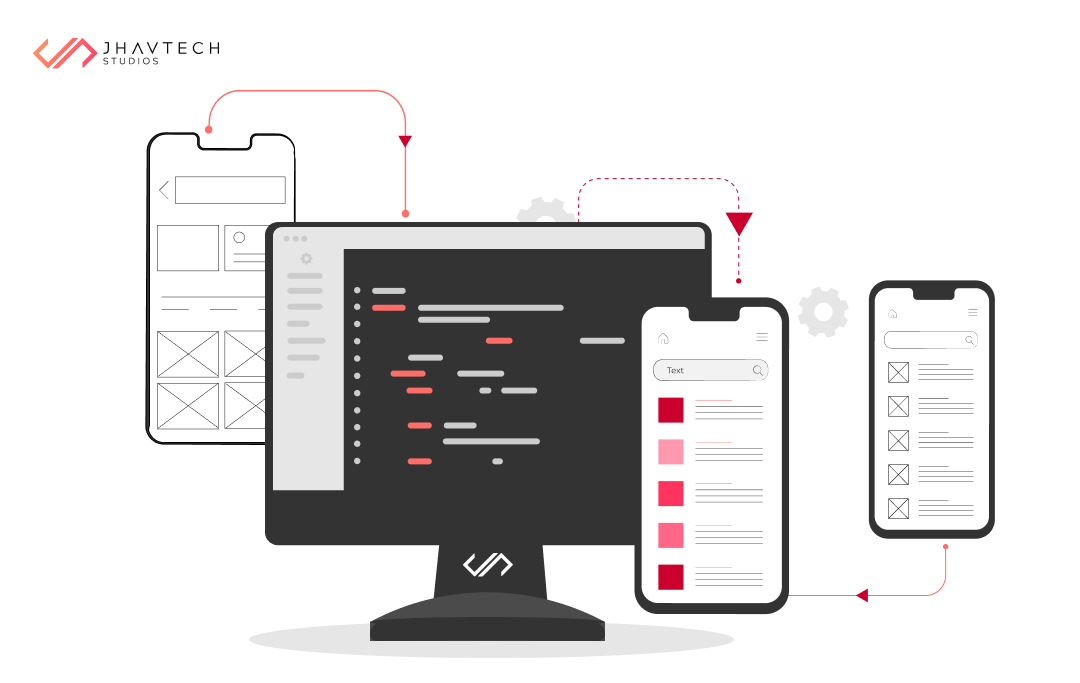
Welcome to the definitive guide on application development. Whether you're an experienced developer or just starting out, this comprehensive resource will arm you with the skills and knowledge to create remarkable apps that resonate with users.
In today's digital era, mobile applications have become indispensable in our daily lives. They facilitate communication, offer entertainment, enhance productivity, and support health and wellness, among many other functions. But what distinguishes a mediocre app from a truly stellar one? The answer lies in mastering the art of application development.
This guide delves deeply into the nuances of app development, from ideation and design to coding and testing. We'll examine popular development frameworks, programming languages, and tools that streamline the development process and produce exceptional results.
Whether you aim to create the next viral game or a business app that transforms an industry, this guide will provide you with essential knowledge and practical strategies to bring your ideas to life. So, let's roll up our sleeves and embark on a journey to master the art of application development.
Understanding the Importance of User Experience in App Development
User experience (UX) is crucial in app development. A well-designed app with a seamless user interface (UI) can significantly impact user retention and satisfaction. In a crowded app marketplace, those who prioritise UX stand out.
To create an excellent user experience, you need to understand your target audience's needs and preferences. Conducting user research and gathering feedback provides valuable insights into their expectations and pain points. Empathising with users allows you to design an app that addresses their problems and offers a delightful experience.
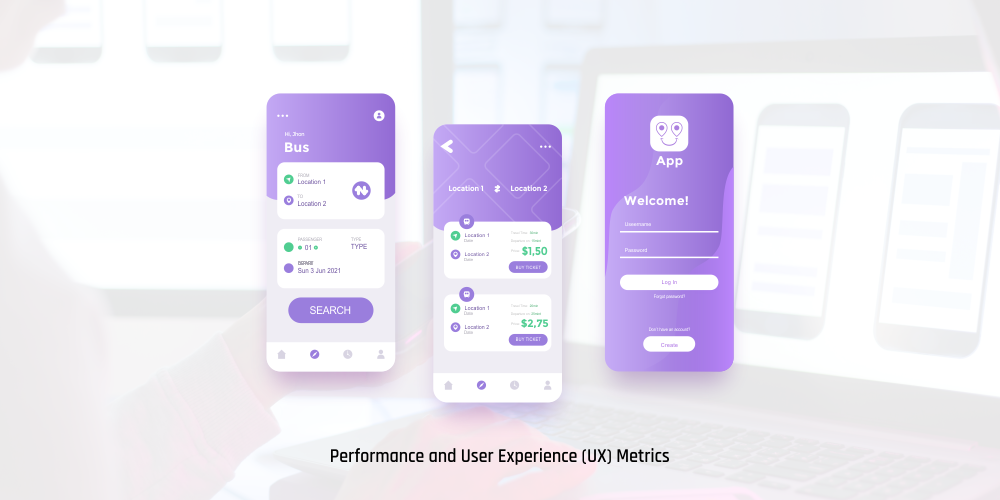
User interface design also plays a crucial role in enhancing UX. A clean, intuitive interface makes navigation easy, while thoughtful use of colors, typography, and visual elements can evoke emotions and establish a cohesive brand identity. Striking a balance between aesthetics and functionality is essential for a smooth, enjoyable user experience.
Ultimately, UX should be at the forefront of your app development process. By prioritising users' needs and creating a visually appealing, intuitive interface, you can develop an app that users will love and recommend.
The App Development Process: From Ideation to Launch
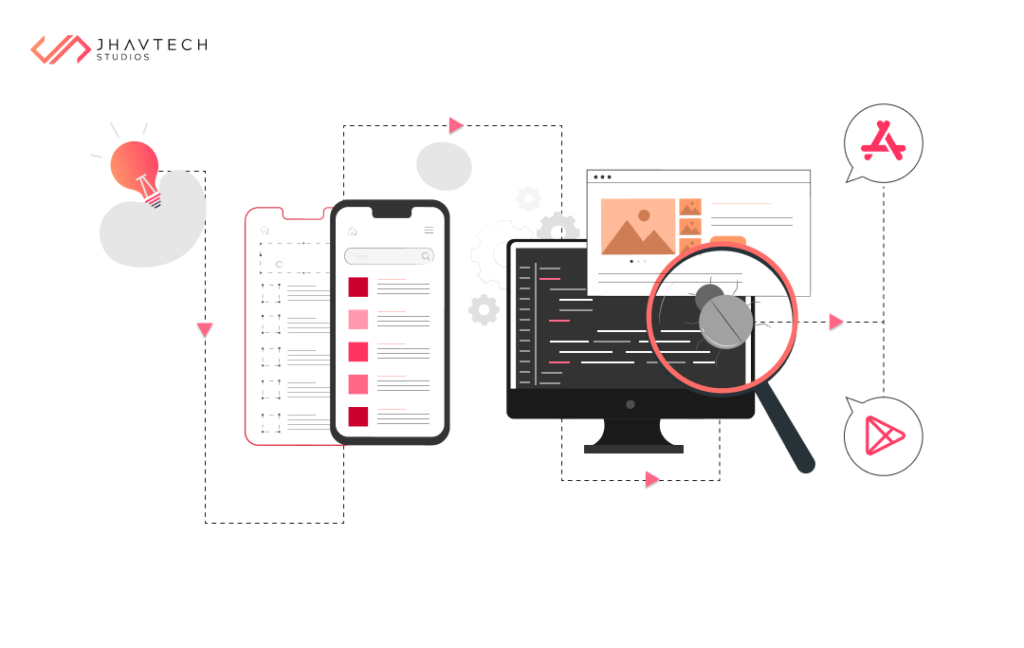
The app development journey begins with ideation—the process of generating and refining ideas for your app. This stage is crucial as it lays the groundwork for the entire development process. Start by identifying a problem your app can solve or a niche it can cater to. Conduct market research to understand the demand and competition in your target market.
Once you have a clear vision for your app, move on to the planning and design phase. Create wireframes and mockups to visualise the layout and flow of your app. Consider the user journey and ensure each screen and interaction is intuitive and seamless.
Next, bring your app to life through coding and development. Depending on your skill set and the complexity of your app, you can code from scratch or use existing development frameworks and tools. Popular frameworks like React Native and Flutter allow you to build cross-platform apps, saving time and effort.
During the development phase, regularly test and iterate on your app. Identify and fix any bugs or issues, and gather feedback from beta testers. Continuous testing and improvement ensure your app is stable, reliable, and user-friendly.
Finally, when your app is ready, launch it to the world. Submit your app to the relevant app stores, such as the Apple App Store and Google Play Store. Ensure your app meets each platform's guidelines and requirements to increase your chances of approval. Once your app is live, monitor its performance and gather user feedback to make further improvements.
Choosing the Right Platform for Your App (iOS, Android, or Both)
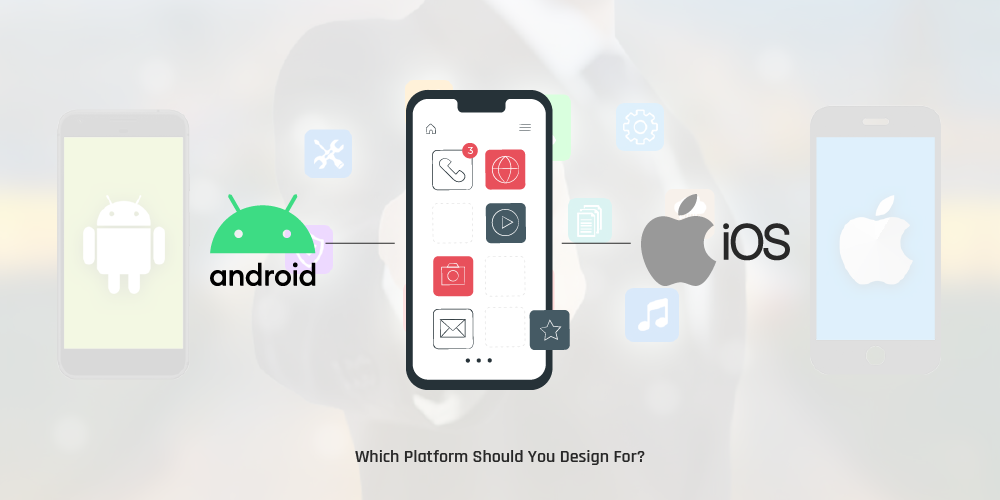
One of the first decisions you'll need to make is choosing the right platform—iOS, Android, or both. Each platform has its benefits and considerations, so evaluate your target audience and business goals before deciding.
iOS, the operating system used by Apple devices, is known for its high-quality user experience and loyal user base. Developing for iOS can be advantageous if your target audience primarily consists of iPhone and iPad users. Additionally, iOS users tend to spend more on apps, making it an attractive platform for monetisation.
Android, used by a wide range of devices, offers a larger market share and greater flexibility. Android apps can be distributed through multiple app stores, allowing for more reach and visibility. If you're targeting a global audience or your app requires specific hardware features, developing for Android may be the way to go.
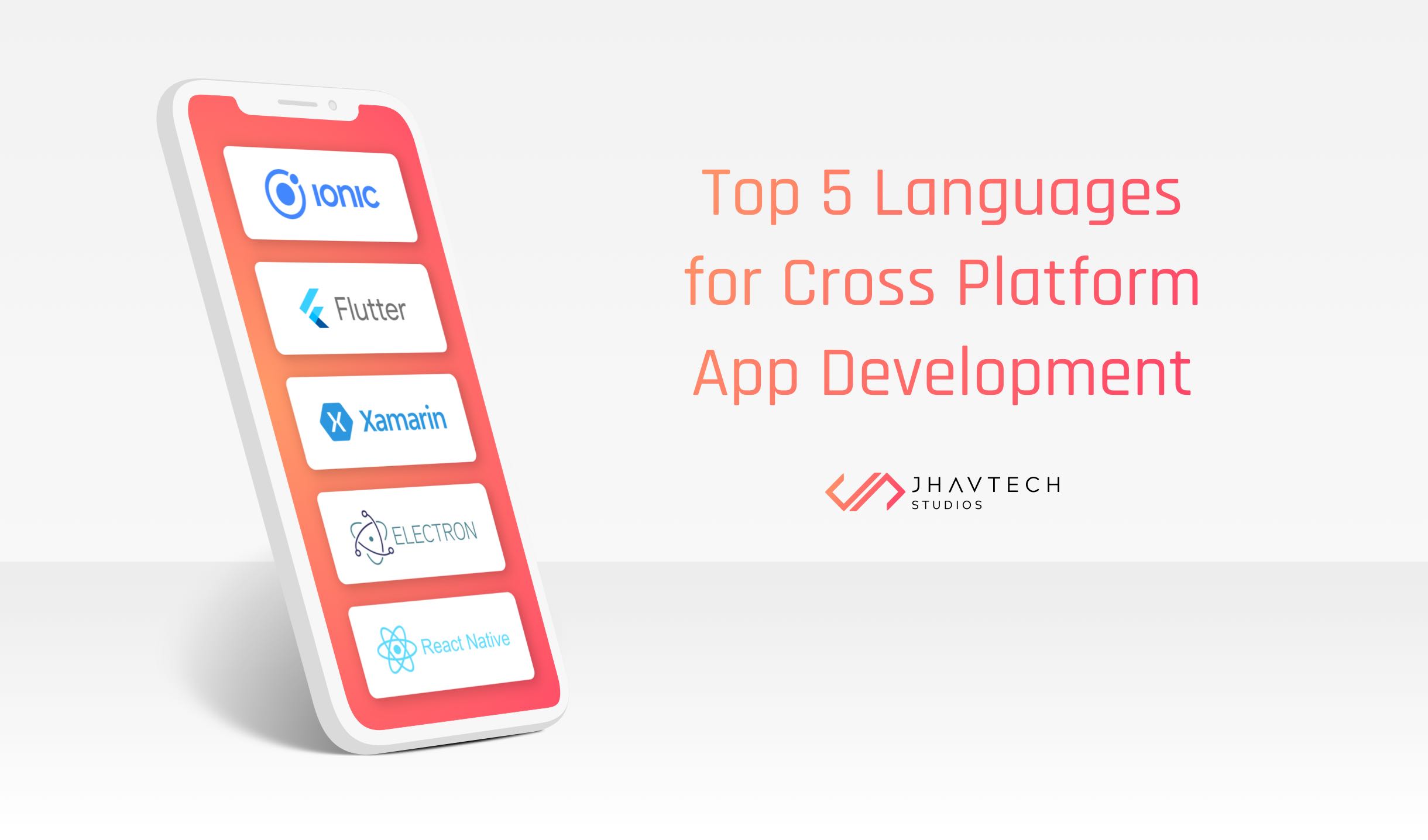
Alternatively, you can develop for both iOS and Android using cross-platform development frameworks like React Native, Node.js, Xamarin, or Flutter. These frameworks allow you to write code once and deploy it on multiple platforms, saving time and effort. However, cross-platform development may come with limitations and performance considerations.
Ultimately, the choice between iOS, Android, or both depends on your target audience, business goals, and resources. Consider the pros and cons of each platform and choose the one that aligns with your app's objectives and target market.
Essential Programming Languages for App Development
Choosing the right programming language is crucial for app development. Different languages offer various capabilities and suit different types of apps. Here are some essential programming languages commonly used in app development:
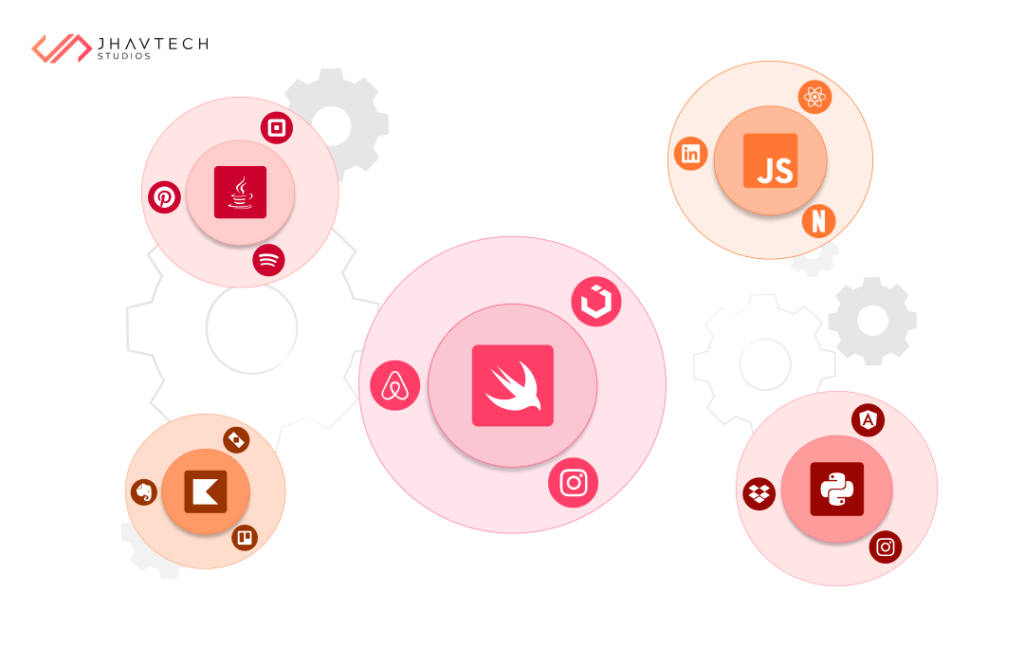
Swift
Used for developing iOS and macOS apps, Swift is designed to be safe, fast, and expressive. It offers modern syntax, automatic memory management, and a vast ecosystem of libraries and frameworks, making it a popular choice among iOS developers.
Java
A widely used programming language for Android app development, Java offers a robust and flexible platform for building scalable, high-performance apps. It has a large community and extensive documentation, making it easier for developers to find resources and support.
Kotlin
Fully interoperable with Java, Kotlin has gained popularity as an alternative for Android development. It offers concise syntax, null safety, and improved productivity, making it a favorite among developers.
JavaScript
A versatile language used for both front-end and back-end development, JavaScript is commonly used in hybrid app development frameworks like React Native and Ionic. It offers a wide range of libraries and frameworks, making it a flexible choice for app development.
Python
Although not primarily used for mobile app development, Python is powerful and can build mobile apps using frameworks like Kivy and BeeWare. Python offers simplicity, readability, and a vast ecosystem of libraries and tools.
Choosing the right programming language depends on various factors, such as the platform you're developing for, the complexity of your app, and your familiarity with the language. Consider your requirements and preferences before deciding.
User Interface (UI) and User Experience (UX) Design Principles
A visually appealing and intuitive user interface (UI) is essential for creating a great user experience (UX). Here are some design principles to keep in mind:
Simplicity
Keep your app's interface simple and clutter-free. Avoid overwhelming users with too many options or information. Use clear, concise language for labels and instructions.
Consistency
Maintain consistency in your app's design elements, such as colors, typography, and icons. Consistency helps users navigate your app easily and creates a cohesive brand identity.
Visual Hierarchy
Use visual cues such as size, color, and placement to highlight important elements and guide users' attention. A clear visual hierarchy makes it easier for users to understand and interact with your app.
Responsive Design
Ensure your app's interface is responsive and adapts to different screen sizes and orientations. This is especially important for mobile apps, as users will be accessing your app on various devices.
Accessibility
Consider the needs of users with disabilities and ensure your app is accessible to all. Provide options for font size adjustments, color contrast, and assistive technologies.
Usability Testing
Regularly conduct usability testing with real users to gather feedback and identify areas for improvement. User testing can uncover usability issues and help you make informed design decisions.
By following these app design principles, you can create an app with a visually pleasing, intuitive interface that enhances the overall user experience.
Testing and Debugging Your App
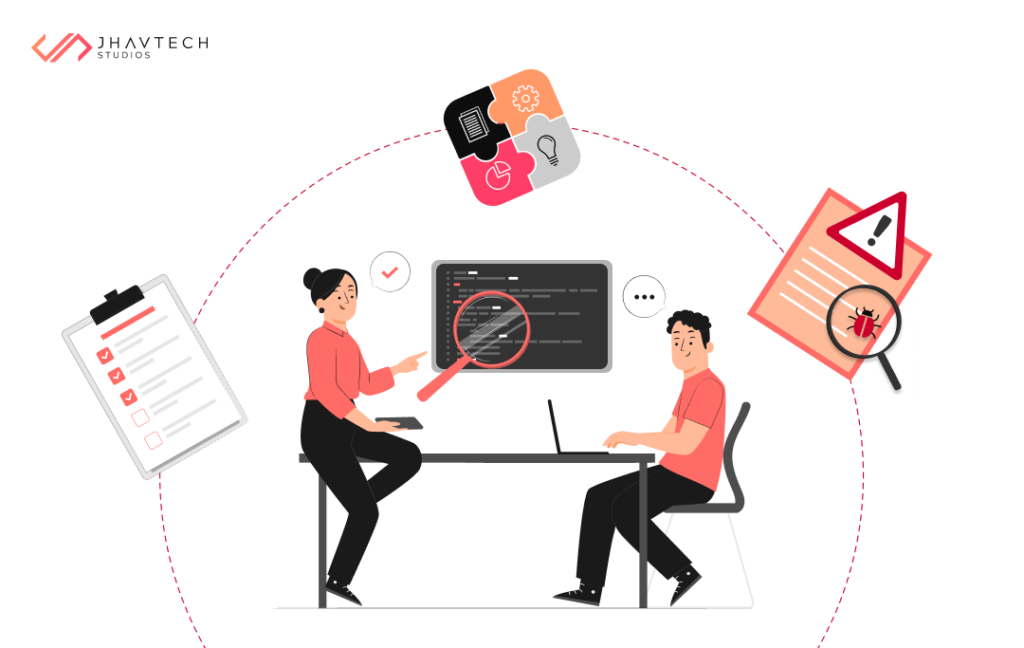
Testing and debugging are essential steps in the app development process. Here are some best practices to ensure your app is stable and bug-free:
Unit Testing
Write unit tests to validate the individual components or functions of your app. Unit tests help catch bugs early and ensure each piece of code functions as intended.
Integration Testing
Perform integration tests to verify the interaction between different components of your app. Integration tests ensure the different parts of your app work together seamlessly.
User Acceptance Testing
Involve real users in the testing process to gather feedback and ensure your app meets their expectations. User acceptance testing can uncover usability issues and provide valuable insights for improvement.
Error Handling
Implement robust error handling and logging mechanisms in your app to capture and report errors. Proper error handling helps identify bugs and provides valuable information for debugging.
Beta Testing
Release a beta version of your app to a limited number of users to gather feedback and identify any remaining issues. Beta testing allows you to test your app in real-world scenarios and make necessary improvements before the official launch.
Crash Reporting
Integrate crash reporting tools into your app to automatically capture and report crashes. Crash reports provide valuable information about the root cause of crashes and help you fix them quickly.
By following these testing and debugging best practices, you can ensure your app is stable, reliable, and user-friendly.
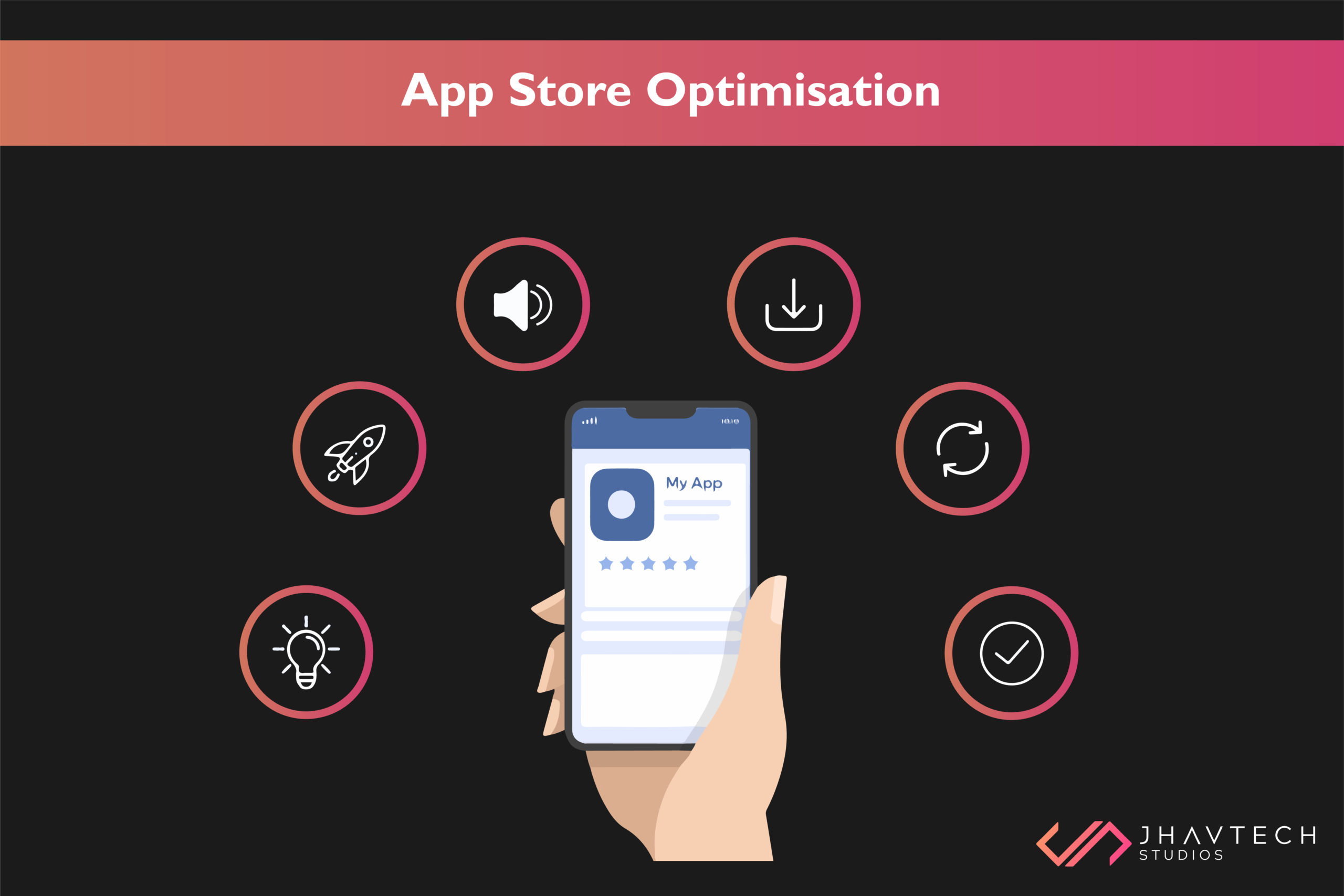
App Store Optimisation (ASO) for Maximum Visibility and Downloads
App Store Optimisation (ASO) is the process of optimising your app's listing in the app store to increase visibility and downloads. Here are some strategies to improve your app's ASO:
Keyword Research
Identify relevant and high-traffic keywords for your app. Incorporate these keywords in your app's title, description, and metadata to improve discoverability.
App Title and Description
Craft a compelling and descriptive app title and description that clearly communicates the value and features of your app. Use keywords naturally and highlight unique selling points.
App Icon and Screenshots
Creating a compelling app icon and visually appealing screenshots is essential for catching the eye of potential users and persuading them to download your app. Your app icon is the first impression users will have, so it should be simple, recognisable, and reflective of your app's purpose. High-quality screenshots should highlight key features and the user interface (UI) to give users a clear idea of what to expect.
Ratings and Reviews
Encouraging users to rate and review your app can significantly boost its credibility and ranking in app stores. A seamless in-app feedback mechanism can facilitate this process. Studies indicate that apps with higher ratings and positive reviews are more likely to be downloaded. In fact, a one-star increase in an app’s average rating can lead to a 3-5% increase in conversions. Engaging with user feedback not only helps improve your app but also shows users that their opinions are valued, further enhancing user loyalty and satisfaction.
Localisation
If you aim to reach a global audience, localising your app’s metadata and content is crucial. By translating your app into different languages, you can broaden your user base and significantly increase downloads. According to research, localised apps see up to 128% more downloads per country and a 26% increase in revenue for each additional country added through localisation. Adapting to local cultures and languages makes your app more accessible and appealing to diverse users worldwide.
Regular Updates
Regularly updating your app with new features, improvements, and bug fixes is vital to keep users engaged and satisfied. App stores tend to favor apps that are frequently updated, as it indicates ongoing support and enhancement. Data shows that apps updated at least once a month experience higher retention rates and better user reviews. Consistent updates not only keep your app relevant but also encourage positive feedback and higher rankings in app stores.
By incorporating these App Store Optimisation (ASO) strategies, you can enhance your app’s visibility and attractiveness, leading to increased downloads and user engagement.
Monetisation Strategies for Your App
Monetising your app effectively is crucial for generating revenue. Here are some popular strategies:
In-App Purchases
Offering additional features, content, or virtual goods for purchase within your app can be highly lucrative. This model is especially popular in gaming and productivity apps, with in-app purchases projected to generate $156 billion in revenue by 2024.
Freemium Model
Providing a basic version of your app for free while charging for premium features or an ad-free experience allows users to try before they buy. This model can increase user acquisition and conversion rates, with studies showing that freemium apps have higher download and engagement rates.
Subscriptions
Offering subscription plans for access to premium content or services on a recurring basis provides a steady revenue stream. The subscription model is particularly effective for content-based apps, with subscription-based app revenue expected to reach $34 billion by 2025.
Advertising
Integrating ads into your app can generate revenue through impressions or clicks. It's important to balance ad placement to ensure they are not intrusive. Apps that effectively incorporate ads can achieve significant earnings, with mobile ad spending projected to surpass $290 billion by 2025.
Sponsorships and Partnerships
Collaborating with brands or businesses to promote their products or services within your app can provide additional revenue streams. This strategy not only generates income but also expands your app's reach and user base.
White Labeling
Offering a white-label version of your app allows businesses or individuals to customise and rebrand it for their own use. Licensing fees from white labeling can be a substantial revenue source, particularly for niche or specialised apps.
When choosing a monetisation strategy, consider your target audience, app’s niche, and user experience. Experiment with different models and analyse user feedback and revenue data to identify the most effective approach for your app.

Conclusion: Key Takeaways for Successful App Development
In this comprehensive guide, we’ve explored the art of mobile app development, desktop app development, and web app development - covering various aspects to help you create stellar apps.
Prioritising user experience (UX) is essential; by understanding your target audience, you can design an intuitive and visually appealing user interface (UI). Following a structured development process, from ideation to launch, and continuously testing and improving your app, ensures its quality and reliability. Choosing the right platform—whether iOS, Android, or both—depends on your target audience and business goals. Selecting the appropriate programming language(s) for your app’s development needs is also crucial.
Applying user interface (UI) and user experience (UX) design principles helps create a delightful app experience. Thorough testing and debugging are necessary to ensure your app is stable and reliable. Optimising your app’s listing in the app store through App Store Optimisation (ASO) strategies can significantly increase its visibility and downloads. Additionally, considering various monetisation strategies, such as in-app purchases, subscriptions, and advertising, can generate revenue and support your app’s sustainability.
By mastering these principles and strategies, you’ll be well-equipped to create apps that resonate with users and achieve success in the competitive app market. So, what are you waiting for? Start transforming your ideas into exceptional apps today.







.png)
.png)
.png)
.png)
.png)
.png)
.png)
.png)
.png)
.png)
.png)


.png)
.png)
.png)
.png)
.png)
.png)
.png)
.png)
.png)

.png)
.png)
.png)
.png)
.png)
.png)
.png)
.png)
.png)
.png)

.png)
.png)
.png)

.png)
.png)
.png)
.png)

.png)
.png)
.png)

.png)
.png)
.png)
.png)

.png)


.png)

.png)




.png)




.png)





.png)

.png)



.png)
.png)

.png)
.png)