.svg)
.svg)


The Ultimate Guide to Android Studio Software: Unleashing the Power of Android App Development
.png)
In a world where Android dominates with more than 70% of the global smartphone market share, the demand for Android apps continues to grow exponentially. For startups, enterprises, and solo developers alike, creating seamless, high-quality Android apps is more essential than ever. When it comes to Android development, one tool rises above the rest—Android Studio Software.
Developed by Google, this official Integrated Development Environment (IDE) offers everything needed for professional Android app creation. This guide explores the ins and outs of Android Studio, from its powerful features to how Jhavtech Studios leverages this essential software to create high-performance mobile applications.
What Is Android Studio Software?
Released in 2013, the breakthrough software was designed by Google to replace Eclipse, its predecessor, and provide a more intuitive, robust development environment. Based on JetBrains’ IntelliJ IDEA, Android Studio offers a comprehensive suite of tools tailored for Android app development, making it easier to build, test, and deploy apps across a range of Android platforms—from smartphones and tablets to wearables and Android TVs.
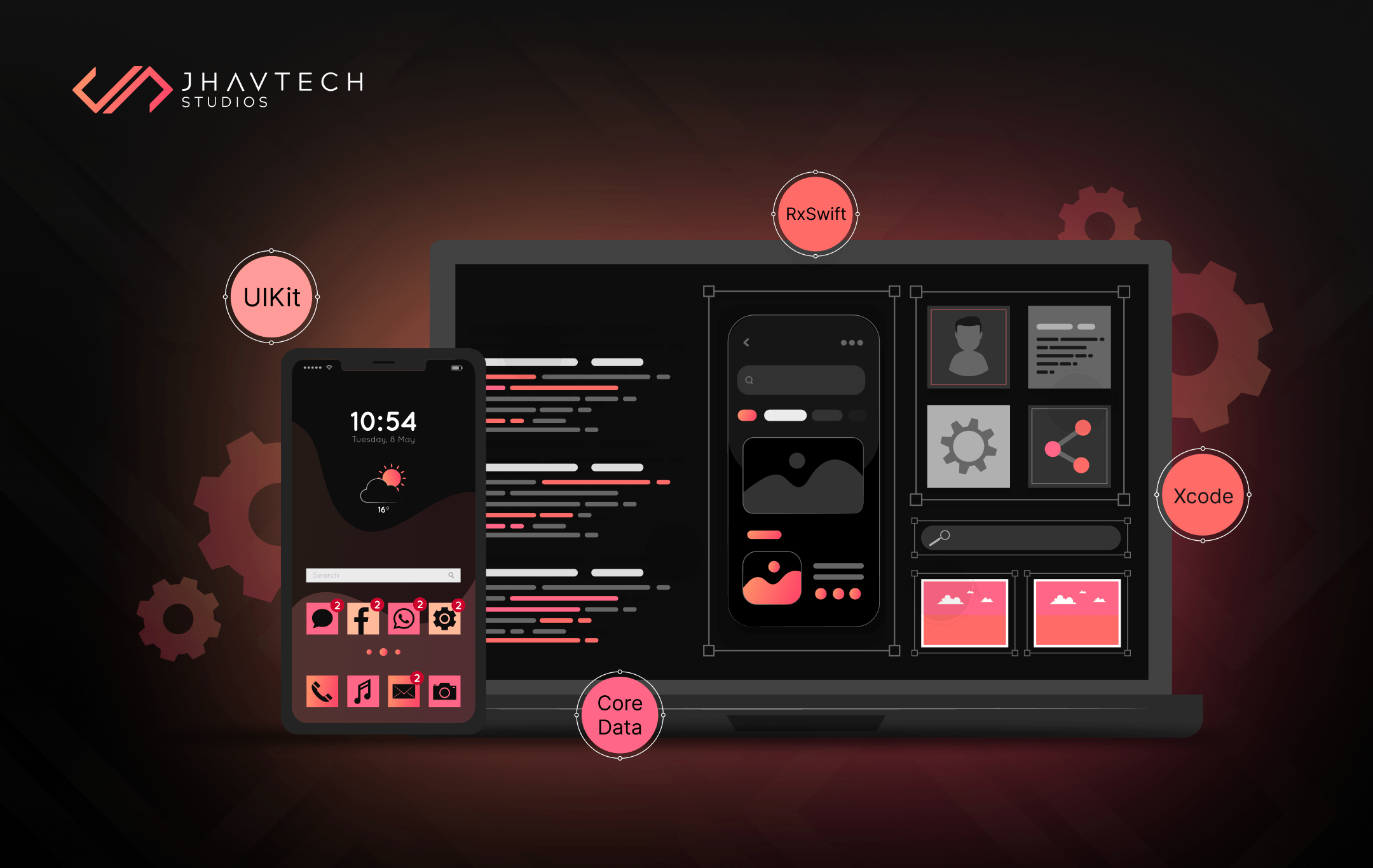
Since its release, Android Studio has become the cornerstone of developing robust Android applications, empowering developers with advanced tools such as a smart code editor, real-time profilers, and a powerful visual layout editor. With these features, developers can optimise app performance and user interface across different Android versions and screen dimensions.
Android Studio also integrates seamlessly with other Google tools like Firebase and Google Cloud, allowing developers to add essential services such as real-time databases, analytics, and user authentication without leaving the IDE. This integration, combined with frequent updates to support the latest Android APIs and features, enables developers to create modern, scalable applications that meet industry standards and user expectations.
Key Features of Android Studio Software
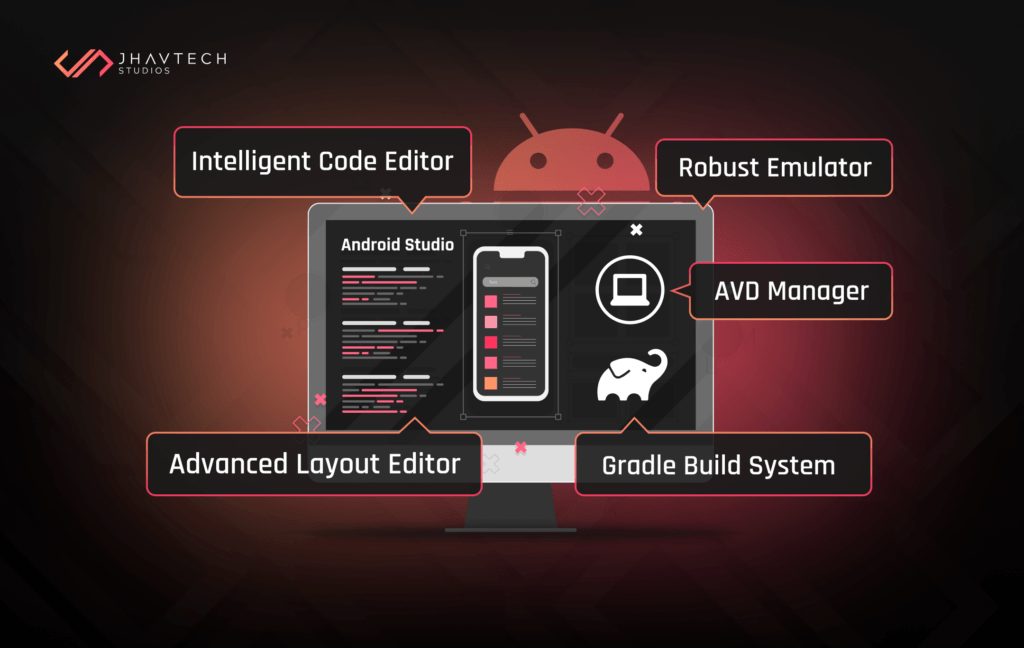
Intelligent Code Editor
This feature does more than simple code completion; it provides real-time error detection, advanced refactoring, and intelligent code suggestions, allowing developers to write clean, efficient code faster.
Advanced Layout Editor
This visual design tool enables developers to drag-and-drop UI components to build user-friendly app layouts, bypassing XML for a more intuitive design experience.
Robust Emulator Support
Testing is crucial, and Android Studio’s built-in emulator lets developers simulate a wide variety of Android devices, screen sizes, and even hardware specifications, reducing compatibility issues before launch.
Android Virtual Device (AVD) Manager
AVD Manager enables developers to create custom virtual devices, allowing them to test apps on different Android versions, device sizes, and resolutions.
Gradle Build System
Streamlining complex builds, Gradle simplifies dependency management, versioning, and packaging for apps, while optimising build times and ensuring consistency across different environments.
Real-Time Profiling Tools
This feature allows developers to monitor CPU, memory, and network performance in real time, helping to detect bottlenecks that could impact the app’s user experience.
GitHub Integration
The IDE’s GitHub integration makes version control straightforward, supporting seamless collaboration among team members and simplifying code management.
Why Choose Android Studio for Your Android Development Needs
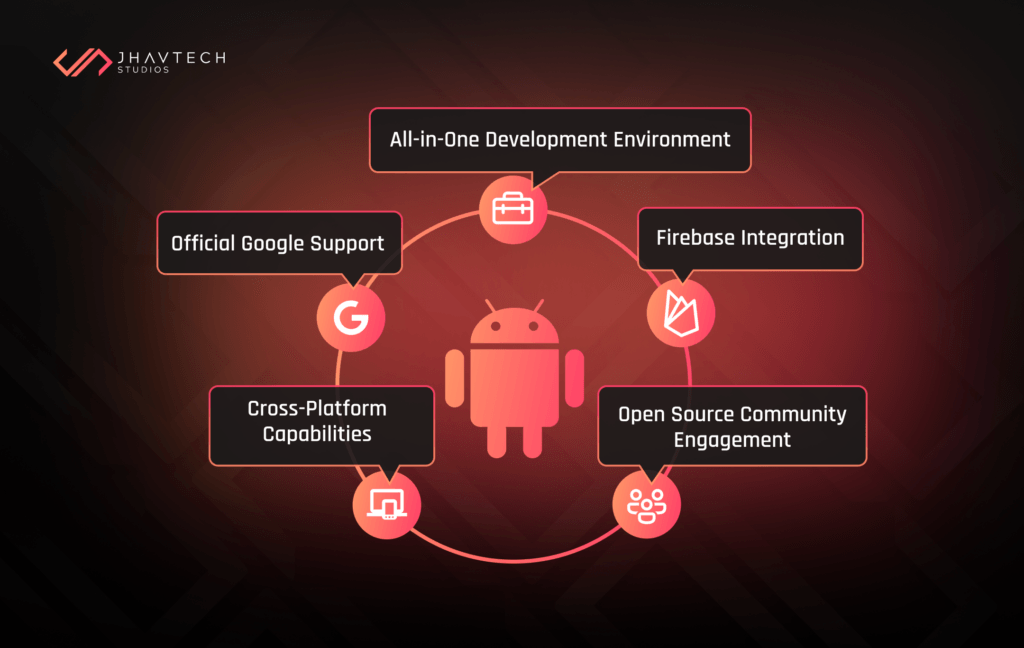
Official IDE Backed by Google
Android Studio, as the official IDE for Android development, benefits from continuous updates, giving developers early access to new Android APIs, tools, and features.
All-in-One Development Environment
Android Studio consolidates everything a developer needs—coding, testing, debugging, and deployment—into one streamlined platform, improving productivity.
Cross-Platform Android Support
Android Studio enables development for a variety of Android devices, including smartphones, tablets, wearables, and Android Auto, increasing the app’s reach.
Open Source and Community-Driven
Being open-source, Android Studio is accessible to all, and the active developer community offers extensive support, with forums and resources available for every skill level.
Integration with Firebase
Android Studio integrates seamlessly with Firebase, Google’s comprehensive mobile platform, which includes services like real-time databases, authentication, and analytics, enhancing app functionality without heavy coding.
How Jhavtech Studios Leverages Android Studio for App Development
At Jhavtech Studios, we utilise Android Studio to craft custom Android applications tailored to the unique needs of our clients. Here’s how we make the most of its powerful features:
Building High-Performance Apps
We use Android Studio’s profiling tools to ensure every app we build is optimised for smooth performance across a wide range of devices. The built-in emulator and Gradle build system streamline our testing and deployment, guaranteeing a reliable user experience. Additionally, the real-time profiling features help us monitor CPU, memory, and network usage, allowing us to identify and resolve performance bottlenecks before the app is released. This ensures our apps run efficiently on both high-end and budget devices, providing users with a seamless experience regardless of their hardware.
Creating User-Centric Designs
With Android Studio’s advanced layout editor, our team crafts intuitive UI designs that elevate the user experience, focusing on layouts that are both visually appealing and functional. The drag-and-drop interface lets us quickly prototype and refine designs, creating an iterative workflow that keeps user needs at the center of our design process. By testing UI elements across multiple screen sizes and resolutions, we ensure that each app interface remains visually consistent and easy to navigate, enhancing overall user satisfaction.
Efficient Development and Faster Launch Times
By utilising Android Studio’s intelligent code editor and Gradle, we can develop apps faster and more efficiently, bringing our clients’ ideas to market quickly without compromising quality. Features like code completion, refactoring, and live error detection allow our developers to write clean, optimised code in less time. Combined with Gradle's automated build system, we streamline the development process, reducing delays and helping clients achieve faster go-to-market timelines for their applications.
Ensuring Cross-Device Compatibility
Our team tests every app extensively with AVD Manager and the Android emulator to ensure consistent functionality and appearance across different Android devices. We simulate various device configurations and Android OS versions, allowing us to spot potential issues early in app development. This cross-device testing guarantees that each app delivers a consistent experience, whether it's used on a smartphone, tablet, wearable, or Android TV, reaching the widest possible audience with no compatibility gaps.
Delivering Scalable Solutions
With Android Studio’s integrated tools and Firebase support, we build apps that are adaptable and scalable, capable of evolving with a client’s growing needs. By incorporating Firebase's backend services, such as cloud storage and real-time databases, we create apps that can handle increased user demand seamlessly. This scalable foundation ensures that, as our clients’ businesses expand, their applications can grow and support new features or increased traffic without requiring a complete overhaul.
Latest Trends and Insights
Android Development Growth
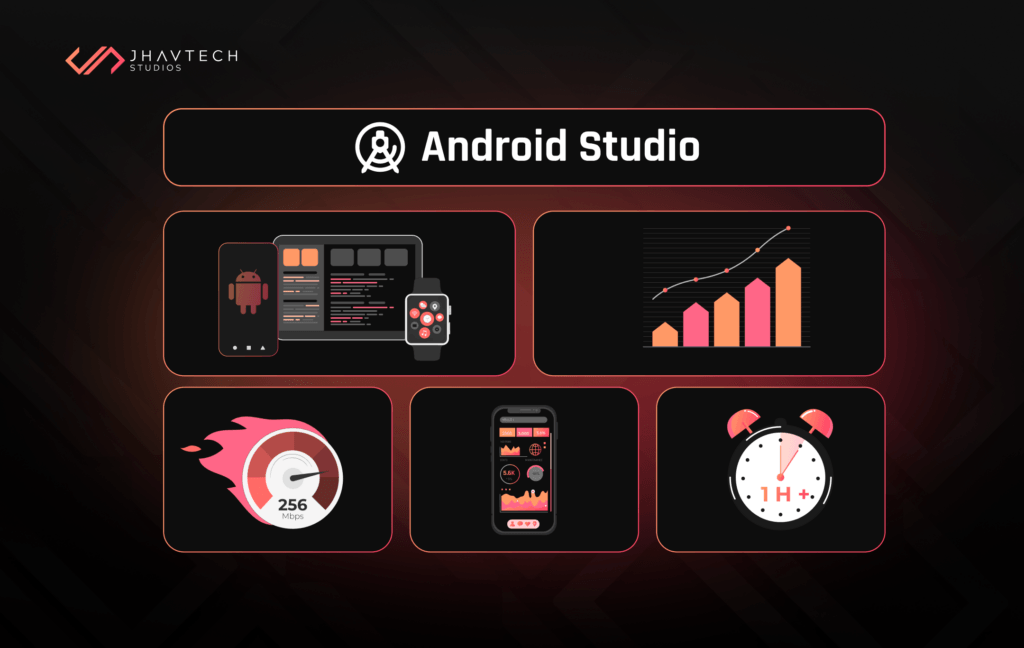
According to recent data, the Android app market is projected to grow to $820 billion by 2027, driven by a surge in Android device adoption and demand for new app features.
Cross-Platform Testing Efficiency
The efficiency gained from Android Studio’s emulator reduces average testing time by up to 30%, enhancing the speed-to-market for Android developers.
Firebase Integration
Firebase has been shown to improve user retention by up to 20% in mobile applications by streamlining backend functionalities such as real-time updates and in-app messaging.
Final Thoughts…
For developers and businesses alike, Android Studio Software is a game-changer in Android app development. Its extensive toolkit, user-centric design features, and powerful performance tools make it the best choice for anyone serious about Android development. At Jhavtech Studios, we harness the full potential of Android Studio to create customised, high-quality Android applications that meet the evolving needs of the market.
If you’re ready to bring your app idea to life, connect with us today! With our expertise and Android Studio, we can turn your vision into a seamless, top-performing Android app.
Frequently Asked Questions
1. What is Android Studio used for?
Android Studio is an IDE used for building, testing, and deploying Android applications across various Android platforms.
2. Is Android Studio free?
Yes, it is open-source and free for all developers.
3. How long does it take to develop an app using Android Studio?
Development timelines vary based on complexity, ranging from weeks for simple apps to months for more sophisticated ones.
4. Can I develop iOS apps using Android Studio?
No, it is tailored exclusively for Android. For iOS, use Xcode.
5. Why choose Android Studio over other IDEs?
The software is backed by Google, and provides up-to-date features, and seamless integration with Android tools, making it the IDE of choice for Android developers.



.png)
.png)
.png)
.png)
.png)
.png)
.png)
.png)
.png)
.png)
.png)


.png)
.png)
.png)
.png)
.png)
.png)
.png)
.png)
.png)

.png)
.png)
.png)
.png)
.png)
.png)
.png)
.png)
.png)
.png)
.png)
.png)
.png)

.png)
.png)
.png)
.png)

.png)
.png)


.png)
.png)
.png)
.png)

.png)


.png)


.png)





.png)




.png)






.png)

.png)

.png)

.png)

.png)
.png)