.svg)
.svg)


The Hidden Enemy of Startup Success
In the world of startups, speed is everything. Founders and developers rush to release their MVPs, launch new features, or pivot quickly to stay competitive. But in that race to market, one crucial thing often gets overlooked: code quality.
According to a 2024 GitHub study, around 42% of startups struggle with technical debt within their first two years. That often comes from rushed development and poor coding practices. What seems like a small compromise today can become a huge roadblock tomorrow, affecting performance, scalability, and security.
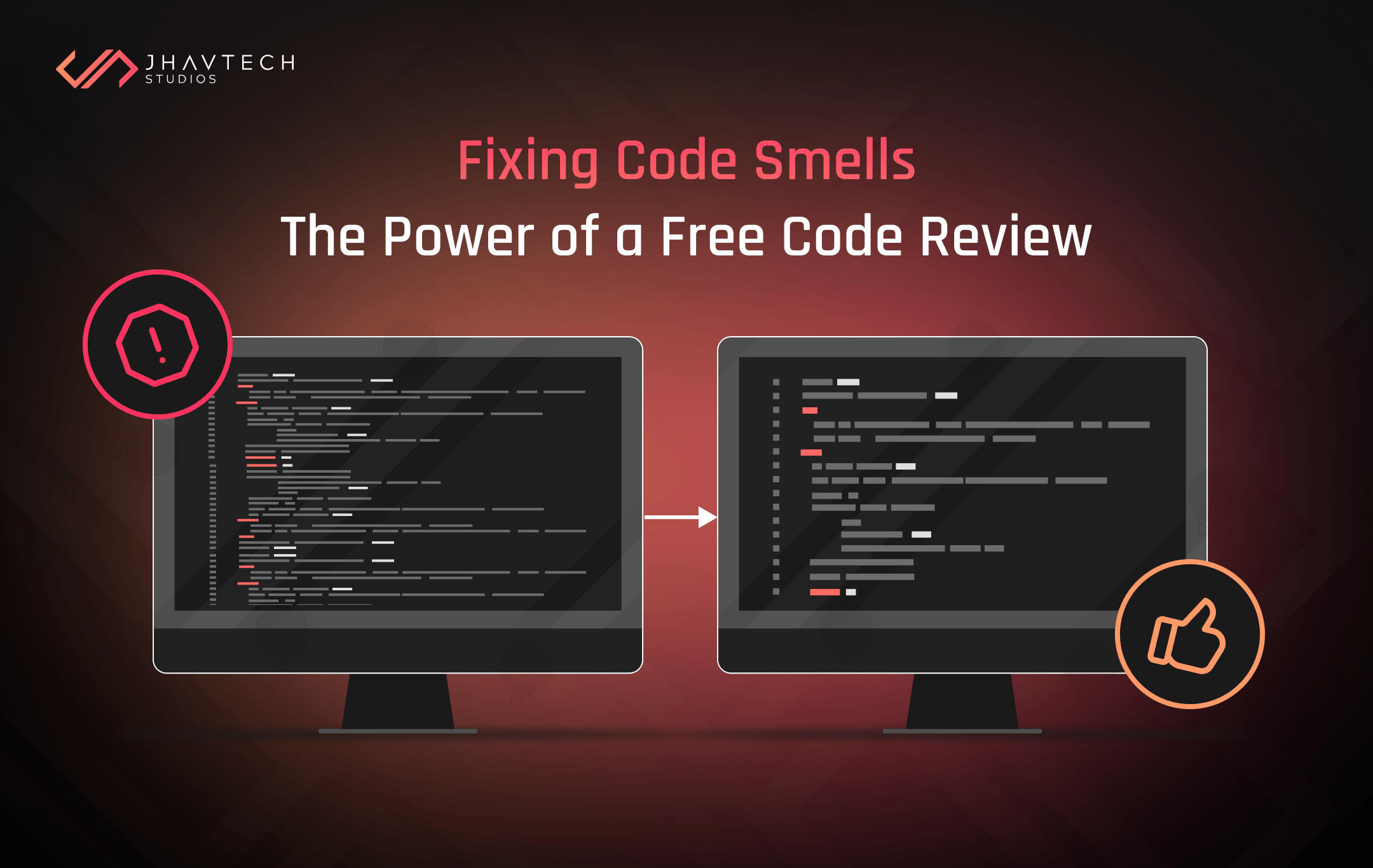
These small flaws are what developers call code smells: subtle signs that your codebase may be unhealthy even if everything seems to work fine. The good news is that a Free Code Review from Jhavtech Studios can uncover these issues early, giving your app a clean bill of health before they grow into costly problems.
Let’s explore five of the most common code smells in startups and see how a professional review can uncover and fix them.
1. Spaghetti Code: When Everything Is Tangled
What It Looks Like
If your team describes parts of your project as “hard to modify” or “fragile,” you’re probably dealing with spaghetti code. This happens when multiple developers work on the same codebase without clear architecture or version control.
It’s especially common in MVPs built under time pressure, where the focus is on getting the app to “just work.” As a result, everything becomes interdependent, and one small change can break unrelated features.
Why It’s Dangerous
- Every update or feature release risks new bugs
- The app becomes nearly impossible to scale
- Debugging takes longer than writing new code
How a Code Review Helps
During a code review, Jhavtech’s engineers analyse dependency graphs, class coupling, and function complexity. If spaghetti code is detected, we recommend restructuring using proven architectures like MVC, MVVM, or microservices.
This not only improves scalability but also makes your developers’ lives easier. You can even take the next step by adopting code quality best practices that prevent this from happening again.
2. Duplicate Code: The Silent Productivity Killer
What It Looks Like
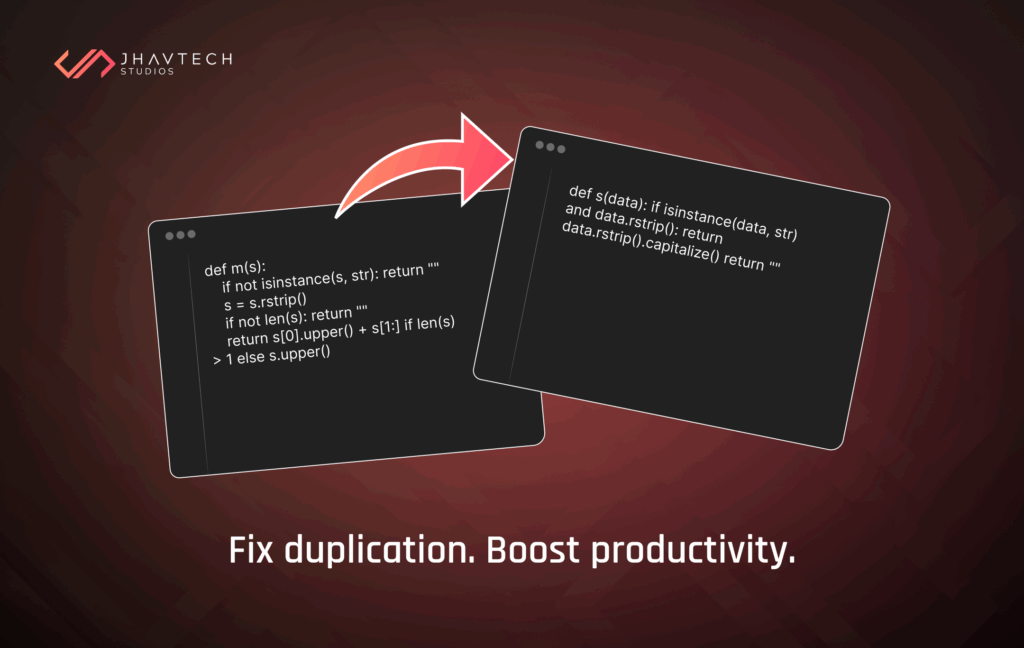
Developers under pressure often copy and paste code to save time. It’s faster in the moment but creates duplicate code scattered across the app. Over time, this makes maintenance difficult and slows development.
Why It’s Dangerous
- Fixing one bug means fixing it in multiple places
- File sizes grow unnecessarily
- New developers struggle to understand project logic
How a Code Review Helps
Our Free Code Review uses static analysis tools to identify patterns of duplication across your project. Once found, we recommend refactoring which consolidates repeated code into shared utilities or modular components.
💡 Pro Tip: Adopt the DRY principle: “Don’t Repeat Yourself.” It’s one of the simplest ways to reduce technical debt in your existing codebase.
3. God Classes: When One File Does Everything
What It Looks Like
A “God class” is a file that tries to handle everything: logic, data management, UI, and even elements of UI/UX Design. This often happens in early-stage MVPs when developers skip modular design for speed. This often happens in early-stage MVPs when developers skip modular design for speed. For example, a single UserManager class may handle login, analytics, and profile settings all at once.
Why It’s Dangerous
- Testing and debugging become complex
- New features risk breaking existing ones
- Performance and maintainability decline
How a Code Review Helps
During a code audit, we analyse class size, method density, and complexity scores. If a class is overloaded, we suggest splitting it into smaller, purpose-driven components.
For example, UserManager could be divided into UserAuth, UserProfile, and UserAnalytics. This modular approach makes the codebase easier to test and scale.
By refactoring these classes, you also prepare your system to handle growth without piling up unnecessary technical debt.
4. Hardcoded Values and Magic Numbers
What It Looks Like
You might find lines of code like this:
if (userType === 3 && points > 1500) {
triggerBonus();
}
Those “3” and “1500” are magic numbers or values with no explanation. They might work for now, but when your business logic changes, you’ll waste time tracking where those numbers appear.
Why It’s Dangerous
- Makes updates slow and error-prone
- New app developers can’t easily understand the code
- Scaling or changing business logic becomes risky
How a Code Review Helps
It identifies hardcoded constants and replaces them with named variables or configuration parameters. We also ensure environment-specific data (like API keys or thresholds) is stored securely using environment variables or config files. This is one of the simplest ways to follow code quality best practices and future-proof your application.
5. Missing Error Handling and Logging
What It Looks Like
Early-stage startups often skip error handling to save time. Everything seems fine until users start reporting crashes that no one can reproduce. Without proper logs or error messages, developers have no idea where things went wrong.
Why It’s Dangerous
- Bugs go undetected until customers complain
- Security vulnerabilities remain hidden
- Developers waste hours troubleshooting blind
How a Code Review Helps
A thorough review inspects your project for missing try-catch blocks, logging frameworks, and monitoring systems. We also suggest integrating modern tools such as Firebase Crashlytics, Sentry, or Datadog to monitor performance and security in real-time.
💡 Pro Tip: Consistent logging not only helps with debugging but also provides valuable insights into user behavior and app performance.
Bonus: Other Subtle Code Smells Our Review Detects
A detailed technical evaluation of you codebase can uncover less obvious issues like:
- Long functions that hurt readability
- Deeply nested conditional logic
- Outdated libraries or dependencies
- Memory leaks in native mobile apps
- Security gaps in API endpoints
Even small inefficiencies like these can snowball into bigger issues that affect user experience and reliability. A free code review for iOS app projects, for instance, often reveals outdated SDKs or inefficient loops that slow performance without developers realising it.
The Jhavtech Approach: Going Beyond Error Reports
At Jhavtech Studios, our Free Code Review service doesn’t just list errors. We deliver insights and action. Our senior engineers combine automated tools with manual inspection to provide:
- Root cause analysis for code smells
- Recommendations for actionable refactoring techniques
- Security and performance optimisation
- Architectural improvement suggestions
We also provide specific advice on how to fix code smells in startup MVP projects, helping your team move from reactive patching to proactive development. Our goal is to help you write cleaner, faster, and more scalable code that aligns with your long-term business objectives.
Why Startups Can’t Afford to Skip Code Reviews
Ignoring code quality is like ignoring warning lights on a dashboard. Your product may still run, but hidden issues build up quietly.
A 2023 Stripe report revealed that developers spend more than 40% of their time addressing technical debt instead of building new features. That’s time and money startups can’t afford to lose.
By scheduling a code inspection early, you can:
- Detect and reduce technical debt in your existing codebase
- Improve performance and scalability
- Build confidence with investors and stakeholders
- Increase developer productivity and morale
Think of it as a health check for your software before scaling or raising funds.
Final Thoughts: Keep Your Code Clean, Fast, and Scalable
Your code might work today, but is it maintainable, efficient, and secure? Hidden code smells can slow your team down, cause crashes, and inflate your development costs over time.
With Jhavtech Studios’ Free Code Review, you can catch these issues early and keep your product performing at its best. Our reviews reveal what’s working, what’s not, and how to make your codebase cleaner and more future-ready.
👉 Request Your Free Code Review Today
Let’s make your code smell like success—not spaghetti.
Frequently Asked Questions
1. What is a “code smell”?
A code smell is a symptom of poor design or structure that might not break your app immediately but can cause problems later.
2. How long does a Free Code Review take?
Typically 3–5 business days, depending on the size and complexity of your codebase.
3. Do I need to give full access to my code?
Not necessarily. You can share a specific branch or portion of your project. We also sign NDAs to ensure confidentiality.
4. Can a review improve performance?
Absolutely. A code assessment can uncover inefficient functions, memory leaks, and redundant operations that directly impact speed and stability.
5. Does this apply to mobile apps?
Yes. Whether it’s a mobile app code review or web project audit, our process identifies optimisation opportunities tailored to your tech stack.